Facilitator guide
How the bank is built, and how to plan a session or lesson with it.
Start with the evidence, not the tool
The updated ELEs ask one question of every lesson, workshop, tool pilot, and campus initiative: what does good learning look like today? Technology use by itself is not evidence of learning. So every activity here starts from what learners should produce: a claim with evidence, a verification move, a revised draft, a decision they can defend. Tools come second.
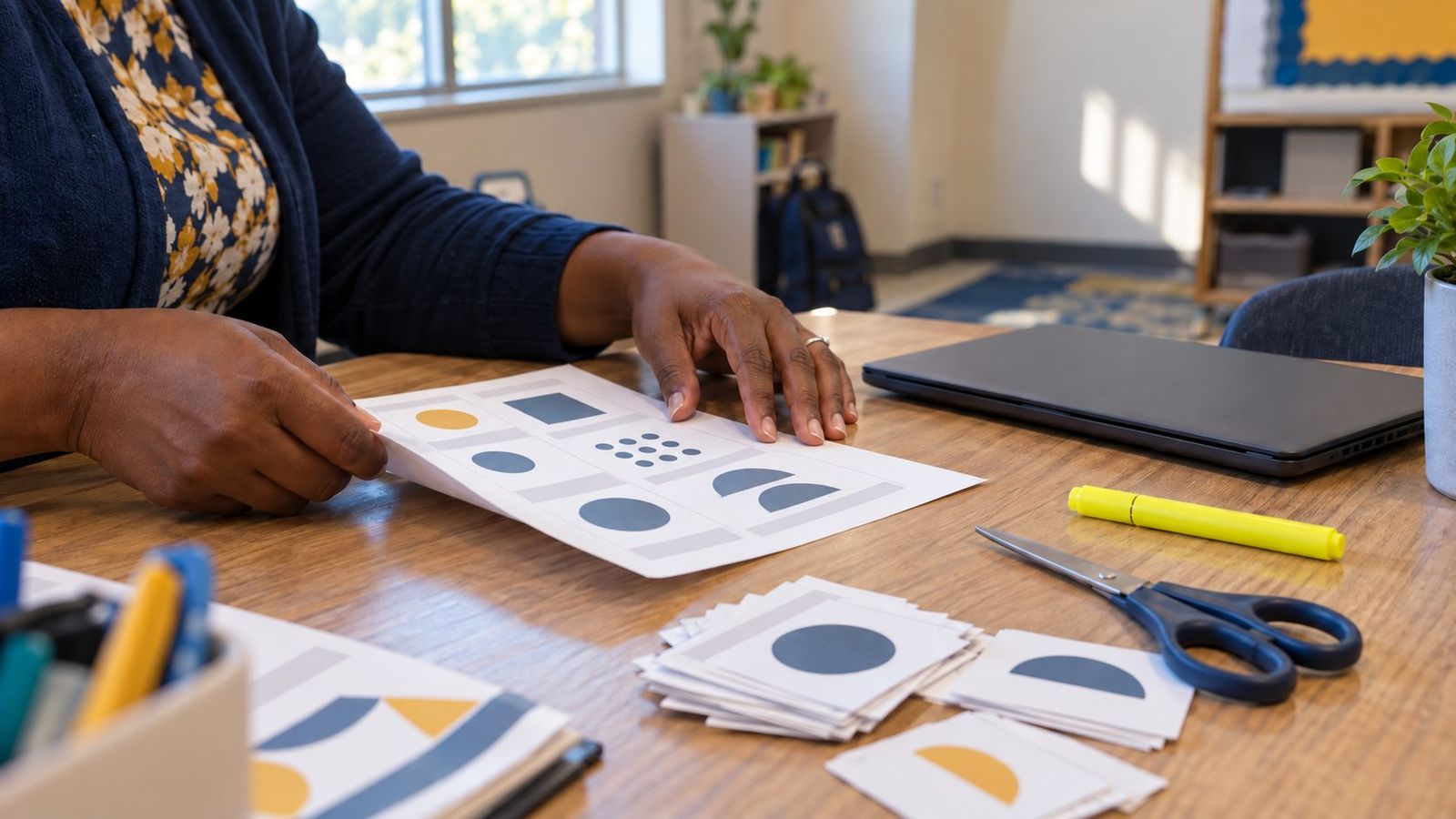
That is why every activity page has an Evidence of learning section, and a note answering does it need a screen? With growing pressure to limit screen time, an unplugged path is a feature, not a fallback.
A planning check for any role
Pick one lesson, PD session, tool pilot, or campus initiative. Choose the role lane that matters most, then ask what evidence is missing. If the work is strong, you can answer all five:
- Teacher: what is the teacher designing, and what evidence do they want?
- Student: what are learners doing, deciding, and explaining?
- Coach: how will support happen? Listen, co-plan, model, measure, adjust.
- Leader: what will leaders monitor? What is the vision, what evidence will guide us, what changes in instruction, who might be left out, and how will families understand the change?
- AI: where does AI belong, if it belongs at all?
Three literacies, woven through
- Generative AI literacy
- How models predict, why they are confidently wrong, bias, prompting, disclosure, and keeping human judgment in the loop. 84 activities
- Digital citizenship
- Privacy, digital footprint, safety and security, respectful communication, credit and copyright, balance, and access. 64 activities
- Media literacy
- Lateral reading and SIFT, purpose and bias, manipulated and synthetic media, feeds and algorithms, and making media responsibly. 45 activities
How each activity is laid out
- At a glance: time, mode, audience, group size, strands, and the ELE indicators it builds, each linked to the framework.
- Step by step: a timed sequence with what to say and do, plus facilitator notes on likely misconceptions.
- Paper or screen: how to run it with no devices, how to run it digitally, and whether the screen adds anything.
- Evidence of learning: what you should be able to see or collect if it worked.
- Adaptations: other grade bands, higher education, emergent bilingual learners, and more.
- Handouts: a print-ready packet on US Letter (cards, sorts, worksheets, organizers, readings, rubrics) with a facilitator key on the last page.
Professional learning that models the classroom
Most PL activities ask educators to do the task as learners first, then step back and debrief as teachers, coaches, or leaders. That double pass matters: people teach the version of a skill they have felt. Close every session with the “Take it to your students” step, and bring student evidence back to a PLC or coaching conversation.
Using AI tools safely with students
- Use only tools your district or institution has approved, and follow their age requirements.
- With students under 13, the teacher drives any AI tool on a shared screen. Printed mock AI outputs work just as well for most lessons here.
- Never enter student names, grades, or other personal information into an AI tool.
- Every mock article, post, and AI output in these handouts is fictional, and labeled that way.
Screen time: purpose, not just minutes
In Texas, the rules on phones changed first. HB 1481 (2025) requires every district and charter school to prohibit students from using personal communication devices during the school day, but the law explicitly excludes devices the school provides. How students use school-issued laptops and tablets is still each district's decision, and that is where the conversation has moved.
The research points the same way. The American Academy of Pediatrics' 2026 policy statement moves beyond simple time limits toward quality, context, and conversation. The Common Sense Census (2021) found that tweens average 5 hours 33 minutes and teens 8 hours 39 minutes of entertainment screen media a day, not counting school or homework, and only 8 and 14 minutes of that is spent creating. At school, the question isn't only how long, but for what: creating, researching, and practicing with feedback are not the same as watching.
This bank is built for that question. Every activity has an unplugged path and a plain answer to does it need a screen?, and 43 need no devices at all. There is no independent national measure of how much time students spend on school-issued devices, so start with your own data.
Activities for the screen-time conversation
- Minutes With a Purpose: A Screen Time Audit Professional learning
- Screens at School, Screens at Home: A Family Conversation Professional learning
- Does This Need a Screen? Professional learning
- Screen Time, Green Time K–2
- Evidence Before Tools Professional learning
- The Five-Question Rollout Check Professional learning
- The Feed Game 6–8, 9–12
- Algorithm Autopsy 9–12
Browse all 43 unplugged activities
Sources
Share and adapt
Everything here is CC BY-SA 4.0. Copy it, translate it, and remix it for your campus with credit. To align your own lessons or PD to the ELEs, try the ELEs Alignment Assistant or get the ELE PDF.