Student learningfor Grades 6–8, Grades 9–12
AI Study Buddy Contract
Students sort AI uses that build learning from ones that replace it, then write a SMART goal, a personal AI contract, and an honest-use log they keep for two weeks.
All activities Student learning
Children sort everyday activities, notice how their bodies and feelings respond to sitting still and to moving, and make a family balance plan, learning that screens aren't bad and choices matter.
Children hear a lot of grown-up worry about screens. This lesson gives them something more useful than worry: noticing and choosing. Children sort activity cards into Screen time, Green time (no screen), and Both, and discover that screens can help us learn, create, and connect with people we love. Then they do a short Body Check-In: sit still staring at a paper "screen," then move, and notice what changes in their eyes, bodies, and feelings. They finish by drawing a balance plan they take home to make with their family. The message is honest: screens aren't bad or good by themselves; how we use them and what else we make time for is what matters.
Hook
Ask: "Thumbs up if screens are good. Thumbs down if screens are bad." Children will split, and some will do both. Say: "Hmm. Lots of different thumbs! Today we're going to find out that it's not really thumbs up or thumbs down. It's about how we use screens, and what else we do too."
Facilitator noteSome children will repeat what they've heard ("screens rot your brain"). Don't correct or confirm. Just say, "Let's find out what YOU notice."
Explore
Read each Handout A card aloud. Children point or walk to SCREEN TIME, GREEN TIME, or BOTH, and you or a helper tape the card there. Ask about a few: "Video-calling Grandma: is that a good use of a screen?" (Yes, it helps us connect.) "Dancing along with a video: is your body still or moving?" (Moving!) When all cards are up, ask: "What are some ways screens can help us?" Name them together: learning, making things, talking to people we love, moving along.
Facilitator noteLook for children discovering the BOTH column on their own. That's the key idea: screen time and green time aren't enemies.
Explore
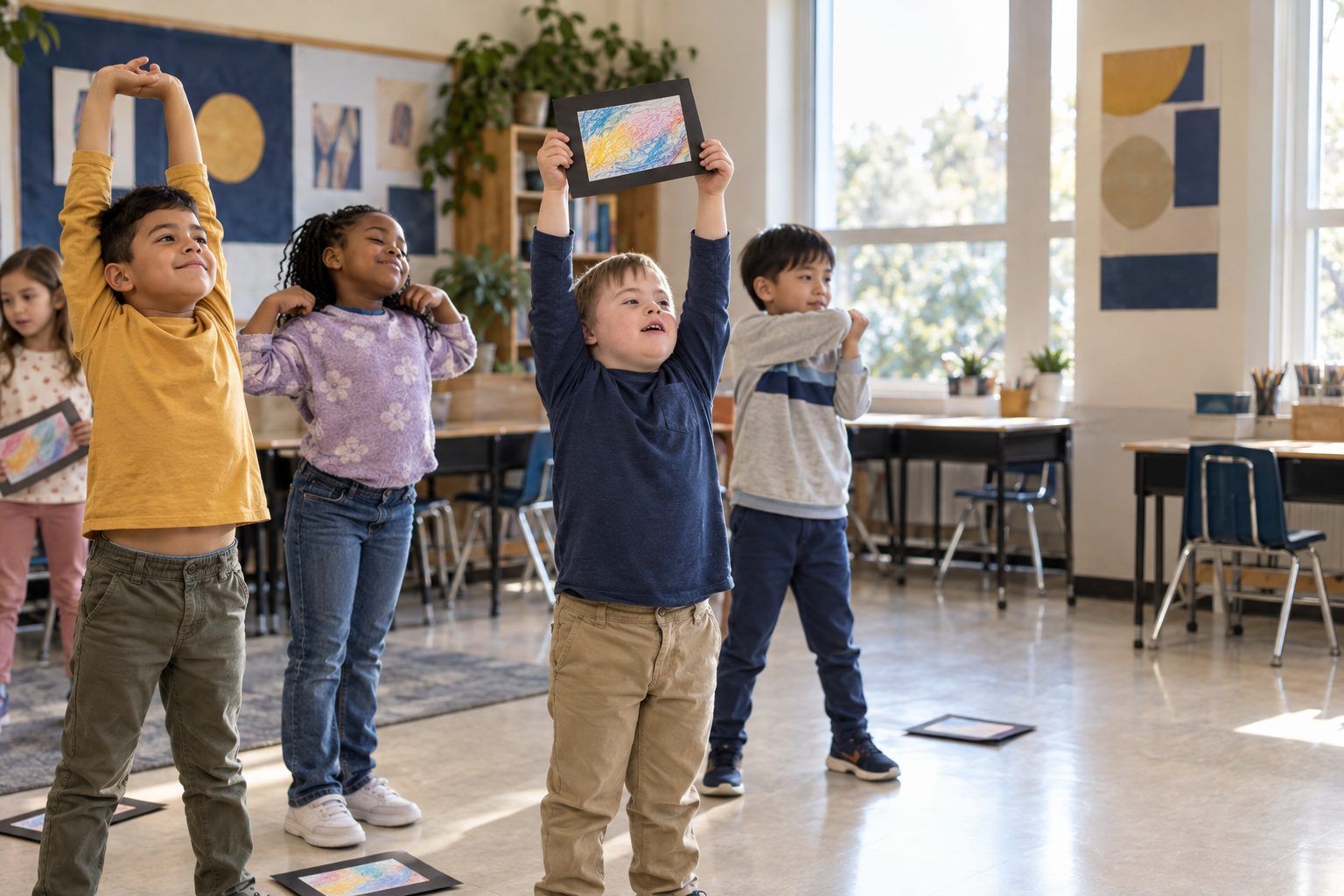
Give each child their paper "screen." Say: "Pretend this is a tablet. Hold it and look only at it. Stay very still." Time one minute in silence. Then have children fill in Row 1 of Handout B together (or show fingers): How do my eyes feel? My neck and back? My wiggles? My feelings? Next, do one minute of movement: stretch high, march in place, shake out arms. Fill in Row 2. Ask: "What changed?" Children share: "My body wanted to move." "My eyes felt better when I looked around."
Facilitator noteThere is no wrong answer. Some children feel calm after sitting still, and that's fine. The skill is noticing your own body, not reaching a set conclusion. Avoid claims about harm; stick to what children notice.
Model
Say: "Our bodies and feelings give us signals. When might it be time for a break from a screen?" Take ideas and add your own: tired or itchy eyes, a stiff neck, feeling grumpy when it's time to stop, forgetting to eat or play, or it's almost bedtime. Then practice a kind way to stop: "One more minute, then I'll save it and take a break." Children practice saying it to a partner, and the partner answers, "Great choice!"
Facilitator noteChildren often feel upset when a screen is turned off. Normalize it: "It's hard to stop something fun. Noticing that feeling is a grown-up skill."
Create
Children start Handout C: draw one screen choice they love that helps them learn, make, or connect, and two green-time choices. Then they draw their stop signal. Circulate and ask two or three children, "Why did you pick that screen choice? How will you know it's time for a break?" Write their words on their paper as evidence. Explain that the last box is for home: "You'll finish the plan with your family."
Facilitator noteSome children have limited access to screens or outdoor space at home. Keep choices open ("a quiet game," "drawing," "helping cook") so every child can make a real plan.
Reflect
In a circle, each child says one word for how they feel after moving ("happy," "awake," "wiggly"). Close by saying together: "Screens aren't bad. I choose. I notice. I balance."
Facilitator noteThis chant gives children language they can use at home when a grown-up asks them to take a break.
The whole lesson runs with no devices: sort cards, a paper "screen," and movement. The pretend screen works because the Body Check-In is about sitting still and focusing on one small rectangle, which children can feel without a real device. For a sort in pairs, give each pair a set of cards and a copy of the three labels.
If you want to show that screens can get bodies moving, project a short dance-along or movement video from the teacher's device during the Body Check-In instead of the stretch minute, then compare: "Were you using a screen? Was your body still?" Children never need accounts. You could also take a class photo of the finished sort and share it with families through your usual school channel, with no children's faces or names.
Does it need a screen? This lesson is better unplugged: the point is for children to notice their own bodies and feelings, and a paper screen gives them the sitting-still experience without the pull of a real one. A projected movement video is optional and shows that screen time and moving can go together.
What you should be able to see or collect if it worked.
Children observe and record how their bodies feel after screen stillness versus movement, then plan a balanced mix of screen and green time.
Children take Handout C home and finish the balance plan with their family, choosing together when screens help and what green-time choices the family will try this week. In a later lesson, children share one thing that went well with their plan and one thing they changed.