Activity Bank
Teachers redesign a lesson on chart paper, starting from the evidence of learning they want to see.

All activities Professional learning

Evidence Before Tools

Teachers take apart a tech-heavy lesson, name the evidence of learning first, and rebuild it so every tool, or no tool, has to earn its place.

Print handouts

Overview

A lesson can be full of devices, apps, and AI and still produce almost no evidence that anyone learned. Participants first do a busy, tech-heavy research lesson as students, then audit it tool by tool and ask what thinking each step makes visible or hides. Borrowing the Ms. Ramirez scenario from the 2026 ELE update, they rebuild the lesson backward from the evidence they want, then apply the same move to a lesson of their own. The big idea: technology use by itself is not evidence of learning.

Objectives

  • Participants will distinguish between evidence of tool use (a finished slide, a completed quiz game) and evidence of learning (a claim, a comparison, a justified choice, a revision).
  • Participants will audit a lesson step by step and decide to keep, cut, or swap each tool based on the thinking it makes visible.
  • Participants will redesign one of their own upcoming lessons starting from the evidence of learning, then justify every tool, including any AI tool, against that evidence.

Materials

On paper

  • Handout A: The "Before" Lesson (1 per person)
  • Handout B: Tool-to-Evidence Audit (1 per team)
  • Handout C: Evidence-First Redesign Planner (1 per person)
  • Blank paper cut into slide-sized rectangles (2 per person) for the student-experience round
  • Chart paper and markers (1 per team); sticky notes

On screen

  • Optional: a device per team to rebuild the redesigned lesson in the district's LMS or annotation tool
  • Optional: a generative AI chatbot your district approves, projected by the facilitator only, to show where AI might fit in the redesign

Before you start

  1. Print Handouts A–C. Read Handout A closely: paragraph 3 contains a mock chatbot answer with one unsupported claim ("bees pollinate exactly half of all the plants on Earth") that the student samples copied word for word. Don't point it out early.
  2. Cut blank paper into slide-sized rectangles for the Explore round.
  3. Ask participants in advance to bring one lesson plan they will teach in the next month that uses a device, an app, or AI.

Step by step

  1. 10–5 min

    Hook

    Two rooms, one question

    Describe two rooms. "In Room A, every student is on a device, heads down, building a slideshow. In Room B, there are no screens; pairs are arguing over two printed articles with sticky notes. Which room has more learning?" Let a few people answer, then say: "Honest answer: you can't tell yet. Neither the devices nor the lack of them tell you anything. The only way to know is to look at the evidence students produce. That's our work today."

    Facilitator notePeople will defend both rooms. Resist settling it. The point is that the question can't be answered from tool use.

  2. 25–17 min

    Explore

    Be the students: the Before lesson

    Hand out Handout A. Participants read the lesson plan (paragraphs 1–2) and then do Step 2 as seventh graders: using only the mock chatbot answer in paragraph 3, they have 4 minutes to fill two slide-sized rectangles for the Pollinator Power slideshow. Call time. Then pick three people and ask each: "Choose one claim on your slide. Where did it come from, and how do you know it's true?" Finally, have everyone read the two student samples in paragraphs 4–5.

    Facilitator noteMost adults copy or lightly paraphrase the chatbot, including the "exactly half of all plants" line. That's not a failure; it's exactly what the task invited. Name it gently: "The lesson asked for a slide, so we made a slide."

  3. 317–25 min

    Model

    Think aloud: audit the first two steps

    Project Handout B. Think aloud through rows 1 and 2. "Step 1 is a chatbot. What do students produce? A copied answer. What thinking does that make visible? None. It actually hides whether they understand. Keep, cut, or swap? Swap: students could get two short sources and compare them, and the chatbot could come back later as something to check." Then introduce the ELE scenario: Ms. Ramirez plans a seventh-grade research lesson by starting with the evidence she wants (students compare sources, explain which is more trustworthy, and cite evidence), and only then chooses a digital annotation tool because it shows that thinking.

    Facilitator noteReveal the unsupported "exactly half of all plants" claim here. Ask: "Would the Before lesson ever have caught it?" No step asked anyone to check.

  4. 425–37 min

    Practice

    Teams finish the audit and rebuild the lesson

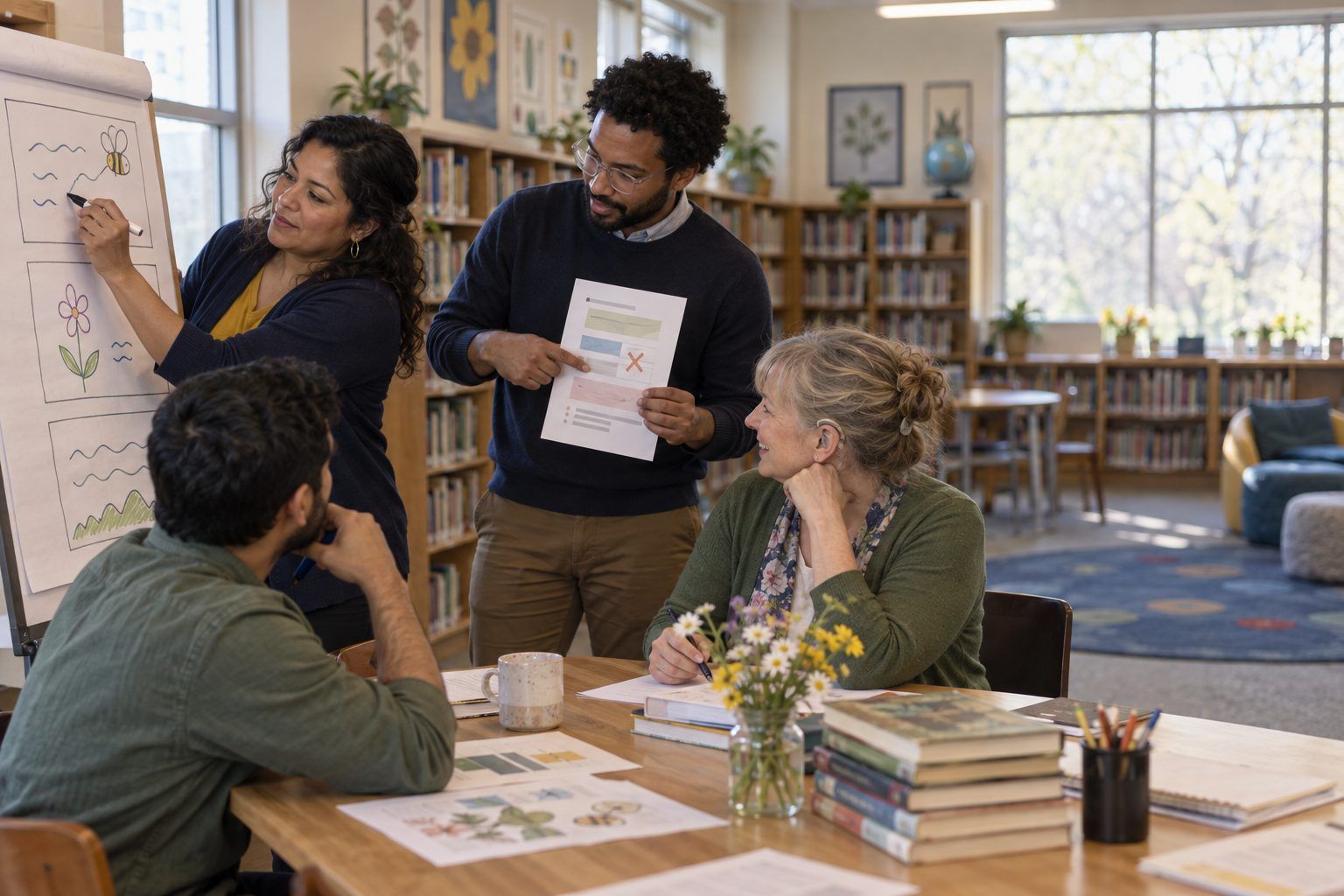
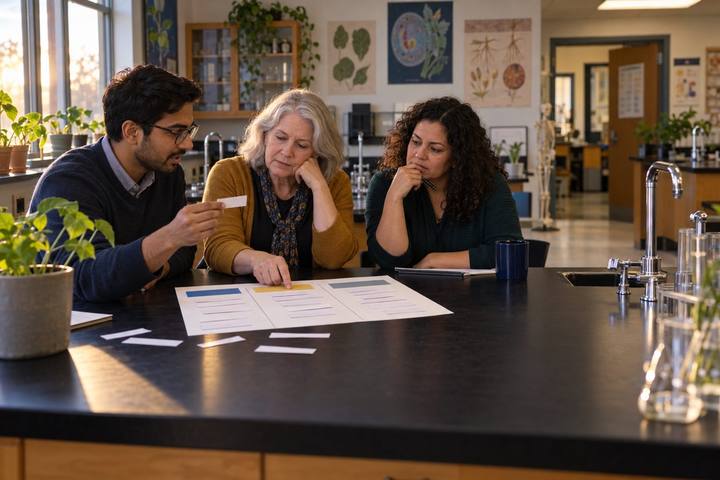
    Teams complete Handout B for rows 3–5, then rebuild the Pollinator Power lesson on chart paper in this order: 1. The evidence (what students will say, write, or decide that proves they learned). 2. The task that forces that evidence. 3. The tools, one per step, each labeled with the thinking it makes visible, or "no tool". Every team must decide explicitly where the chatbot belongs, if it belongs at all, and what students do with its output.

    Facilitator noteLook for teams that keep the chatbot but change its job: an answer students must fact-check against two sources is a very different learning task from an answer they paste.
  5. 537–50 min

    Apply

    Your own lesson, evidence first

    Each person takes the lesson they brought and works through Handout C. Push on section 2: "What would you see or hear on Friday that proves the learning happened?" If someone writes "they complete the project," ask, "What in the project shows the thinking?" In the last 4 minutes, partners swap planners and complete section 7 for each other.

    Facilitator noteIf someone didn't bring a lesson, have them redesign a lesson they taught last week from memory. Recent lessons work best because people remember what students actually turned in.

  6. 650–60 min

    Debrief

    What earned its screen time?

    Teams post their Pollinator redesigns. Everyone does a 3-minute walk with two sticky notes: one on a tool choice that clearly earns its place ("This annotation tool shows which sentences they used as evidence") and one on a step where you'd ask "Why a screen here?" Close by asking the room: "What did you cut? What did you keep, and what's the evidence it will improve the learning?"

    Facilitator noteListen for the shift from "students will use X" to "students will show Y, and X makes Y visible." That sentence frame is the takeaway.

Paper or screen

Unplugged

The whole session runs on paper. Participants do the Before lesson on slide-sized paper rectangles, audit it on Handout B, and rebuild on chart paper. When a redesign calls for a digital tool, teams sketch what students would see and produce in it; that sketch is enough to judge whether the tool shows thinking. Many teams discover their strongest redesign needs no device at all.

Digital

After the Apply step, give teams 10–15 extra minutes to build the first student-facing step of their redesigned lesson in the district's LMS or annotation tool, so they test whether it really captures the evidence they named. In a virtual session, share Handout A as a document, run the audit in breakout rooms with Handout B as a shared table, and use a shared slide per team for the rebuild. If you demo an approved AI chatbot, project it yourself and show one prompt that makes students check output rather than copy it.

Does it need a screen? The digital build step shows participants whether a tool actually captures the evidence they named (for example, an annotation layer that preserves which sentence a student flagged and why), which a paper sketch can only promise. The rest of the session is deliberately unplugged, because the design decision comes before the tool.

Evidence of learning

What you should be able to see or collect if it worked.

  • Handout B marks at least one tool as "cut" or "swap" with a reason tied to thinking ("hides whether they understand"), not preference ("kids find it boring").
  • Rebuilt lessons state the evidence first, in observable terms ("students write which source they trust more and quote two reasons"), before any tool is named.
  • Each Handout C names what AI will do, what students will do with its output, or why AI doesn't belong in that lesson.
  • Partner feedback in section 7 names a specific piece of student work to collect, not a general impression.

Adaptations

K–2 teachers
Swap the Before lesson for a "digital storybook" task and focus the evidence on oral retelling: what would a child say that shows they understood the story? Tools are judged by whether they capture that talk (for example, an audio recording) or get in the way.
Librarians
Co-plan the Practice step with a content teacher. Librarians often see the Before lesson from the research-skills angle: where did students get information, and did anything ask them to judge it?
Higher Ed faculty
Use a course assignment, such as a discussion-board post or a lab report, as the Before lesson. Ask what a post shows beyond participation and where generative AI could complete the task without any learning.
Short on time
Run Hook, Explore, and Model (25 minutes) as a PLC meeting, and assign Handout C for the next meeting with a partner check.

Standards connections

Teachers rebuild a tool-heavy research lesson from the evidence backward, so students compare sources and justify every tool, including AI, against what it shows.

TEKS
practical technology conceptsinquiry and researchTEKS sections: Technology Applications §126.5–§126.7, §126.8–§126.10, §126.17–§126.19, high school Technology Applications courses (19 TAC Chapter 126); ELAR §110.2–§110.4, §110.5–§110.7, §110.22–§110.24, §110.36–§110.39

See how all activities align

Reflect

  • How do I seamlessly integrate technology so it strengthens, not replaces, the thinking in my lessons? (Teacher ELE 1.0)
  • In my last three lessons that used technology, what evidence did students produce that I couldn't have gotten without it?
  • Where does AI belong in my lessons, if it belongs at all, and what will students do with its output?

Take it to your students

Teach the redesigned lesson within two weeks. Collect the evidence you named in section 2 of Handout C from five students, and bring it to your PLC or coach with one question: "Did the tool make this thinking visible, or would paper have shown the same thing?"

Pairs well with