Activity Bank
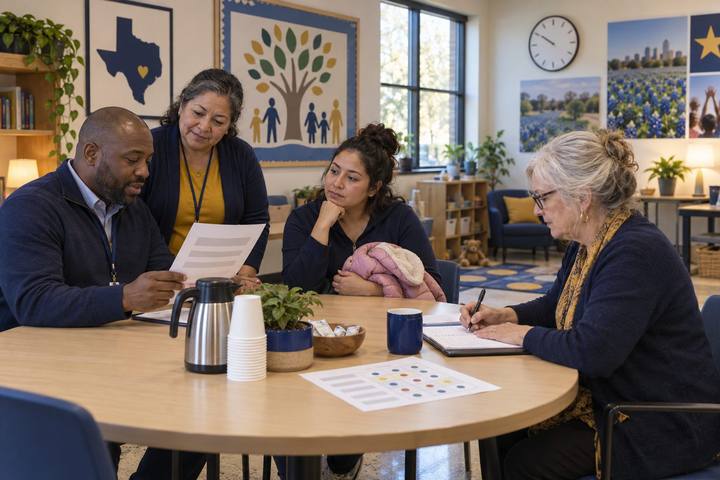
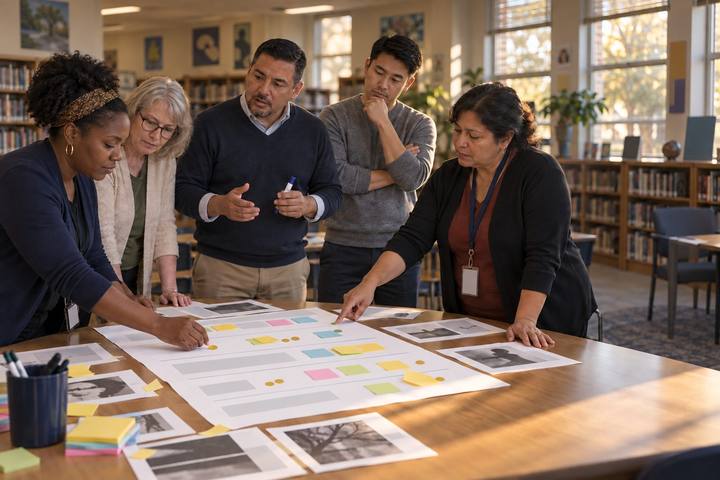
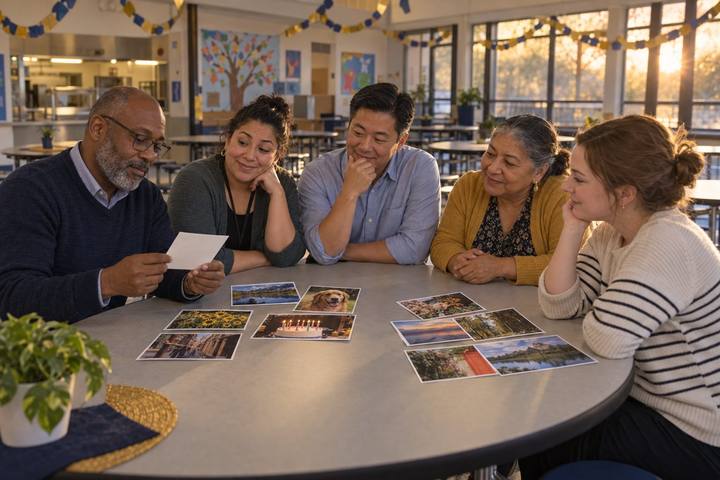
Families at a school family night sort picture cards about screen time and fill in a family agreement.

All activities Professional learning

Screens at School, Screens at Home: A Family Conversation

Families sort everyday screen moments by purpose, learn in plain language what the Texas phone law does and doesn't cover, and start a family media agreement that fits their own home.

Print handouts

Overview

Families hear two messages about screens: "phones are banned at school now" and "kids use screens all day at school." Both are partly true, and the difference matters. In this ready-to-run session, facilitators sit with families as they sort everyday screen moments from school and home by purpose, hear what Texas HB 1481 (2025) does and doesn't cover, learn how the American Academy of Pediatrics' 2026 policy statement shifts the advice toward quality, context, and conversation, and start a family media agreement to finish at home. It stands alone or runs as one station inside a family night planned with the Designing a Family AI & Digital Citizenship Night activity. There is no "right" family here: the goal is conversation, not judgment.

Objectives

  • Families will sort at least eight everyday screen moments by purpose (making, learning, connecting, just watching) and explain one choice in their own words.
  • Families will be able to say in one sentence what the Texas personal-device law covers (personal phones and similar devices during the school day) and what it doesn't (school-issued devices).
  • Families will start a family media agreement that names at least one screen use they value and one screen-free time or place.
  • Staff will collect families' questions about school-device use and commit to answering them.

Materials

On paper

  • Handout A: Screen-Moment Cards (1 set per table, cut apart; facilitator notes printed separately)
  • Handout B: What the Law Says, What Doctors Say, What We Decide (1 per family, plus extras)
  • Handout C: Our Family Media Agreement Starter (1 per family)
  • A sorting mat per table: chart paper divided into four zones labeled in words with a simple drawing: Making something (a paintbrush), Learning or looking something up (a magnifying glass), Connecting with people (two hands waving), Just watching or scrolling (a couch)
  • Large-print copies, crayons for children, sticky notes, and a "Questions for our school" poster

On screen

  • Optional: a projector to show the cards one at a time for a large group
  • Optional: a printed QR code families can scan to open the free AAP Family Media Plan on their own phone

Before you start

  1. Print and cut Handout A. Print the card backs (facilitator notes) on a separate sheet for each facilitator. Use large print (at least 16-point) where you can.
  2. Print Handouts B and C in the languages your families use. The site's language menu offers Spanish (Español) and Vietnamese (Tiếng Việt) versions of these handouts; arrange interpreters for other home languages, and seat families who share a language together if they want that.
  3. Find out from your district the basics of how school-issued devices are used at your campus (which grades take devices home, what students mostly do on them) so you can answer honestly. If you don't know, say so and write the question on the poster.
  4. Draw the four-zone sorting mats and set out crayons so children can draw on Handout C while grown-ups talk.

Step by step

  1. 10–5 min

    Hook

    A screen moment you liked

    Welcome families and say: "There's no family here doing screens wrong. Everyone is figuring this out, including us." Share one screen moment you liked this week (for example, a video call with a relative or a recipe you followed together). Then ask each family to tell their table one screen moment they liked. Children can go first. Offer the frame: "This week, a screen helped us ___."

    Facilitator noteStarting with a positive moment is deliberate. Families who expect a lecture relax, and it sets up the big idea: screens aren't good or bad by themselves; purpose and context matter.

  2. 25–17 min

    Explore

    Sort the screen moments

    Each table gets the Handout A cards and a sorting mat. A family member reads a card aloud (including the picture description), and the table decides together which zone it belongs in: Making something, Learning or looking something up, Connecting with people, or Just watching or scrolling. Some cards fit two zones, and that's fine: put them on the line and say why. Facilitators sit with tables and use the notes on the card backs to ask questions, not give answers. Frame for families: "We put this one here because ___."

    Facilitator noteListen for families discovering that school screen moments and home screen moments can land in the same zones. Say out loud that "just watching" is allowed: rest, fun, and togetherness count. The question is balance and what gets pushed out.

  3. 317–22 min

    Model

    What the law says, and doesn't

    Hold up Card 13 (phones put away at school) and read the first section of Handout B together. Say it plainly: "Texas HB 1481 (2025) required every school district to have a policy that stops students from using personal phones, smartwatches, and similar devices at school during the school day. It does not cover laptops or tablets the school gives students. Those are a separate question, and that question belongs to our district, so you're welcome to ask us about it." Mention the required exceptions: a student's IEP, 504, or similar plan, a doctor's directive for a medical need, and safety requirements.

    Facilitator noteFamilies often assume the law limits all screen time at school. Be clear and calm. If a parent asks how many minutes students spend on school devices, don't guess: write it on the "Questions for our school" poster and follow up.

  4. 422–27 min

    Model

    What doctors say

    Read the second section of Handout B together. Say: "The American Academy of Pediatrics' 2026 policy statement moves the advice beyond just counting hours. It asks families to think about quality (what kind of screen time), context (when, where, with whom), and conversation (talking about it together). It also points out that some apps and games are designed to keep us using them, which can crowd out sleep and moving our bodies. That's true for grown-ups too." Then point to the four zones: "Which zone do you want more of in your home? Which zone tends to take over at bedtime?"

    Facilitator noteDon't give an hour limit and attribute it to the AAP; the 2026 statement's message is quality, context, and conversation. If families ask "how much is too much?", turn it back warmly: "That's what the Family Media Plan helps each family decide."

  5. 527–37 min

    Create

    Start a family media agreement

    Families start Handout C together. Children draw in the boxes while grown-ups write, or everyone talks and one person writes. Encourage families to include at least one screen use they value, one screen-free time or place, and one thing grown-ups will do too. Offer the frames on the handout. Say: "This is a start, not a contract. The American Academy of Pediatrics has a free Family Media Plan at HealthyChildren.org that helps you finish it at home, and it's on the back of Handout B."

    Facilitator noteSome families will write a lot; some will draw one picture. Both count. Never collect or read the agreements; they belong to the family.

  6. 637–40 min

    Reflect

    One thing to try, one question for us

    Each family tells their table one thing they'll try this week. Then invite everyone to put a sticky note on the "Questions for our school" poster, especially about school-issued devices: what students do on them, which grades take them home, and how teachers decide when to use them. Promise a follow-up date and keep it.

    Facilitator noteThe poster is your evidence. The questions families ask tell the campus what to explain better, in which languages.

Paper or screen

Unplugged

The whole session is designed to run unplugged: paper cards, a hand-drawn mat, printed take-homes, and talk. It works in a cafeteria, a library, a church hall, or a community center with no Wi-Fi. The only screen-based piece, the AAP Family Media Plan, is something families finish at home, and Handout C works without it.

Digital

For a large group or a virtual family meeting, project the cards one at a time and have families vote by holding up one to four fingers for the zone, or use chat for the zone name. Share Handout B and C as translated PDFs in the district's family communication app. Post a QR code to the AAP Family Media Plan so families can open it on their own phone. Keep any digital poll anonymous and never collect family agreements.

Does it need a screen? This one is better unplugged: the evidence is the conversation at the table and the agreement a family takes home, and a screen would pull attention away from both. The digital path adds reach (families who can't attend) but not better learning.

Evidence of learning

What you should be able to see or collect if it worked.

  • Families place cards and explain a choice in their own words, including at least one school moment and one home moment in the same zone.
  • When asked, a family member can say that the Texas law covers personal phones and similar devices, not school-issued laptops or tablets.
  • Families leave with Handout C started, showing at least one valued screen use and one screen-free time or place.
  • The "Questions for our school" poster has family questions about school-device use, and staff set a follow-up date.

Adaptations

Families of young children (K–2)
Use Cards 1, 2, 4, 5, 7, 10, 11, and 14 and just three zones (Making, Learning, Just watching). Children point and grown-ups read. Children draw their favorite screen-free activity on Handout C.
Families of teens (6–12)
Invite teens to co-facilitate a table. Add a question: "Which app is hardest to put down, and why do you think it was designed that way?" Teens often lead the bedtime-charging idea themselves.
Multilingual families
Print Handouts A–C in Spanish or Vietnamese from the site's language menu, and arrange interpreters for other languages. Read each picture description aloud, let families discuss in their home language, and use the sentence frames in any language.
15-minute family-night station
Run it as one station in a family night: 6 minutes of card sorting with Cards 1–8, a 3-minute reading of Handout B's law and doctors sections, then hand out Handout C to finish at home.

Standards connections

Families sort screen moments by purpose, learn what HB 1481 covers, and start a family media agreement, extending balance and wellbeing learning into homes.

See how all activities align

Reflect

  • How are we building a real partnership with families about technology, beyond sending rules home? (Leader ELE 5.1)
  • Which families did we reach tonight, and whose voices were missing? How will we reach them?
  • What did families' questions reveal about what we haven't explained well about school-issued devices?
  • How will we show families evidence that screen time at school is purposeful?

Take it to your students

Within two weeks, answer every question on the "Questions for our school" poster in the family newsletter or at the next meeting, in the languages families use. Then ask one grade-level team to share one example of students creating (not just consuming) on school devices, so families see what purposeful use looks like.

Pairs well with