Student learningfor Grades 6–8, Grades 9–12
Signal to Headline Lab
Students turn a true present-day tech trend into a plausible future headline and lede, then trade and fact-check each other's work for accuracy and clickbait.
All activities Student learning
Students dissect the design features of a fictional social app, trace how each one shapes attention and belief, and redesign the feed for people instead of engagement.
Recommendation systems are a form of AI most students use every day without choosing to. They predict what will keep a person watching and rank content accordingly, and the app around them is designed with features like autoplay, streaks, and infinite scroll that keep people on the app longer. In this autopsy, teams examine the features of a fictional app called Loop, sort each one by what it is optimized to do, and discuss in a Socratic seminar whether a feed can shape what people believe. They finish by designing a healthier feed with specific rules, trade-offs, and a way to measure whether it works.
Hook
Ask students to recall the last video or post that surprised them in a feed. "Why do you think it was chosen for you?" Collect guesses on the board ("I watched something similar," "my friends liked it," "it was popular"). Say: "Every one of these guesses describes a prediction. Today we do an autopsy on a feed to see how the predictions work and what they are trying to achieve."
Model
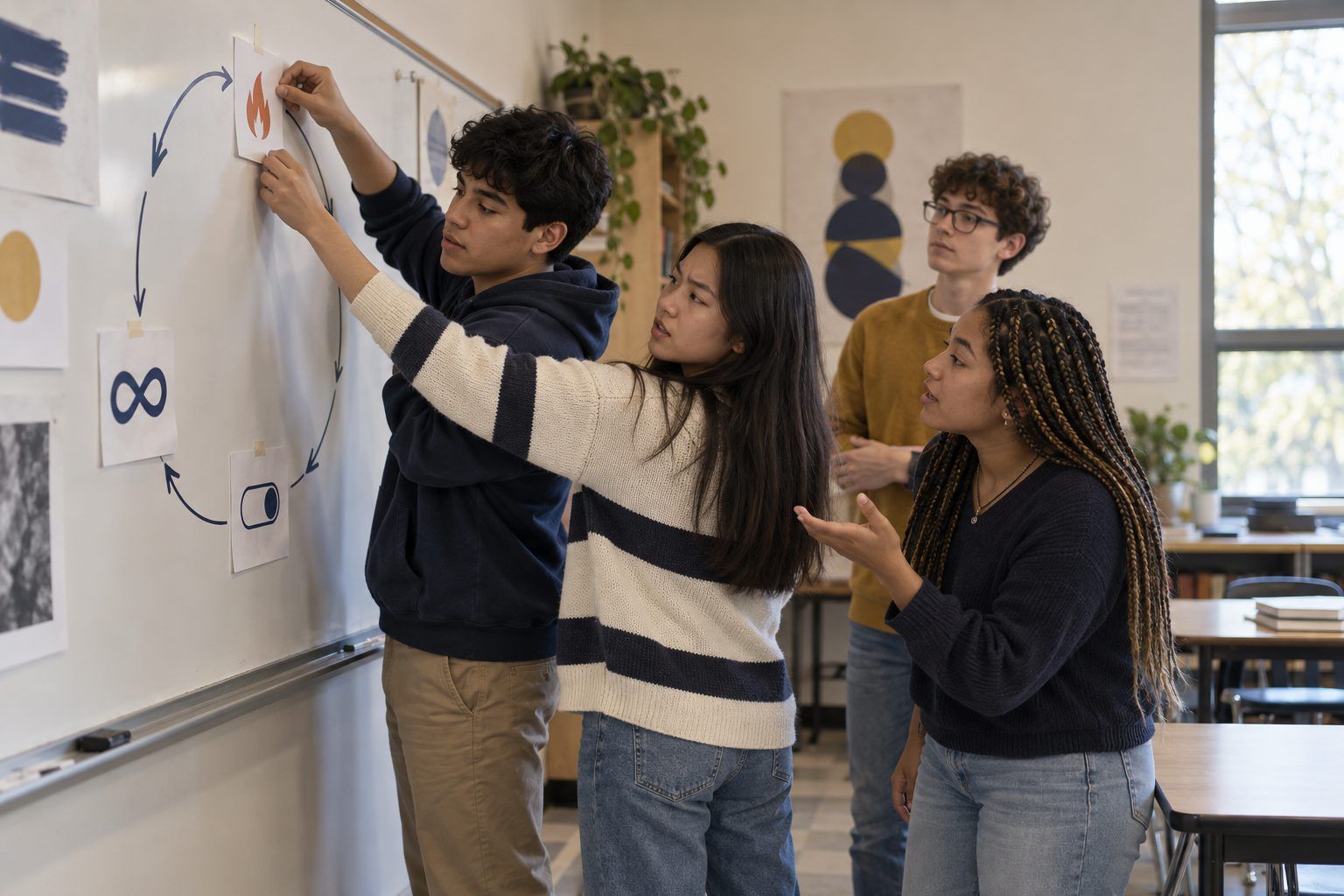
Draw a simple loop on the board: You act (watch, pause, like, share, skip) → the system records it → it predicts what you're likely to engage with next, based on your history and people with similar histories → it ranks content by those predictions → you act again. Explain that this is a kind of AI: it learns patterns from huge amounts of behavior data. The key question is what it is optimized for. A system rewarded for watch time will learn to favor whatever keeps people watching, which isn't necessarily what's true, useful, or good for them.
Facilitator noteAvoid claiming specific platforms work in specific ways. Say "many feeds" and "can," and keep the focus on the fictional app Loop.
Explore
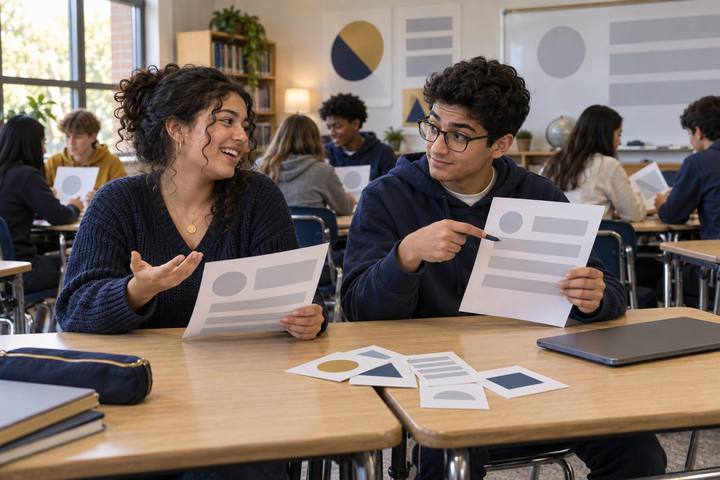
Teams sort the Handout A feature strips into three categories: Keeps you on the app, Shapes what you see and believe, and Gives you control. For each strip, teams must say what the feature is optimized for and who benefits. Then each team picks the one feature they think has the biggest effect on what users believe, and writes it on a sticky note for the seminar.
Facilitator noteSome features fit more than one category. Accept a reasoned choice, and ask the team to note the second category too. Autoplay, for example, keeps you on the app and decides what you see next.
Debrief
Students read Handout B, a fictional internal memo from Loop's product team, and annotate it. Run a fishbowl: the inner circle discusses for 8 minutes while the outer circle tracks evidence and listens for strong moves, then swap. Opening question: "The memo says Loop only shows people what they want. Is that true?" Follow-ups: "If a feed shows you more of what you react to, and outrage gets reactions, what happens to what you think is normal?" "Who is responsible for what you see: you, the company, the creators, or the algorithm?" "Would you trust a feed more if you could see why it chose each post?"
Facilitator noteListen for students who distinguish showing people what they want from showing people what they react to. That distinction is the core insight. Avoid presenting "filter bubbles" as proven fact for everyone; research on how much feeds shape beliefs is ongoing, and the seminar should explore the question, not settle it.
Create
Teams complete Handout C: they choose who the feed is for, what it is optimized for instead of pure engagement, three ranking rules, two user controls, one feature they would remove, and how they would measure whether it works. They must also name one trade-off: what the company or users would lose. Teams sketch the feed screen in the box.
Facilitator notePush on measurement. "Users feel better" is a goal; "users report whether they learned something new after a session" is a measure.
Reflect
Each team gives a 60-second pitch. The class votes with sticky notes on the design they'd actually use. Each student writes one sentence: "One thing I'll do differently with my own feed this week is ___."
Facilitator noteExamples: using a "not interested" button, turning off autoplay, following a source that disagrees with them, or switching to a chronological view where available.
Designed unplugged. The feature sort, the seminar text, and the design spec all run on paper, and the discussion does the heavy lifting. Students check their own app settings privately at home, if they choose.
Run the sort in a shared slide deck with draggable strips and the seminar as a threaded discussion in your LMS, requiring each student to quote the memo and reply to a classmate. Teams can prototype their healthier feed in any slide or design tool. Students 13+ may explore the feed-control and "why am I seeing this" settings on apps they already use, on their own devices, without sharing screenshots of personal feeds.
Does it need a screen? Better unplugged: the evidence of learning is reasoning about design choices and their effects, which discussion and sorting surface well without adding more screen time to a lesson about screen time. A digital prototype is optional polish.
What you should be able to see or collect if it worked.
Students explain how a recommender predicts and ranks content, quote a product memo in seminar, and design a healthier feed with measurable rules and trade-offs.
For one week, students keep a short "feed log" at home noting one post a day and their best guess about why it was chosen for them, then bring the log to class to test their guesses against the model from Step 2. The next media literacy lesson can use their examples.