Professional learningfor Coaches, Leaders
Two Drafts of Feedback
Coaches score a human-written and an AI-drafted feedback note on the same lesson transcript, then set the ground rules for when AI belongs in observation, if it belongs at all.
All activities Professional learning
Coaches code a consented, timestamped classroom clip for questioning and wait time, test an AI summary against the timestamps, and write feedback a teacher can act on tomorrow.
Video is one of the most useful things a coach can bring to a feedback conversation and one of the easiest to misuse. This session walks the micro-teaching video cycle (Empower, Implement, Investigate, Realize), which mirrors the Implement and Improve into Reflect and Realize phases of the TCEA EIIR coaching cycle. Coaches read the consent agreement and goal a teacher set, code a fictional timestamped transcript of a fifth-grade discussion about whether a viral hailstone photo is real, and measure wait time by hand with a Notice-Wonder-Next protocol. Then they test a confident AI-generated summary against their own data, decide whether an AI transcription tool belongs in their coaching at all, and write glows-and-grows feedback anchored to what students did.
Hook
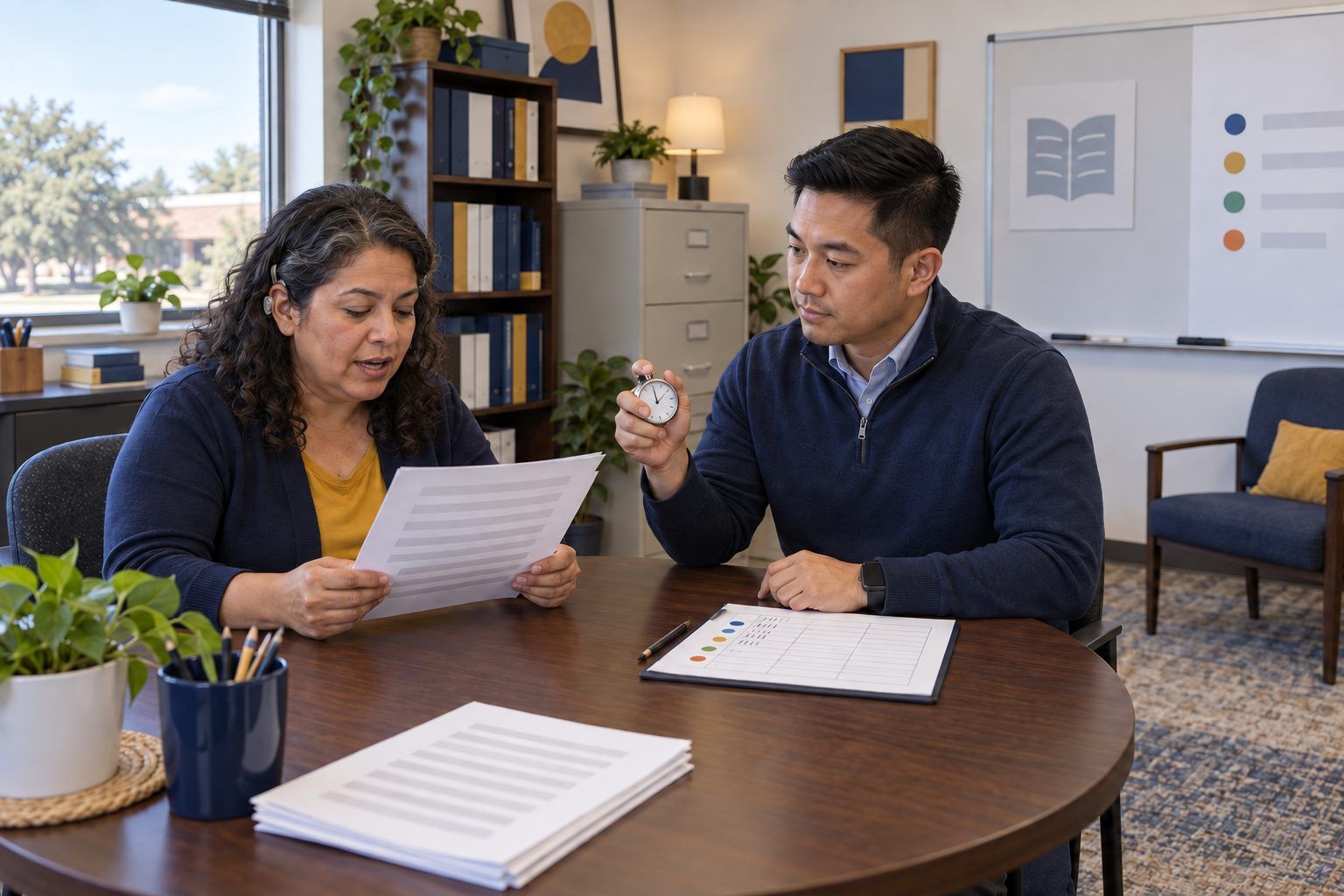
Ask the room an open question: "What makes feedback hard to hear?" Then say nothing. Start the stopwatch visibly and wait a full five seconds before calling on anyone, then another three after the first answer. Ask: "How did that silence feel? What happened to the answers after the pause?" Say: "Wait time is easy to talk about and hard to see in your own teaching. That is why teachers ask coaches to record it."
Facilitator noteFive seconds feels long to adults. That discomfort is the insight teachers get when they see their own timestamps.
Explore
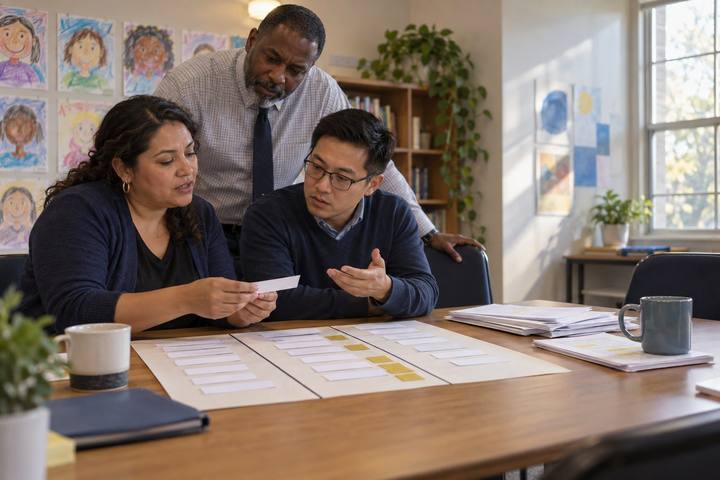
Pairs read the Consent Agreement and the teacher's RISE goal at the top of Handout A and use the Before section of Handout C. Ask: "Who owns this video? Who can see it? When is it deleted? What happens to the students who appear in it? Whose goal is the recording serving?" Pairs mark any line in the agreement they would add or change for their campus. Point out that the goal is Relevant, Impactful, Specific, and Energized, and that the teacher wrote it, not the coach.
Facilitator noteLook for pairs who notice that the teacher chose the focus, can stop the recording, and that the video never goes to evaluators. Elena Aguilar makes the point in The Art of Coaching that when coaching is tied to evaluation, teachers stop taking the risks that growth requires. Treat the recording the way you would a coaching walk: non-evaluative, about student learning, and on the teacher's terms.
Practice
Pairs work through the transcript on Handout A and log each teacher question on Handout B: the time, the question, open or closed, the wait time in seconds (from the end of the question to the next voice), and who spoke next (student or teacher). When they finish, they total the waits before and after the 12:30 partner talk and complete Notice-Wonder-Next on the back of Handout B: Notice only what the timestamps and student words show; Wonder a question the teacher might want to explore; Next a possible move, held loosely until the teacher weighs in.
Facilitator noteCommon slip: counting the teacher answering her own question as "wait time." If the next voice is the teacher, log that and note it. Another slip: a Notice that is really a judgment ("she rushed"). Push for observable patterns: before 12:30, several questions got one or two seconds and three were answered by the teacher; after the partner talk, waits of four to eight seconds came with longer, more careful student answers.
Apply
Pairs read the AI-generated summary at the bottom of Handout A and check each sentence against their log. For every claim, mark Matches our data, Contradicts our data, or Can't be checked from the transcript. Then ask: "The tool's transcript had no pause timestamps. Could it have measured wait time at all?" Pairs finish the During and After sections of Handout C and decide: use the tool, use it only for a rough transcript we check by hand, or don't use it.
Facilitator noteThe summary contradicts the timestamps on wait time, and its question count and "all students participated" can't be verified. It also used student first names and was generated by a tool whose terms allow recordings to improve the product. Separate the accuracy question from the privacy question; both matter, and they may point to different decisions.
Create
Each pair writes feedback on the back of Handout B in four parts: a glow anchored to a timestamp and to what students did ("At 13:30, after about four seconds, a student added 'they could be wrong too,' which is exactly the doubt your goal is about"), a grow stated as a pattern in numbers the teacher can check, a new target she could try tomorrow without a new tool, framed as a next RISE goal, and one question that hands the decision back to her. Pairs check their draft against the Feedback section of Handout C.
Facilitator noteWatch for feedback that grades the lesson ("good discussion") or the teacher ("you need to slow down") instead of describing student learning. Specific means a timestamp or a quotation; actionable means she could try it in the next lesson.
Debrief
In trios, one person plays Ms. Villanueva, one delivers the feedback, and one observes whether the teacher talked more than the coach. Swap once if time allows. Then ask the whole room: "What evidence will show that this feedback changed her practice?" Take answers such as a second recording in three weeks, a self-coded clip, or a student exit ticket asking whether they had time to think.
Facilitator noteThe strongest measure is the teacher coding her own next clip. It moves the data into her hands and closes the Reflect and Realize phase with her own evidence.
Transfer
Each coach writes one change they will make to how they record, store, or summarize classroom video, and one teacher they will offer a self-coding cycle to this semester.
Facilitator noteIf your campus has no written consent agreement for coaching video, the change may be drafting one with your principal.
Everything runs on paper: the transcript carries timestamps, so wait time is calculated by subtraction on Handout B. The AI summary is printed as a mock output, which keeps the activity free of real recordings and real student data. In a real coaching cycle without video, the coach can script the discussion by hand, writing the time in the margin every time a question is asked and when the next voice begins.
Pairs can log Handout B in a shared spreadsheet that totals wait time before and after 12:30. If you demonstrate an approved transcription tool, run it only on a recording of yourself reading lines from the transcript, then show the room what the tool's output kept (words) and dropped (pauses, overlapping voices, tone). In a virtual session, share Handout A as a document pairs can annotate and use breakout rooms for the delivery role-play.
Does it need a screen? Video and timestamps make wait time visible in a way memory never does, and a spreadsheet makes the before-and-after pattern easy for a teacher to see. An AI summary earns a place only if it keeps the evidence the teacher asked for and protects students; this session tests that rather than assuming it.
What you should be able to see or collect if it worked.
Coaches code a consented, timestamped transcript for wait time, test an AI summary against it, and write action-oriented feedback.
Offer one teacher the full micro-teaching cycle: they set a RISE goal, record a 10–15 minute discussion under a consent agreement, and code their own wait time with Handout B before you meet to investigate it together. Bring your campus's revised consent agreement to your next coaching team meeting.