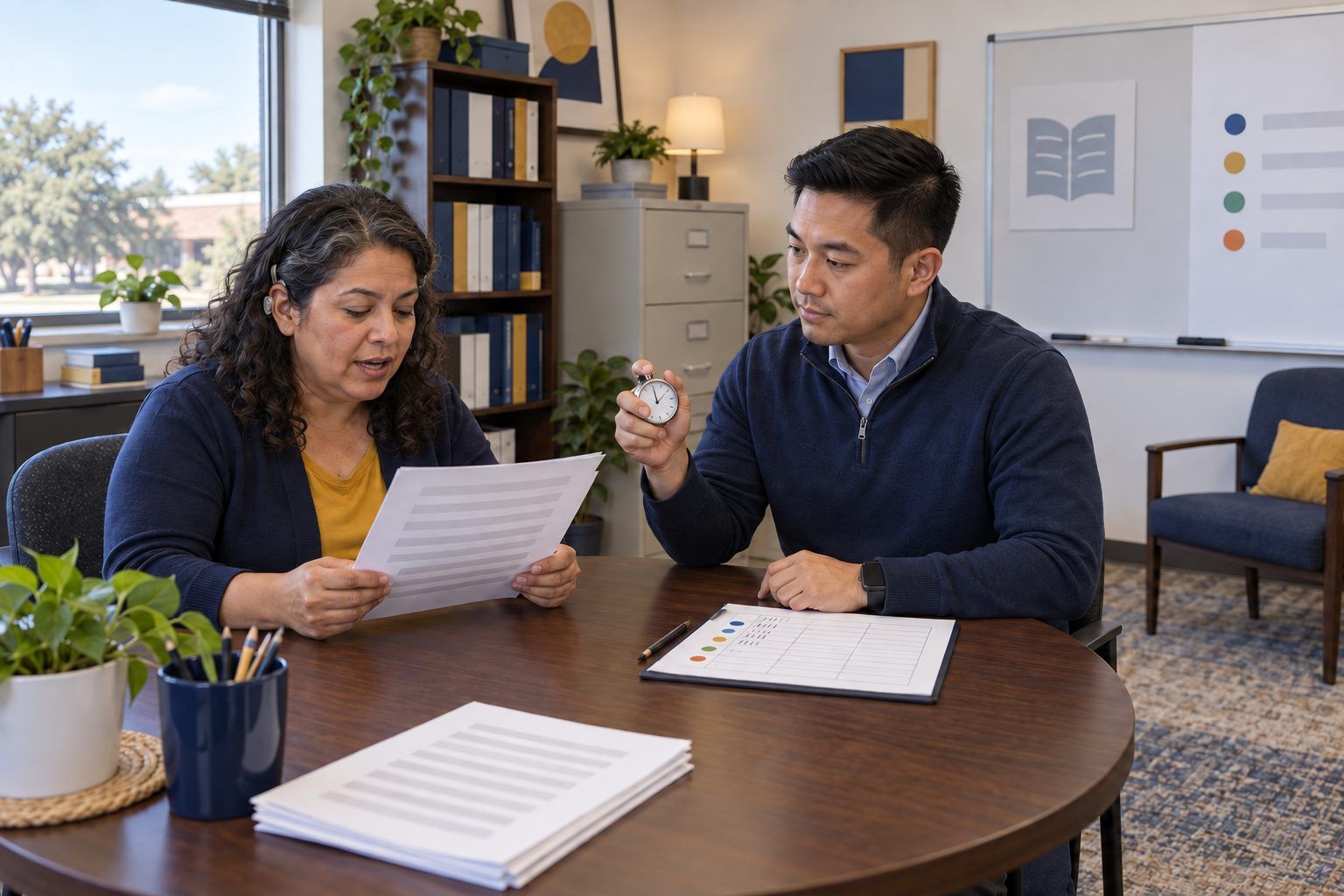
Professional learning · Coaches, Leaders · 60 minutes
Wait Time on the Record
Coaches code a consented, timestamped classroom clip for questioning and wait time, test an AI summary against the timestamps, and write feedback a teacher can act on tomorrow.
Video is one of the most useful things a coach can bring to a feedback conversation and one of the easiest to misuse. This session walks the micro-teaching video cycle (Empower, Implement, Investigate, Realize), which mirrors the Implement and Improve into Reflect and Realize phases of the TCEA EIIR coaching cycle. Coaches read the consent agreement and goal a teacher set, code a fictional timestamped transcript of a fifth-grade discussion about whether a viral hailstone photo is real, and measure wait time by hand with a Notice-Wonder-Next protocol. Then they test a confident AI-generated summary against their own data, decide whether an AI transcription tool belongs in their coaching at all, and write glows-and-grows feedback anchored to what students did.
In this packet
- Handout A: Consent Agreement, Transcript, and AI Summary (reading)
- Handout B: Question and Wait Time Log (organizer)
- Handout C: Consent, Privacy, and Feedback Checklist (checklist)
TCEA ELE indicators
- C1.2 I can provide constructive feedback to improve teaching strategies.
- C3.3 I am aware of various data collection and analysis tools.
- C2.2 I can evaluate the effectiveness of educational technology tools.
- AI2.1 I know how to apply ethical principles when using or developing AI for education.
- C1.1 I know how to mentor teachers in effective instructional practices.
Full facilitator guide: mglearn.github.io/eles/activities/wait-time-on-the-record.html
Handout A for Wait Time on the Record
Consent Agreement, Transcript, and AI Summary
Fictional materials from Cedar Bluff Elementary, Grade 5. Students are labeled S1–S8; the coach removed first names before sharing. Times are minutes:seconds into the recording.
1Coaching Video Agreement (signed by Ms. Rosa Villanueva and coach Dana Whitfield). (1) The teacher chooses the focus and wrote this RISE goal: Relevant, discussion is where my students practice checking what they see online; Impactful, more students give a reason, not just yes or no; Specific, I wait at least three seconds after open questions; Energized, I want to see this for myself, not be told. (2) The teacher can stop the recording at any time. (3) The recording is stored only in the teacher's district account and shared with the coach alone. (4) It is not used for evaluation and is not shared with administrators. (5) The camera faces the teacher; student faces are avoided, and students whose families declined photo or video permission sit out of frame. (6) The recording is deleted within 30 days of the feedback conversation. (7) Any transcript uses student numbers, not names.
2Context: The class is looking at a projected photo posted by an account called @CountyWeatherWatch, showing a hailstone the size of a softball with the caption "Our county last night!!"
310:02 T: "Okay, look at this photo. Someone posted it saying it fell in our county last night. Is it real?" · 10:03 S1: "Yes!" · 10:03 S2: "No, it's fake." · 10:04 T: "Why do you think it's fake?" · 10:05 S2: "It's too big." · 10:06 T: "Too big. Okay. What else could we check?" · 10:07 T: "Anyone? Who posted it, maybe? Yes, we could check who posted it."
410:15 T: "Is @CountyWeatherWatch a news station?" · 10:16 S3: "I don't know." · 10:17 T: "It's not, it's just an account. So should we trust it?" · 10:18 S4: "No." · 10:19 T: "Right. And what about the size? Can hail get that big?" · 10:20 T: "It can, actually, sometimes. So size alone doesn't tell us."
512:30 T: "Turn to your partner. What is one thing you could do to find out where this photo really came from? You have one minute." (Partner talk, 12:31–13:19.)
613:20 T: "S5, what did your pair say?" · 13:23 S5: "We could see if a news station posted it too." · 13:26 T: "Why would that help?" · 13:30 S6: "Because a news station would check first. Maybe. They could be wrong too." · 13:37 T: "Say more about that." · 13:43 S6: "Like if they just copied the post from the account."
713:47 T: "So what would we really need to find?" · 13:55 S7: "The first person who posted it. The very first one." · 13:59 T: "That's called tracing. How could we find the first one?" · 14:06 S8: "You can search with the picture. My brother did that." · 14:10 T: "Let's try it." (End of excerpt.)
8AI-generated summary (mock output from a transcription tool a colleague tried; the tool's terms allow uploaded recordings to be used to improve the product). "In this lesson, Ms. Villanueva asked 14 questions, most of them higher-order. Wait time was consistently 3–5 seconds, giving students ample time to think. All students participated actively. Standout contributions came from Marisol and Jaden. Suggestion: incorporate more technology, such as a polling tool, to increase engagement."
Handout B for Wait Time on the Record
Question and Wait Time Log
Log every teacher question. Wait time = seconds from the teacher's question to the next voice. If the next voice is the teacher, write "T" in the last column. On the back: Notice-Wonder-Next, then glow, grow, new target, and one question.
| Time | Teacher question (verbatim) | Open or closed? | Wait time (seconds) | Next voice: student # or T |
|---|---|---|---|---|
| 10:02 | Is it real? | |||
| 10:04 | Why do you think it's fake? | |||
| 10:06 | What else could we check? | |||
| 10:07 | ||||
| 10:15 | ||||
| 10:17 | ||||
| 10:19 | ||||
| 13:20 | ||||
| 13:26 | ||||
| 13:37 | ||||
| 13:47 | ||||
| 13:59 | ||||
| Totals | Before 12:30: average wait ___ s · After 12:30: average wait ___ s | Teacher answered own question ___ times |
Handout C for Wait Time on the Record
Consent, Privacy, and Feedback Checklist
Before, during, and after any recorded coaching cycle. Mark each item for the Cedar Bluff case, then for your own campus.
| Yes | Partly | No | |
|---|---|---|---|
| Before: The teacher chose the focus and agreed in writing to the recording. | |||
| Before: The agreement says who can see the video, where it is stored, and when it is deleted. | |||
| Before: Students whose families declined photo or video permission are out of frame, and the camera faces the teacher. | |||
| Before: The agreement says the video is for coaching, not evaluation. | |||
| During: Any transcript replaces student names with numbers before anyone else sees it. | |||
| During: Any AI transcription or summary tool is district-approved, and its terms do not allow recordings to be used to train or improve the product. | |||
| During: We checked the tool's output against the recording or timestamps before using any of it. | |||
| After: The feedback cites at least one timestamp or direct quotation, and describes what students did, not just what the teacher did. | |||
| After: The feedback names a glow, a grow, and a new target the teacher could try tomorrow without a new tool. | |||
| After: The feedback ends with a question that leaves the decision with the teacher. | |||
| After: The recording was deleted on the agreed date, and the teacher was told. |
Notes