Student learningfor Grades 3–5
Digital Notebook Detectives
Students rescue a classmate's messy pretend drive, invent a naming and folder system, use version history to recover lost work, and catch what an AI summary of their notes left out.
All activities Student learning
Teams plan a real group project by matching each job to the right tool, or no tool at all, defending their choices, and setting goals they can track together.
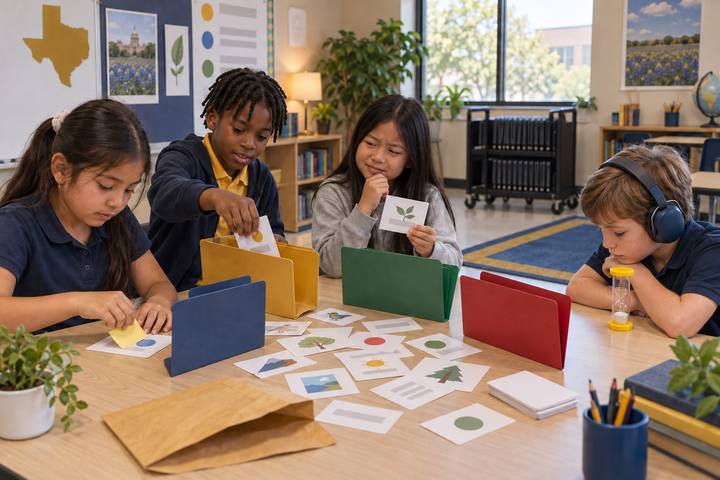
"We made a slideshow" isn't evidence of learning. Choosing why a tool fits the job is. In this lesson teams plan a School Garden Guide for first graders. They draw Task Cards (find out what first graders want to know, count visiting birds, write in kid-friendly words, share with families) and Tool Cards (paper and pencil, a library book, a tally chart, a class tablet camera, a teacher-driven AI chatbot, talking to an expert, or no tool at all), and match them. Each match must answer three questions: What's the job? Which tool does it best? What will it show we learned? Teams defend choices in a gallery challenge, learn how they'd handle a brand-new tool, and set goals with checkpoints.
Hook
Ask: "Which tool would you use to hammer a nail: a spoon, a hammer, or a banana?" Everyone says hammer. "Which tool would you use to find out what first graders want to learn about our school garden?" Take answers (a survey, a video, AI…). Then say: "What about just asking them? Sometimes the best tool is a person, or no tool at all. Today your team picks the right tool for each job, and explains why."
Facilitator noteStudents often assume the most high-tech tool is best. Keep the question open; the lesson will test it.
Model
Hand out role badges: Planner (keeps the team on track and watches time), Tool Scout (reads Tool Cards aloud and suggests matches), Checker (asks "Is it safe? Is it true? Does everyone agree?"), Reporter (writes on the planner and shares). Post the three questions: What's the job? Which tool (or no tool) does it best? What will it show we learned? Model with the Task Card "Brainstorm a title for our guide": "We could use the teacher-driven AI chatbot. It can give us lots of ideas fast. But will it show our thinking? Maybe we brainstorm on paper first, then compare with the AI's list, and credit it if we use an idea."
Facilitator notePoint out the Checker's safety job for the AI Tool Card: the teacher drives, no personal information goes in, and the team checks anything it says.
Practice
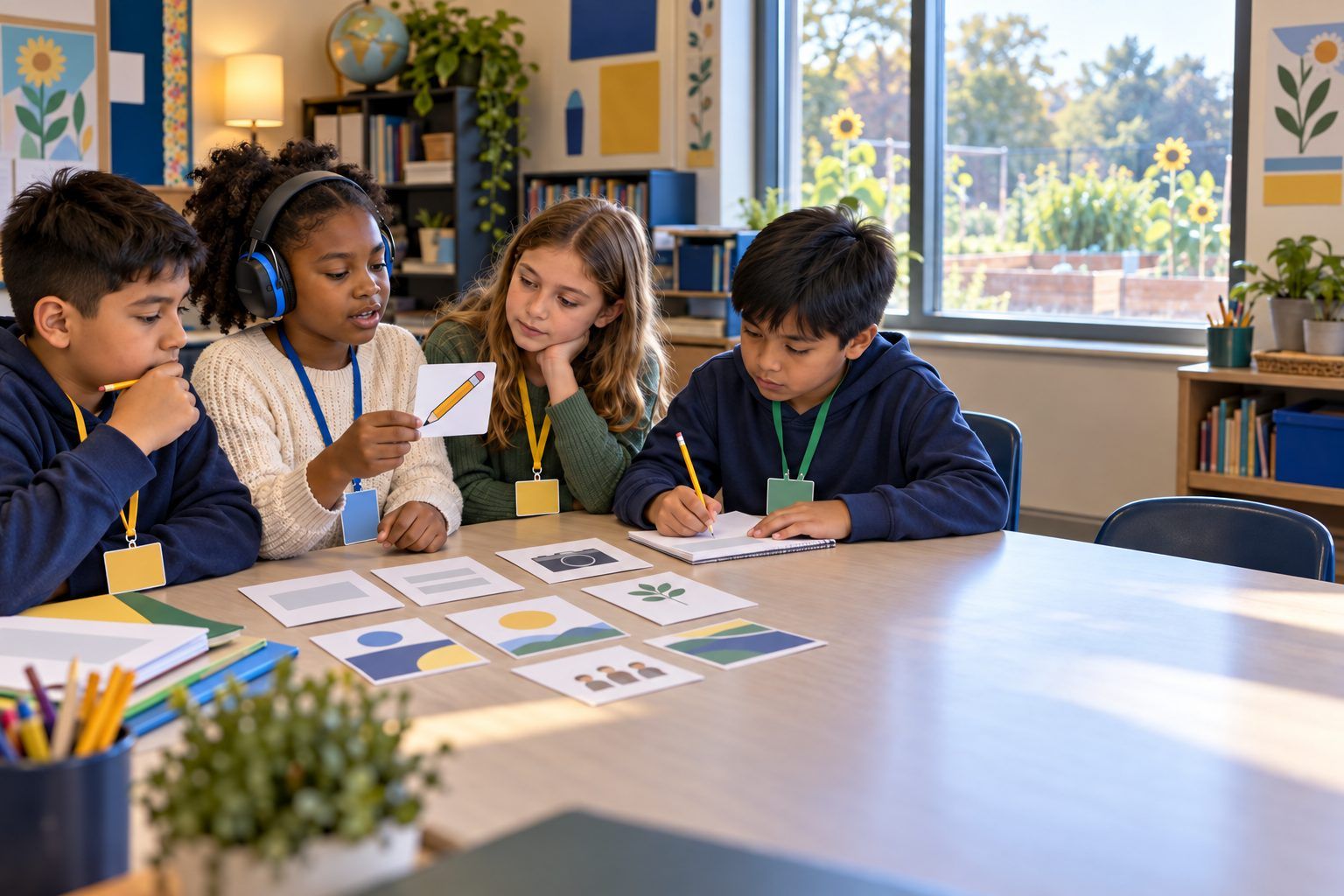
Teams lay out the Task Cards and Tool Cards and match at least five tasks, recording each on Handout B with the reason and the evidence it will show. Before a match is written, every teammate says one sentence about it: agree, disagree, or add an idea. The Checker makes sure no voice is skipped. A tool can be used more than once, and "No tool: just talk it out" is a real choice.
Facilitator noteLook-for: teams that change a match after hearing a teammate's view. Ask them, "What made you change your mind?" That is S3.3 in action.
Apply
Teams tape their planners on the wall. Each team visits another team's planner, finds one match they'd do differently, and writes a sticky-note question ("Why a tablet camera instead of a drawing?"). Teams return and answer one question aloud. Then read the Mystery Tool card (the new Garden Map App no one has used before). Teams have 2 minutes to list how they'd learn it: watch the help video, try it on something small, ask a classmate who knows it, check what information it asks for. Share a few lists.
Facilitator noteDifferent teams often choose differently for the same task and both can be right. Celebrate that; the reasoning is what matters.
Create
Teams complete the first part of Handout C: a team goal for the garden guide, three checkpoints with dates, who does what, and how they'll know they're on track. The Checker adds a Who might be left out? check: a teammate without a device at home, a family that speaks another language, a first grader who can't read yet. Teams adjust one plan to include them.
Facilitator noteThis is S4.2: goals with checkpoints. Keep goals small and doable within a week or two.
Reflect
Each student completes the reflection prompts on their own copy of Handout C: which tool choice they're proudest of and why, a time a teammate's idea changed the plan, and how they'd learn a new tool. The Reporter shares one team highlight with the class.
Facilitator noteCollect Handout B and C. The evidence you want is the reasoning column, not the list of tools.
The matching, gallery challenge, and goal setting run entirely on printed cards and planners. The tools on the cards are discussed, not used, so no devices are needed. If teams go on to build the garden guide, the whole thing can be made on paper, with a hand-drawn tally chart and a printed family letter.
During the Model or Apply step, project a district-approved AI chatbot and type the class's request: "Give 8 title ideas for a school garden guide written for first graders." Compare the list to the class's own paper brainstorm, and have the Checker role decide as a class which ideas are useful, which are off, and how to credit AI if an idea is used. If teams carry out their plans, they use only tools the district already provides (class tablets, a slide tool, a shared document), and track checkpoints in a shared digital checklist. Students under 13 never use their own AI accounts; the teacher drives any AI tool.
Does it need a screen? The planning is best done on paper, where every match must be argued out loud. The digital path earns its time when teams carry out a plan: a tablet photo of the garden or a tally chart in a spreadsheet produces evidence (real observations, real counts) that shows what they learned, and the teacher-driven AI brainstorm shows students how to compare AI ideas with their own.
What you should be able to see or collect if it worked.
Teams match project tasks to tools, or no tool, and explain what each choice shows they learned, the tool-selection focus of practical technology concepts.
Teams carry out their plan over the next week and check in at each checkpoint on Handout C. At home, students interview a family member: "What tool do you use for your work, and how did you learn it?" and add the answer to their reflection.