Student learningfor Grades 6–8, Grades 9–12
AI Study Buddy Contract
Students sort AI uses that build learning from ones that replace it, then write a SMART goal, a personal AI contract, and an honest-use log they keep for two weeks.

All activities Student learning
A student and a family member log one real day of screen use and tag each piece as making something or just taking it in, discovering that what you do on a screen often matters more than how many minutes it takes.
When families talk about screen use, they usually count minutes. This activity adds a better question: what were you doing? Students learn to tag screen moments as creating (making a video, a drawing, a story, a message to someone) or consuming (watching, scrolling, listening, playing someone else's game). Both are okay, and consuming is not evil, but researchers increasingly find that the kind of screen use often matters more than the raw amount. Students practice tagging in class, then log a real day at home with a family member, who tracks their own day too. Together they look at the balance of create versus consume, notice when consuming turned into autopilot scrolling, and pick one small way to shift the mix, not to use screens less, but to use more of their screen time making things. The stance stays balanced: this is about noticing and choosing, not guilt about screen time.
Hook
Hold up two cards: "30 minutes making a comic on a tablet" and "30 minutes scrolling videos." Ask: "Same minutes. Are they the same kind of screen time?" Let children explain the difference. Introduce the two words for today: creating (you made something that wasn't there before) and consuming (you took in what someone else made). Both can be fine, today we're going to notice our mix.
Facilitator noteHead off guilt immediately: consuming is not bad. Watching a great show or learning from a video is good screen use. The lesson is about balance, not shame.
Practice
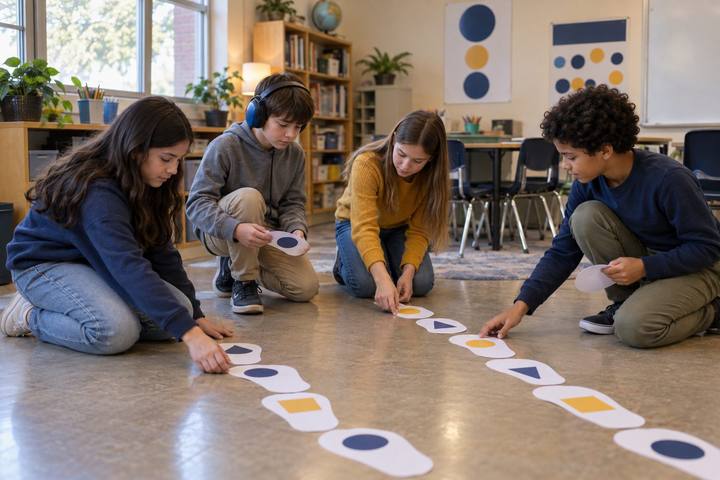
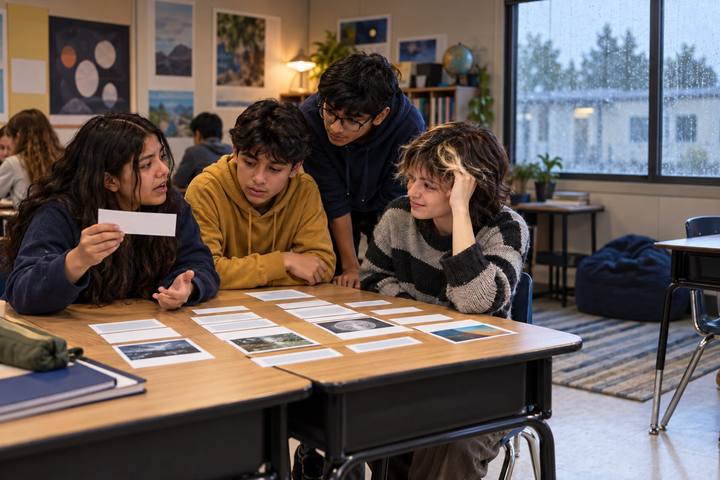
In pairs, children sort Handout A cards into Create and Consume, coloring each with the two-color key. Some cards are tricky (watching a how-to video, then making the craft is both). For the tricky ones, children decide and tell why. Debrief: "Which pile was bigger in the examples? Which kind of screen time do you do more of in real life?"
Facilitator noteThe tricky "both" cards are the richest. A how-to video that leads to making something is consuming in service of creating, let children articulate that.
Model
Show Handout B and model logging a pretend day: each screen moment gets a quick note, a C for create or a T (take-in) for consume, and a rough number of minutes. Think aloud: "After school I watched videos for a while, that's take-in. Then I made a card for my friend, that's create." Explain that at home, the student logs their day and a family member logs theirs, honestly, no cleanup.
Facilitator noteModel an honest, messy day, not a perfect one. Children copy the example; if yours is all "create," theirs will be fake.
Apply
This happens at home. The student keeps Handout B for one normal day, tagging each screen moment create or consume with rough minutes, and a family member fills in their own log the same way. At the end of the day they sit together, color each entry, and add up roughly how much was create and how much was consume. They circle any stretch where consuming slid into autopilot scrolling (you kept going without really choosing).
Facilitator noteThe family member tracking too keeps it fair and turns it into a shared look instead of the child being monitored. Tell families a mostly-consume day is normal and fine to see honestly.
Reflect
Students finish Handout C using their real log: they describe their create-to-consume mix, name one autopilot moment, and pick one small "move" to shift the mix toward making, for example, "Make a photo story once this week" or "After one show, draw instead of starting another." Share a few in small groups. Close: "It's not about fewer minutes. It's about making sure some of our screen time is us making things."
Facilitator noteKeep moves tiny and create-focused so children with limited screen access can still succeed; even one small made thing counts.
The lesson runs on paper: the sort cards, two markers, and the one-day logs can all be done from memory at the end of the day, no device required. Creating as the "move" can be fully offline too, a hand-drawn comic, a written story, a paper card.
A student or family member may glance at a device's built-in screen-time list to make the log more accurate, as a private memory aid. A student who wants a digital "move" can make something small, a photo story, a short recording, a simple slideshow, so their screen time produces something they can show.
Does it need a screen? The digital option earns its place only in the "move": making something digital is itself the create practice the activity values. The tracking and reflecting are better on paper, where the focus stays on the mix rather than on a dashboard.
What you should be able to see or collect if it worked.
Students log and tag their screen use as creating versus consuming and set a goal to shift the mix, monitoring their own habits and reasoning from a simple data tally.
Students try their "move" during the week and bring the finished (or started) creation and their log back to share. The class connects the create/consume idea to the next project, where students make media rather than only consume it.