Student learning · Grades 3–5 · 45 minutes
Team Tech Choices
Teams plan a real group project by matching each job to the right tool, or no tool at all, defending their choices, and setting goals they can track together.
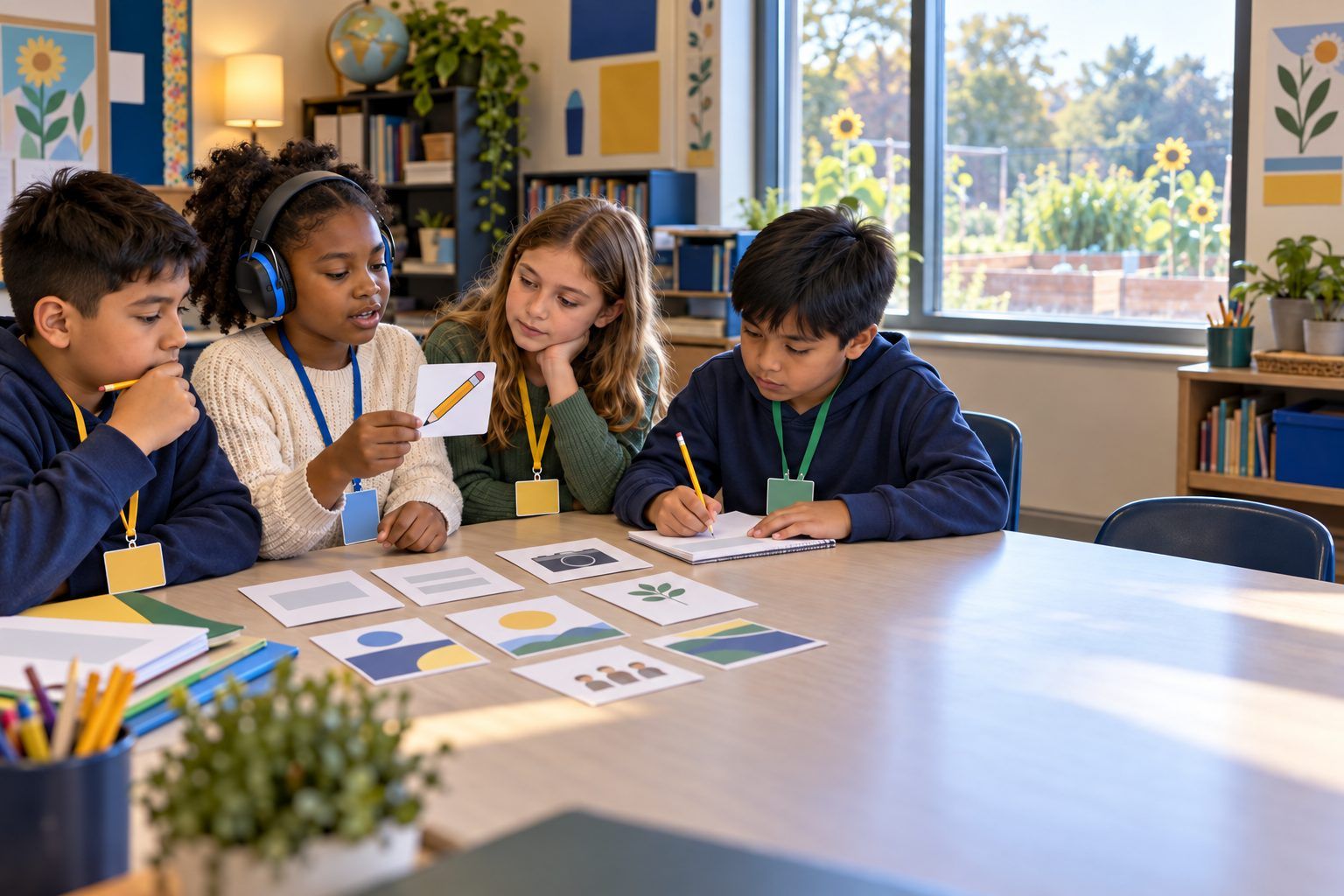
"We made a slideshow" isn't evidence of learning. Choosing why a tool fits the job is. In this lesson teams plan a School Garden Guide for first graders. They draw Task Cards (find out what first graders want to know, count visiting birds, write in kid-friendly words, share with families) and Tool Cards (paper and pencil, a library book, a tally chart, a class tablet camera, a teacher-driven AI chatbot, talking to an expert, or no tool at all), and match them. Each match must answer three questions: What's the job? Which tool does it best? What will it show we learned? Teams defend choices in a gallery challenge, learn how they'd handle a brand-new tool, and set goals with checkpoints.
In this packet
- Handout A: Task and Tool Cards (cut-apart cards)
- Handout B: Tool Choice Planner (organizer)
- Handout C: Team Goal and Roles (worksheet)
- Facilitator key (last page)
TCEA ELE indicators
- S1.1 I know how to use technology to support my learning.
- S3.1 I know how to work effectively in a team.
- S1.2 I can adapt to new digital tools and platforms.
- S3.3 I am aware of the value of diverse perspectives in group work.
- S4.2 I can set achievable goals and monitor my progress.
Full facilitator guide: mglearn.github.io/eles/activities/team-tech-choices.html
Handout A for Team Tech Choices
Task and Tool Cards
Project: a School Garden Guide for first graders. Match each Task Card with a Tool Card (or no tool). A tool can be used more than once. Backs are the teacher key.
Sheet 1 of 2
Task
Find out what first graders want to know about the garden.
Task
Count how many birds visit the garden in one week.
Task
Show what the garden looks like in each season.
Task
Brainstorm a title for our guide.
Task
Learn which plants grow well in shade.
Task
Write the guide in words first graders can read.
Task
Share the guide with families.
Tool
PAPER AND PENCIL: quick to use, works anywhere, easy to draw and cross out.
Handout A for Team Tech Choices
Task and Tool Cards
Project: a School Garden Guide for first graders. Match each Task Card with a Tool Card (or no tool). A tool can be used more than once. Backs are the teacher key.
Sheet 2 of 2
Tool
LIBRARY BOOK: written and checked by experts; you can find the author.
Tool
TALLY CHART OR SPREADSHEET: counts and organizes numbers.
Tool
CLASS TABLET CAMERA: takes photos and short videos.
Tool
SLIDE TOOL: combines words, pictures, and pages to share.
Tool
AI CHATBOT (the teacher drives it): gives ideas and explanations fast.
Tool
TALK TO AN EXPERT: a gardener, a first grader, a librarian, a family member.
Tool
NO TOOL: JUST TALK IT OUT. Sit together, listen, and decide.
Mystery Tool
GARDEN MAP APP: a new app the school just got. Nobody in class has used it yet. It lets you draw a map of the garden and label plants.
Handout B for Team Tech Choices
Tool Choice Planner
Every teammate speaks before you write a row. "No tool" is a real choice.
| Task | Tool (or no tool) | Why this fits the job | What it will show we learned | Checker's OK (safe? true? all agree?) |
|---|---|---|---|---|
Handout C for Team Tech Choices
Team Goal and Roles
Planner leads. Fill in the team part together. Then answer the last three prompts on your own copy.
Team roles. Planner: ___ Tool Scout: ___ Checker: ___ Reporter: ___
Our team goal for the School Garden Guide:
Three checkpoints (what will be done, and by when):
Who might be left out, and how will we include them?
On my own: The tool choice I'm proudest of, and why:
On my own: A time a teammate's idea changed our plan:
On my own: If I had to learn a brand-new tool, my first three steps would be:
Facilitator only for Team Tech Choices
Answer key and notes
Handout A: Task and Tool Cards
- Task
- Strong choices: talk to an expert (the first graders themselves!) or paper and pencil for a quick survey. Evidence: their real questions.
- Task
- Strong choices: paper tally chart or spreadsheet. Evidence: real counts the team can graph.
- Task
- Strong choices: class tablet camera (with no faces) or drawings. Evidence: observations over time.
- Task
- Strong choices: talk it out first, then compare with the teacher-driven AI chatbot. Credit AI if you use its idea.
- Task
- Strong choices: library book, or ask the school gardener. Check any AI answer against a book.
- Task
- Strong choices: paper and pencil or slide tool, then test it by reading it to a first grader. Evidence: changes made after feedback.
- Task
- Strong choices: printed copies and the class's family messaging tool. Check: will every family be able to read it?
- Tool
- Good for: surveys, drafts, drawings. Watch out: harder to share widely or change many times.
- Tool
- Good for: reliable facts. Watch out: may not cover our exact garden.
- Tool
- Good for: bird counts, graphs. Watch out: only as good as the counting.
- Tool
- Good for: showing real changes over time. Watch out: no faces without permission.
- Tool
- Good for: the final guide. Watch out: making it pretty isn't the same as making it clear.
- Tool
- Good for: brainstorming, explaining. Watch out: can be wrong, no personal information, check it, and say AI helped.
- Tool
- Good for: real answers and real questions. Watch out: plan your questions first.
- Tool
- Good for: deciding who does what, planning, solving disagreements. Watch out: write down what you decided so no one forgets.
- Mystery Tool
- How to learn it: watch the help video, try it on something small, ask someone who knows it, and check what information it asks for before you sign in.