Student learningfor Grades 3–5
Credit Where It's Due
After their own doodles get "borrowed" without credit, students learn to credit creators, ask permission, and write an honest note whenever AI helped with their work.
All activities Student learning
Students sort AI uses that build learning from ones that replace it, then write a SMART goal, a personal AI contract, and an honest-use log they keep for two weeks.
AI can quiz you, explain a tricky idea a new way, or give feedback on a draft. It can also do the thinking for you, so the assignment gets done but nothing gets learned. In this activity, students sort realistic AI uses into "builds my learning," "replaces my learning," and "depends, check the rules." Then they compare two teacher-projected AI responses to the same request, set a SMART learning goal, and write a personal AI Study Buddy Contract with an honest-use log. The question at the center: did the tool make me smarter, or just make the work look done?
Hook
Ask: "If a robot lifted weights for you every day, would you get stronger?" Let students laugh, then ask: "So when is AI like a spotter who helps you lift more, and when is it like a robot lifting for you?" Tell students today they'll decide for themselves and write it down as a contract.
Facilitator noteAvoid framing AI as cheating by default. The goal is judgment, not fear.
Explore
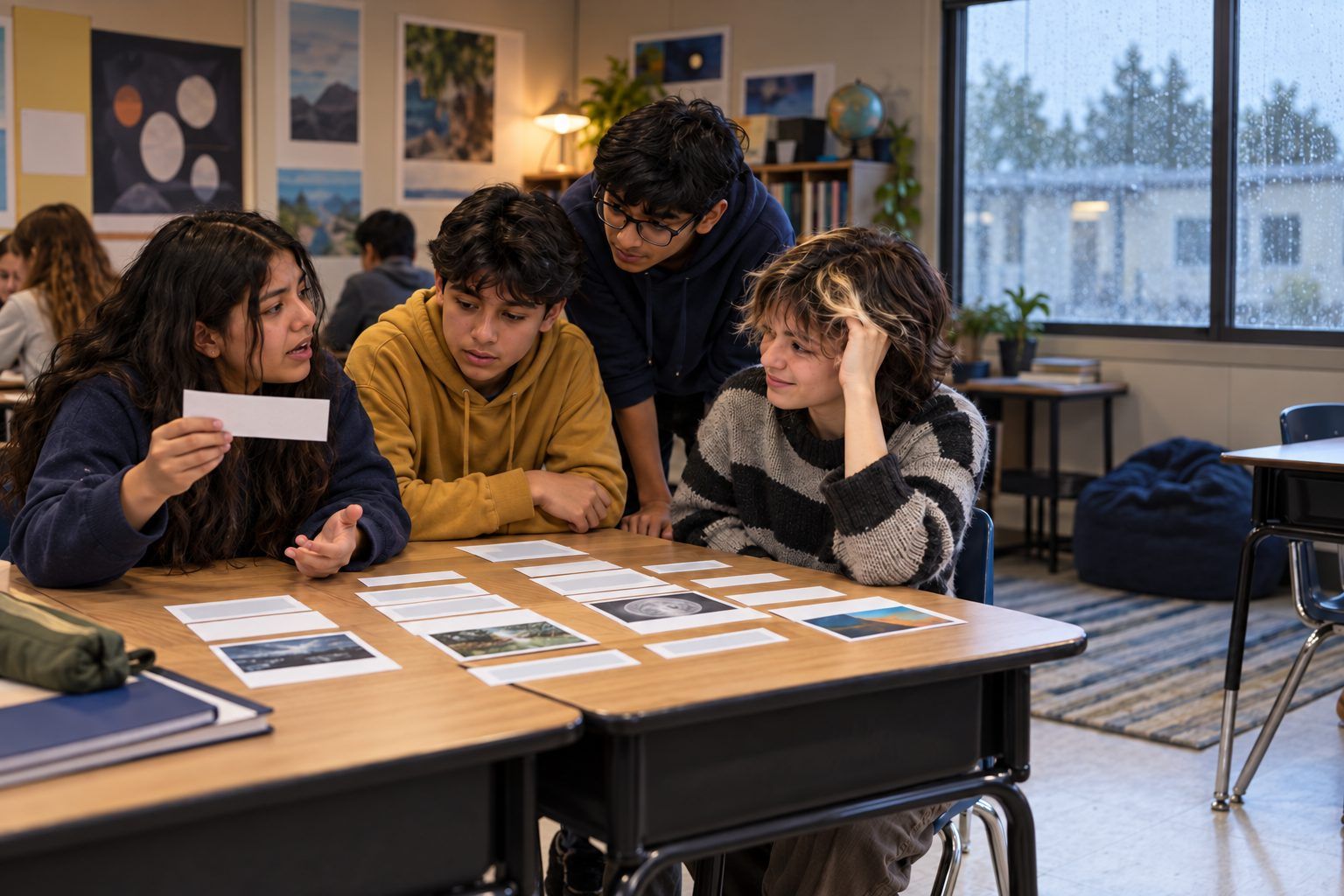
Trios sort the 12 strips from Handout A onto three categories: Builds my learning, Replaces my learning, and Depends, check the rules. For each, they must agree on a reason. Then two trios pair up and compare their three most different placements.
Facilitator noteThe "Depends" pile starts the best arguments. For example, fixing grammar is fine in a science lab report but may not be in an assignment that grades grammar.
Model
Project your two prompts in the district-approved chatbot, or read these printed versions. Request 1: "Write my paragraph about why the water cycle matters." The response is a finished, polished paragraph. Request 2: "I'm studying the water cycle. Ask me one question at a time, wait for my answer, and tell me what I got right and what to fix." The response is: "Great! Question 1: In your own words, what happens to water during evaporation?" Ask: "After ten minutes with each, who knows more about the water cycle: the student or the chatbot? What would you have to show your teacher to prove you learned it?"
Facilitator noteIf students are under 13, you drive the tool and type any student answers yourself. Say aloud that you are leaving out names and personal details.
Practice
Students start Handout B. They name a strength, a subject or skill where they're stuck, and how they usually get unstuck. Then they write one SMART goal (Specific, Measurable, Achievable, Relevant, Time-bound) for the next two weeks, such as "I will explain the three types of rock to a partner without notes by next Friday by quizzing myself three times a week."
Facilitator noteConference briefly with students who write goals like "get better at math." Ask: "How would you know you did it?"
Create
Students finish Handout B: three ways I will use AI to build my learning, two ways I won't, how I'll show my own thinking, and how I'll tell my teacher when AI helped. They check their contract against the class AI rules. Pairs swap contracts and ask each other one question: "How would your teacher know you learned it, not the AI?" Students sign; the partner signs as a witness.
Facilitator noteThis is where students become learning owners. Push for contract lines that name evidence: "I'll turn in my first draft before I ask AI for feedback."
Reflect
Walk through Handout C with one example row filled in together (it's already on the handout). Students complete one row now for a study session they plan this week, even if they choose not to use AI. Close with the question: "What will you check on your log in two weeks to see if your contract is working?"
Facilitator noteA log entry of "no AI used" is fully valid. The log tracks learning decisions, not tool use.
The sort, SMART goal, contract, and log are all paper. For the Model step, read aloud the two printed responses in the step, or act them out: one student plays a chatbot that "does the work" and another plays one that "coaches." The log works for any study method, including no AI at all.
The teacher runs both requests live in a district-approved chatbot on the projector. Students 13 and older with district-approved access may use the coaching-style prompt on their own devices during the two-week follow-up and paste short excerpts into a digital Handout C in the LMS. Students under 13 log only teacher-led AI sessions or non-AI study.
Does it need a screen? Seeing the same tool produce a finished answer in one case and a coaching question in the other shows that the learner's request, not the tool, decides whether learning happens. The log makes AI use visible as evidence rather than hidden.
What you should be able to see or collect if it worked.
Students decide which AI uses build or replace their learning, set a SMART goal, and log honest AI use, practicing deliberate tool choice and academic integrity.
Students keep Handout C for two weeks, then bring it to a short conference or exit ticket: Did I meet my SMART goal? Which AI uses actually helped? What will I change in my contract? Invite students to share the contract with a family member.