Student learningfor Grades 6–8, Grades 9–12
AI Study Buddy Contract
Students sort AI uses that build learning from ones that replace it, then write a SMART goal, a personal AI contract, and an honest-use log they keep for two weeks.
All activities Student learning
After their own doodles get "borrowed" without credit, students learn to credit creators, ask permission, and write an honest note whenever AI helped with their work.
Everything students find online was made by someone: a photographer, a writer, a musician, a kid like them. And now some of what students make gets help from AI. In this lesson students feel what it's like when their work is taken without credit, sort situations into Give credit, Ask permission first, Say AI helped, and My own work, then practice writing credit lines and AI Help Notes for a fictional student's poster before writing them for their own project. The message is honest, not scary: AI can help you learn, and saying how it helped is part of owning your work.
Hook
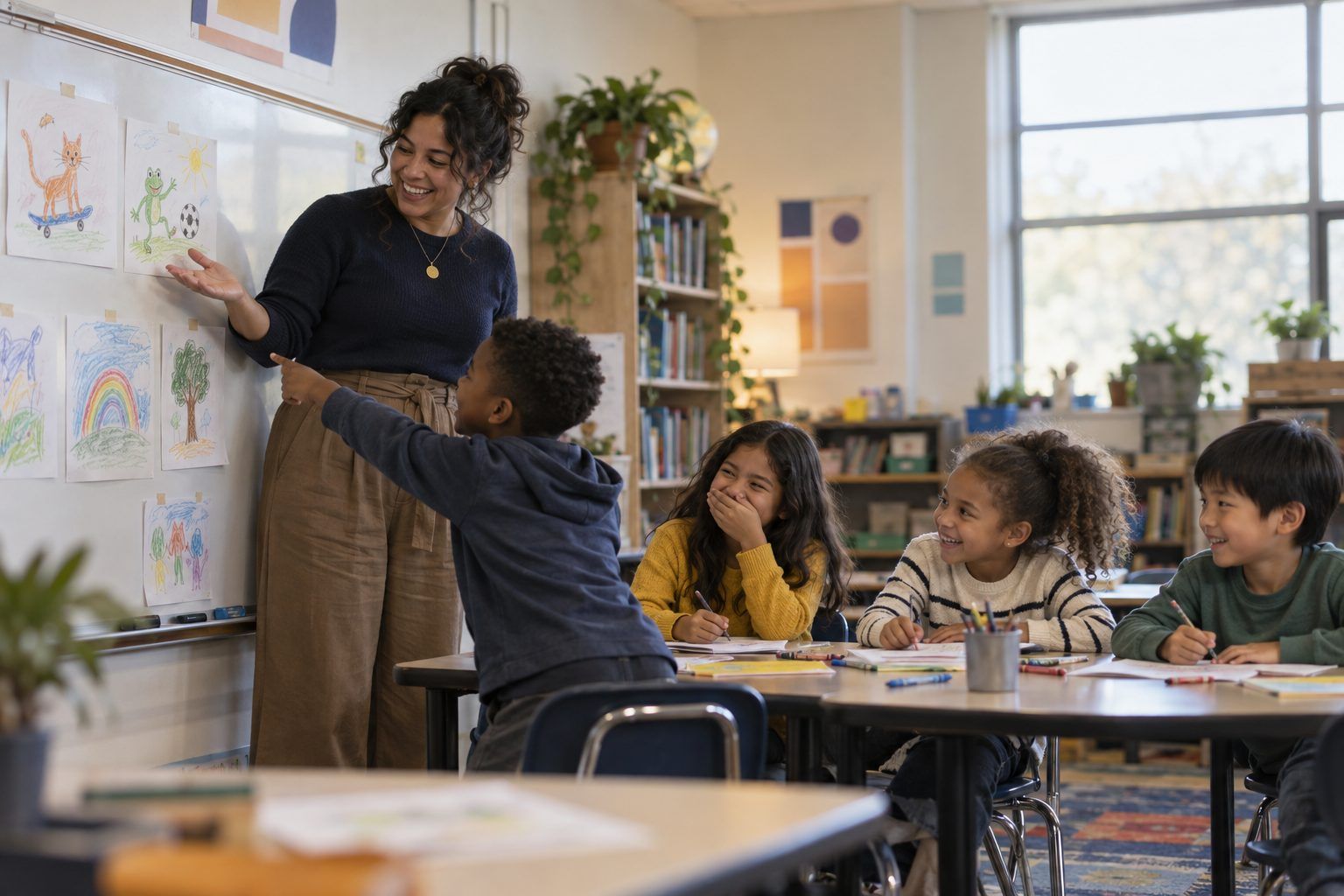
Give students 2 minutes to draw a quick doodle of an animal doing a sport, without writing their names. Collect the doodles, tape them under a sign: "Art Gallery by Your Teacher," and admire "your" work out loud: "I'm so proud of my drawings." Pause and ask: "How does this feel? What's wrong here?" Take answers, then take the sign down and add student names. Say: "Everything online was made by someone, too. Today we learn how to give them credit, and how to be honest when AI helps us."
Facilitator noteKeep it light and quick. The point is the feeling of "that's mine," which students then transfer to other creators.
Model
Show the two formulas on chart paper. Model a credit line: "'Rainbow Over the Lake' by Dana Reyes, from our school library photo collection." Explain when to ask permission: when you want to use a friend's work, someone's photo of a person, or music or art you don't know you're allowed to use. Then model an AI Help Note: "I used AI to suggest five title ideas. I checked it by picking one I liked and making it my own. I did all the writing and drawings myself." Ask: "Why would your teacher want to know what AI did?" (So they know what you learned and what the tool did, and so everyone is honest.)
Facilitator noteStudents under 13 shouldn't have their own consumer AI accounts. Frame AI help as something that happens with a teacher or family member driving an approved tool.
Practice
Teams sort the 12 strips onto the four-part mat. For each strip, one teammate must say the reason out loud before it's placed. Then run a quick check: point to four corners labeled with the four categories, read three of the trickiest strips (the song, the teacher's AI poster, Kenji's fractions), and have students walk to the corner they chose and defend it.
Facilitator noteTeams often put the teacher's AI poster in "My own work." Use it: adults should say AI helped, too. Honesty rules apply to everyone.
Apply
Teams read Handout B, the story of Rosa's volcano poster. They find every place Rosa used someone else's work or AI help, then write her credit lines and her AI Help Note on the back of the handout. Ask teams to underline the one thing Rosa should double-check (the AI's fact about the tallest volcano) and explain why.
Facilitator noteThe key insight: Rosa's AI Help Note must include how she checked the AI's facts, because the chatbot stated one fact with no source.
Create
Students complete Handout C for a current class project: list what they used that someone else made, write a credit line for each, and, if AI helped (for example, during a teacher-led brainstorm), write an AI Help Note. If no AI helped, they check "No AI helped" and explain what they did themselves. Partners swap and check each other's credit lines against the formula.
Facilitator noteLook for AI Help Notes that name a real checking move. "I checked it" alone isn't enough; ask "How?"
Reflect
Students answer the last two prompts on Handout C: how they'd feel if someone took credit for their work, and why saying AI helped is part of being a good learner. Share two or three answers aloud.
Facilitator noteConnect back to the doodle gallery. Many students will mention it on their own.
The whole lesson runs on paper: the doodle heist, the sort, the Rosa reading, and the credit worksheet. Students can practice credit lines using library books and posters in the room as the "works" they used.
During the Model step, project a district-approved chatbot and, as the class watches, type: "Give me five fun title ideas for a fourth grader's poster about volcanoes." Pick one as a class, change it to make it your own, then write the AI Help Note together on the board. In the Create step, students add a "Credits" slide or section to a digital project they're already making, including any AI Help Note. If your district provides an image library that shows credit information, show students where to find it. Students under 13 don't use their own AI accounts; the teacher drives any AI tool.
Does it need a screen? The projected demo turns the AI Help Note from an abstract rule into a real move: students see exactly what the tool did and write an honest note about it together. Adding a credits slide to a real digital project makes the habit part of the work, which a separate worksheet can't guarantee.
What you should be able to see or collect if it worked.
Students write credit lines and AI Help Notes for work they used, the grades 3–5 intellectual property and citing expectations in digital citizenship and ELAR research.
Students teach a family member the credit line formula and, if the family uses an AI tool together at home, write an AI Help Note for something they made together. In class, require a credit line and, when relevant, an AI Help Note on every project this year.