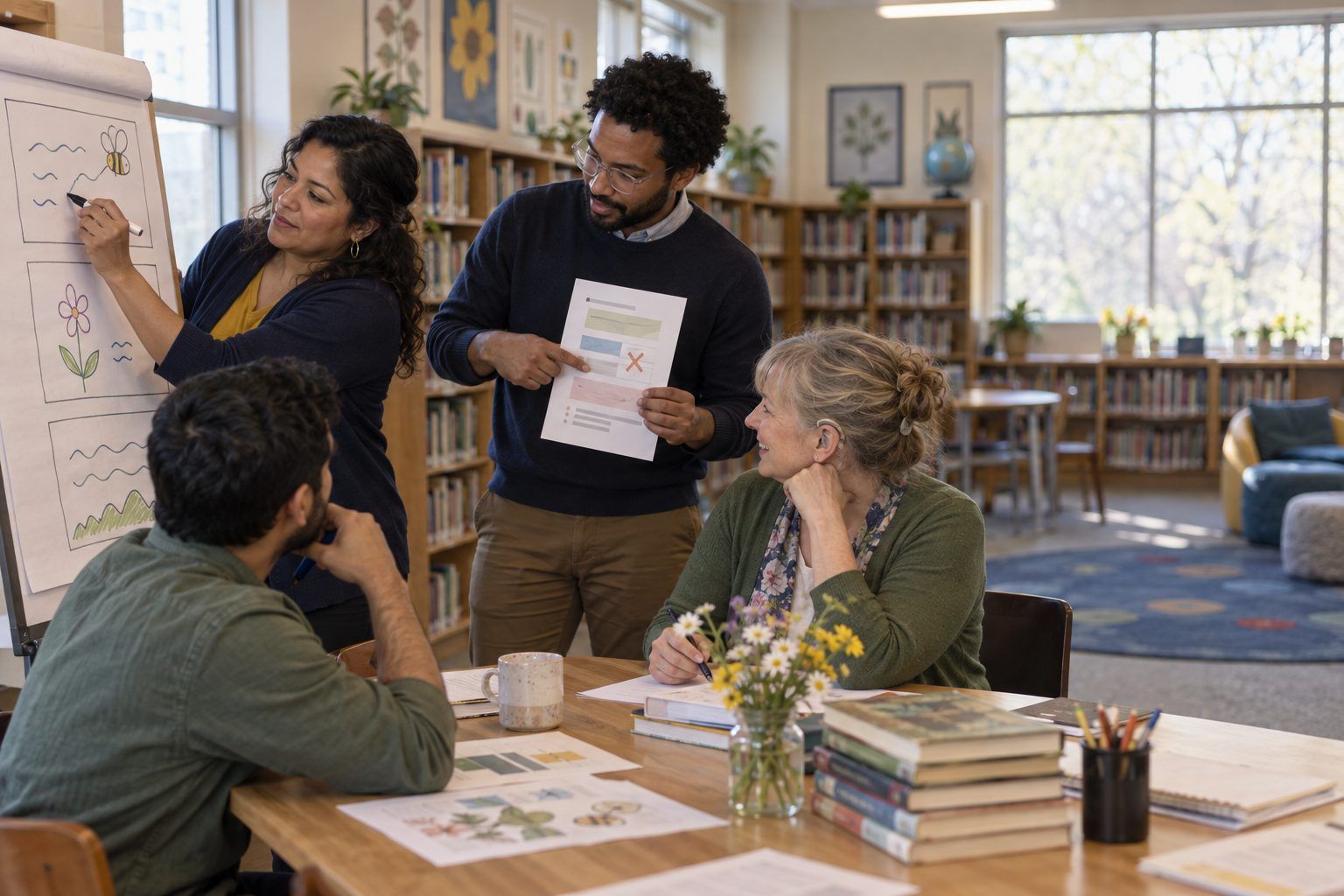
Professional learning · Teachers, Librarians · 60 minutes
Evidence Before Tools
Teachers take apart a tech-heavy lesson, name the evidence of learning first, and rebuild it so every tool, or no tool, has to earn its place.
A lesson can be full of devices, apps, and AI and still produce almost no evidence that anyone learned. Participants first do a busy, tech-heavy research lesson as students, then audit it tool by tool and ask what thinking each step makes visible or hides. Borrowing the Ms. Ramirez scenario from the 2026 ELE update, they rebuild the lesson backward from the evidence they want, then apply the same move to a lesson of their own. The big idea: technology use by itself is not evidence of learning.
In this packet
- Handout A: The "Before" Lesson: Pollinator Power (reading)
- Handout B: Tool-to-Evidence Audit (organizer)
- Handout C: Evidence-First Redesign Planner (worksheet)
TCEA ELE indicators
- T1.1 I know how to seamlessly integrate technology into my teaching practices.
- T1.2 I can use AI tools to enhance student learning experiences.
- T5.1 I know how to design lessons that promote higher-order thinking skills.
- AI3.2 I can evaluate the effectiveness of AI-enhanced learning interventions.
Full facilitator guide: mglearn.github.io/eles/activities/evidence-before-tools.html
Handout A for Evidence Before Tools
The "Before" Lesson: Pollinator Power
Read the lesson plan, then do Step 2 as a seventh grader would. Read the student samples last.
1Lesson plan: Pollinator Power (Grade 7 Science, Cedar Bend Middle School, Mr. Okafor). Objective: Students will research the importance of pollinators and present their findings. Technology: AI chatbot, slideshow app, video recorder, class discussion wall, quiz game.
2Step 1: Students ask the classroom AI chatbot, "Why are pollinators important?" Step 2: Students build a 5-slide slideshow using the chatbot's answer and images from the slideshow app's image library. Step 3: Students record a 60-second video reading their slides aloud. Step 4: Students post the video to the class discussion wall and comment "Great job!" on two classmates' videos. Step 5: The class plays a 10-question quiz game on pollinator vocabulary. Grade: completion of all five steps.
3Mock chatbot answer: "Pollinators are animals that move pollen from one flower to another, which helps plants make fruit and seeds. Bees are the most famous pollinators, but butterflies, moths, beetles, some birds, and bats also pollinate plants. Many of the fruits, vegetables, and nuts people eat come from plants that depend on pollinators. In fact, bees pollinate exactly half of all the plants on Earth. Pollinators face challenges such as habitat loss, pesticides, and disease. You can help by planting native flowers."
4Student sample 1 (Slide 2 of 5): "POLLINATORS ARE IMPORTANT! Bees pollinate exactly half of all the plants on Earth. Many of the fruits, vegetables, and nuts people eat come from plants that depend on pollinators." (Image: cartoon bee from the image library.)
5Student sample 2 (Slide 2 of 5): "Why Pollinators Matter: Pollinators move pollen so plants can make fruit and seeds. Bees pollinate half the plants on Earth!!! We should plant native flowers." (Image: a sunflower. Video comment from a classmate: "Great job!")
6Mr. Okafor's reflection after the lesson: "Every student finished. The slideshows looked great and the quiz average was high. But when I asked a few students in the hall why pollinators matter, most of them said 'because bees are important' and couldn't tell me much more. I'm not sure what they actually learned."
Handout B for Evidence Before Tools
Tool-to-Evidence Audit
For each step, ask: what does the student produce, and what thinking does that make visible (or hide)? Then decide: keep, cut, or swap.
| Lesson step and tool | What students produce | Thinking this makes visible (or hides) | Keep, cut, or swap? Why? |
|---|---|---|---|
| 1. AI chatbot answers "Why are pollinators important?" | |||
| 2. Slideshow from the chatbot's answer | |||
| 3. 60-second video reading slides aloud | |||
| 4. Post to discussion wall + two "Great job!" comments | |||
| 5. 10-question vocabulary quiz game | |||
Handout C for Evidence Before Tools
Evidence-First Redesign Planner
Work in this order. Don't name a tool until you've finished sections 1–3.
The lesson, and the learning goal written the way a student would say it ("I can…"):
The evidence: what will I see or hear by the end that proves the learning happened? (a claim, a comparison, a decision with reasons, a revision)
The task: what will students do that forces that evidence to appear?
Tools, step by step: for each step, write the tool (or "no tool") and the thinking it makes visible.
Where does AI belong in this lesson, if at all? What will students do with its output (check it, compare it, reject it, revise it)?
What I cut from my original plan, and why:
Partner check: "The evidence I'd collect on Friday is… The tool that has to prove itself most is…"