Professional learning · Teachers, Librarians · 60 minutes
Circles, Not Screens: Relationships in a Digital Classroom
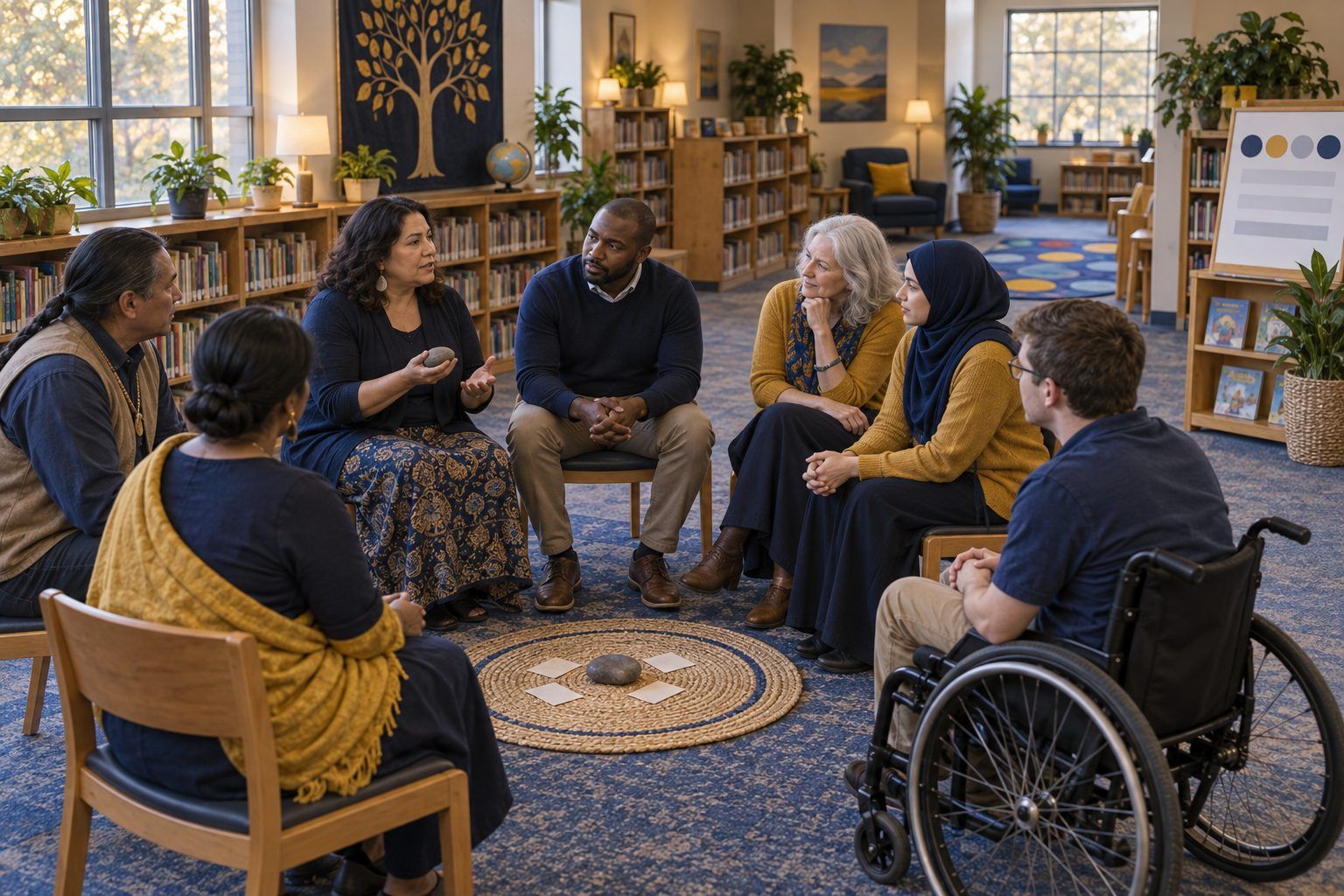
Teachers sit in a real community circle about group chats, AI companions, and sleep, then plan their own circle, co-create agreements, and rehearse what to say when a student tells them something online went wrong.
Students' social lives now run through group chats, games, shared photos, and, for some, AI companion chatbots, yet those lives rarely come into the classroom until something goes wrong. A community circle is a simple, device-free structure that makes space to talk about online life before it becomes a crisis. In this session, teachers first sit in a circle as students, then choose and adapt grade-level prompts, turn the circle's needs into agreements, and rehearse the first two minutes after a student discloses a problem online. They leave with a planned first circle and a short note that invites families into the conversation.
In this packet
- Handout A: Circle Prompt Cards (cut-apart cards)
- Handout B: When a Student Tells You (reading)
- Handout C: My First Circle Planner (worksheet)
- Facilitator key (last page)
TCEA ELE indicators
- T4.1 I know how to foster positive relationships with my students.
- T4.3 I am aware of the importance of emotional support in academic success.
- T4.2 I can create opportunities for student collaboration and peer learning.
- T3.1 I know how to create a welcoming classroom environment for all students.
- L5.1 I know how to build strong digital partnerships with families and community organizations.
Full facilitator guide: mglearn.github.io/eles/activities/circles-not-screens.html
Handout A for Circles, Not Screens: Relationships in a Digital Classroom
Circle Prompt Cards
Cut apart and sort by grade band. The backs are facilitator notes on what to listen for; print them on a separate sheet.
Sheet 1 of 2
K–2 · Check-in
If your feelings today were weather, what would they be? You can point to a picture.
K–2 · Balance
Tell about something fun you did on a screen, and something fun you did with no screen at all.
3–5 · Connection
What's a game or show you like, and who do you like to enjoy it with?
3–5 · Balance
How do you know when it's time to put a device down? What helps you stop?
6–8 · Group chats
What's one thing group chats do well, and one thing they do badly? Don't use anyone's name.
6–8 · Tone
Have you ever seen a message get taken the wrong way? What happened next?
6–12 · AI companions
Some people talk to AI chatbots when they're bored, stressed, or lonely. Why might someone do that? What can a chatbot not give you that a person can?
9–12 · Sleep
What does sleep compete with in your life? What's one thing that has helped you protect it?
Handout A for Circles, Not Screens: Relationships in a Digital Classroom
Circle Prompt Cards
Cut apart and sort by grade band. The backs are facilitator notes on what to listen for; print them on a separate sheet.
Sheet 2 of 2
9–12 · Being understood
What's one thing you'd want an adult to understand about your online life that adults usually get wrong?
All grades · Belonging
Who is someone, online or offline, who makes you feel like you belong? What do they do?
All grades · Home
What's a rule about technology in your home that you think makes sense? You can pass.
All grades · Closing
One word for how you're leaving the circle.
Handout B for Circles, Not Screens: Relationships in a Digital Classroom
When a Student Tells You
Read the response moves, then rehearse the scenarios in triads. Everything here sits inside your district's policies; your campus procedure always comes first.
1The response moves. (1) Thank them: "I'm really glad you told me." (2) Listen without interrogating. Let them tell it their way; ask only what you need to understand whether they are safe. (3) Don't promise secrecy. "I can't keep this just between us, because my job is to keep you safe, but I'll tell you who I'm talking to." (4) Don't ask to see, receive, or save images or messages, especially any image of a student. Note what they told you in their words. (5) Say what happens next and when you'll check back. (6) Follow your campus procedure the same day: your counselor, an administrator, and, where abuse or danger is involved, your legal duty as a mandated reporter.
2What not to do. Don't confront the other students involved, don't take the student's phone, don't post about it, and don't handle a safety concern alone because it seems small. Small often turns out not to be.
3Scenario 1 (modeled by the facilitator). A fourth grader lingers after circle: "Someone in my game keeps asking where I live. They said they're 11 but they talk like a grown-up. I didn't tell them. Am I in trouble?"
4Scenario 2. A seventh grader says quietly: "There's a group chat where people are making fun of Jaylen's voice. I'm in it. I didn't say anything, but I didn't leave either. I feel gross about it."
5Scenario 3. A tenth grader, upset: "Someone shared a photo of me from a sleepover. It's embarrassing, and now it's everywhere. Can you just look at it and tell me how bad it is?"
6Scenario 4. An eighth grader after the AI-companion prompt: "Honestly the chatbot is the only one I really talk to. It gets me more than people do. It's fine, it's not a big deal."
7Observer look-fors. Did the teacher thank the student? Stay calm and listen? Avoid promising secrecy? Decline to view the image in Scenario 3 while staying warm? Name a real next step and a real person? Leave the student feeling it was right to tell?
8After the rehearsal, write down: who you contact on your campus, how you reach them, and what your district's procedure says to document. If you don't know, finding out is your first transfer task.
Handout C for Circles, Not Screens: Relationships in a Digital Classroom
My First Circle Planner
Plan a 15-minute circle you'll run in the next two weeks, then draft the note that goes home.
Grade and class, and when the circle will happen (day, time, how often):
Opening and check-in prompt (and how you'll go first):
One core prompt about online life, adapted. Who does your adaptation welcome in, and how (language, visual, no-device option, a non-speaking way to answer)?
Four or five circle agreements in student language, including the limit of confidentiality:
If a student discloses something online went wrong: my campus contact, how I reach them, and what I document:
Family note (three sentences): what we'll talk about, an invitation to share one technology agreement from home, and a non-digital way to reply:
Facilitator only for Circles, Not Screens: Relationships in a Digital Classroom
Answer key and notes
Handout A: Circle Prompt Cards
- K–2 · Check-in
- A universal opener. Picture cards let every child answer, including students who are new to English or not ready to talk.
- K–2 · Balance
- Listen for balance, not rules. Families have different screen rules; never compare or praise one home's rules over another's.
- 3–5 · Connection
- Builds connection. If a student mentions an online-only friend they've never met who asks them for things, check in privately afterward, not in the circle.
- 3–5 · Balance
- Students often name a person (a parent, an older sibling) or a routine. Gather their strategies; they're more persuasive to peers than yours.
- 6–8 · Group chats
- Listen for exclusion, screenshots shared without permission, and pile-ons. The no-names rule is what keeps this safe for a whole class.
- 6–8 · Tone
- Opens the idea that tone disappears in text. Good bridge to co-creating norms for class discussion boards.
- 6–12 · AI companions
- Keep it in the third person and don't shame anyone. Students may say a chatbot is always available and never judges. Honor that, then ask what a friend or trusted adult can do that it can't.
- 9–12 · Sleep
- Avoid lecturing. Students' own strategies (charging a phone outside the room, a group-chat curfew) carry weight. Note who seems exhausted and check in privately.
- 9–12 · Being understood
- Listen, don't defend. This prompt gives you the most useful information you'll get all semester about students' lives.
- All grades · Belonging
- Surfaces what belonging looks like to your students. Their answers are a checklist for your own classroom.
- All grades · Home
- Honors different family norms. Some students have no device rules and some have no devices; welcome both without comment.
- All grades · Closing
- Always close. A closing round signals the end of sharing and helps students transition back to academic work.