Activity Bank
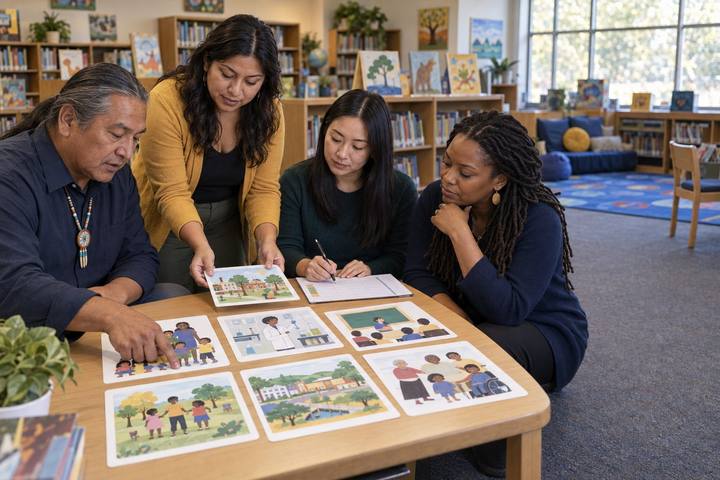
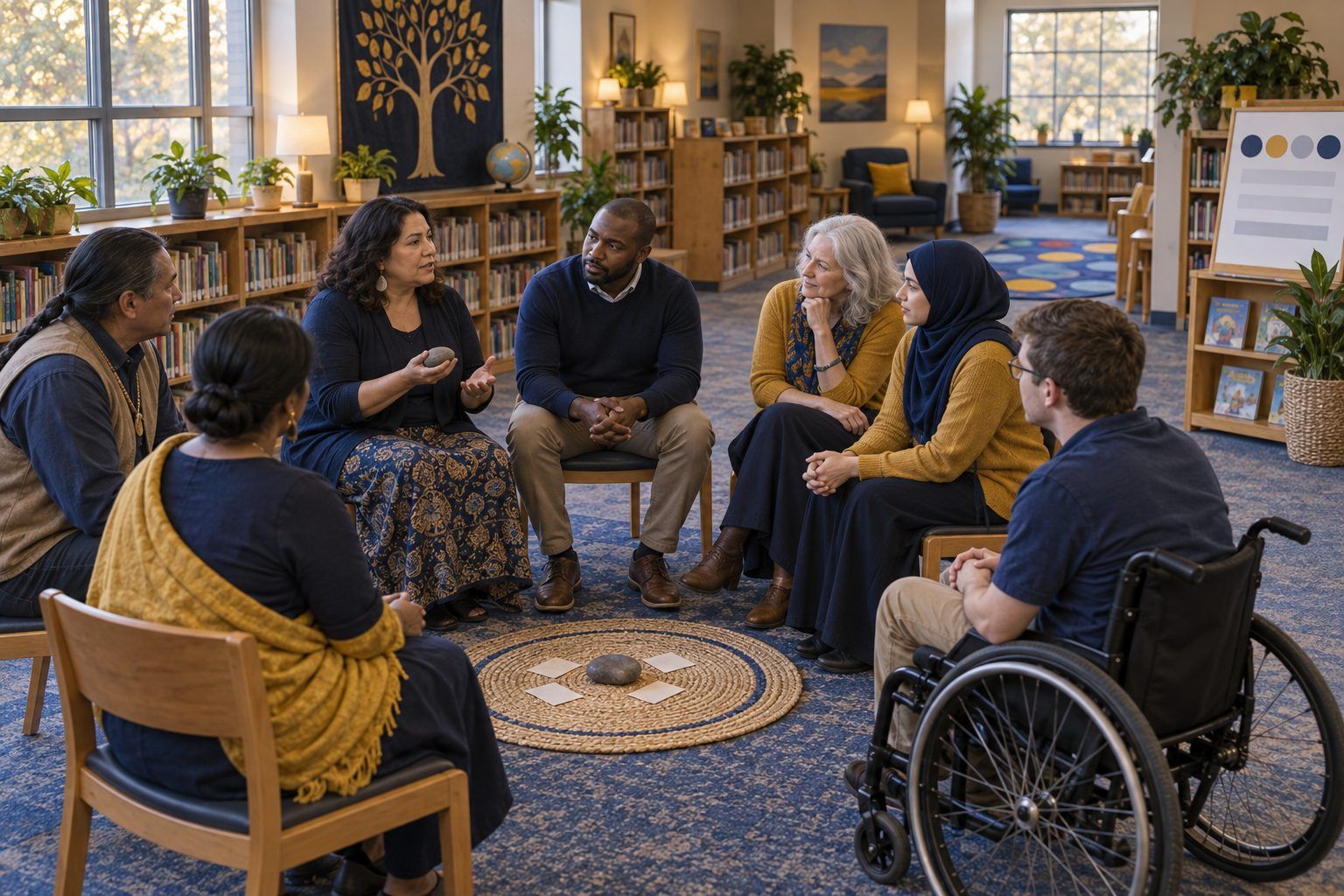
Teachers sit in a community circle, listening as one colleague holds a talking stone.

All activities Professional learning

Circles, Not Screens: Relationships in a Digital Classroom

Teachers sit in a real community circle about group chats, AI companions, and sleep, then plan their own circle, co-create agreements, and rehearse what to say when a student tells them something online went wrong.

Print handouts

Overview

Students' social lives now run through group chats, games, shared photos, and, for some, AI companion chatbots, yet those lives rarely come into the classroom until something goes wrong. A community circle is a simple, device-free structure that makes space to talk about online life before it becomes a crisis. In this session, teachers first sit in a circle as students, then choose and adapt grade-level prompts, turn the circle's needs into agreements, and rehearse the first two minutes after a student discloses a problem online. They leave with a planned first circle and a short note that invites families into the conversation.

Objectives

  • Participants will experience and name the parts of a community circle (opening, check-in, core rounds, closing) and the keeper's moves that make it feel safe.
  • Participants will select and adapt circle prompts about online life for their grade band so every student can participate, including students who pass, are new to English, or have little device access at home.
  • Participants will rehearse a supportive, policy-aligned response to a student's disclosure that something online went wrong.
  • Participants will plan a first circle and draft a family note that invites households to share their own technology agreements.

Materials

On paper

  • Handout A: Circle Prompt Cards (1 set per table, cut apart; print the facilitator notes on a separate sheet)
  • Handout B: When a Student Tells You (1 per person)
  • Handout C: My First Circle Planner (1 per person)
  • A talking piece (a soft ball, a smooth stone, or any object that is easy to pass)
  • Chart paper titled "What we need from each other"; markers
  • Your campus's reporting procedure for student safety concerns and your counselor's name and contact (bring it or look it up before the session)

On screen

  • None required. Optional: a shared document or slide where each person posts their finished planner and family note after the session

Before you start

  1. Arrange chairs in a circle with no tables in the middle. If you have more than 16 people, set up several circles and ask a volunteer in each to be the keeper after you model it once.
  2. Print and cut Handout A; sort the cards by grade band so tables can grab the set that matches them.
  3. Find your district's or campus's procedure for reporting student safety concerns and the counselor contacts. Participants will write these into Handout C, so the rehearsal ends with a real next step.
  4. Read the four scenarios on Handout B and decide which one you'll model. Scenario 3 (the shared photo) is the one participants find hardest; save it for the triads.

Step by step

  1. 10–5 min

    Hook

    Open the circle

    Welcome people into the circle without explanation. Hold up the talking piece: "Only the person holding this talks. Everyone else listens. You can always pass." Go first and model a short, honest answer to: "Name one place, online or off, where you feel most like yourself." Pass the piece to your left and let it go all the way around.

    Facilitator noteGoing first, briefly and a little vulnerably, is the keeper's most important move. It sets the length and the tone. Don't comment on answers; a nod is enough.

  2. 25–17 min

    Explore

    Sit in a circle as students

    Run a short circle exactly as you would with middle schoolers. Check-in: "If your week so far were weather, what would it be?" Core round: "What's one thing group chats do well, and one thing they do badly? Don't use anyone's name." Second core round: "Some people talk to AI chatbots when they're bored, stressed, or lonely. Why might someone do that? What can a chatbot not give you that a person can?" Closing: "One word for how you're leaving." Then step out of role and ask: "What did I do as the keeper that made that feel safe, or not?" Chart the moves: going first, allowing pass, third-person framing, no fixing, no follow-up questions in the circle.

    Facilitator noteLook for: participants noticing that the "don't use anyone's name" and "why might someone" framing let people talk about real experiences without exposing anyone. That framing is what makes online-life topics safe for a whole class.

  3. 317–27 min

    Practice

    Choose and adapt prompts for your grade

    Tables take the Handout A set for their grade band. Each person chooses three prompts they'd use in the first month and adapts one so every student can join: simpler language or a visual choice for younger students, a sentence frame or home-language option for emergent bilinguals, a version that doesn't assume a phone or internet at home, a gesture or card to hold up for students who don't want to speak. Share one adaptation with a neighbor and explain who it welcomes in.

    Facilitator noteCommon misconception: that circle prompts must be about feelings to count. Prompts about games, shows, and group chats build the relationship that makes the feelings conversation possible later.

  4. 427–35 min

    Create

    From needs to agreements

    Pass the talking piece once more with: "What do you need from this group to talk honestly about online life?" Scribe answers on the "What we need from each other" chart. As a group, turn the needs into four or five agreements in student-friendly language, for example "What's said in circle stays in circle, unless someone might get hurt" and "We talk about what happened, not who did it." Point out that the first agreement includes the limit of confidentiality. Students need to hear it before anyone discloses anything.

    Facilitator noteIf your class already has digital-space norms, link them: circle agreements are about how we talk here; digital norms are about how we treat each other there. Students should notice they're the same values.

  5. 535–50 min

    Practice

    Rehearse: when a student tells you

    Read the response moves on Handout B aloud, then model Scenario 1 with a volunteer playing the student. Triads rotate roles (student, teacher, observer) through Scenarios 2–4, three minutes per round plus one minute of observer feedback. The observer listens for the moves: thank them, listen without interrogating, don't promise secrecy, don't ask to see or receive images, say what happens next, and follow the campus procedure. After the rounds, each person writes their campus contact and procedure into Handout C.

    Facilitator noteThe hardest move for caring adults is not fixing it on the spot, especially not by confronting other students or asking to see the evidence. Your role is to keep the student safe, report through the right channel, and keep the relationship intact.
  6. 650–60 min

    Transfer

    Plan your first circle and a family bridge

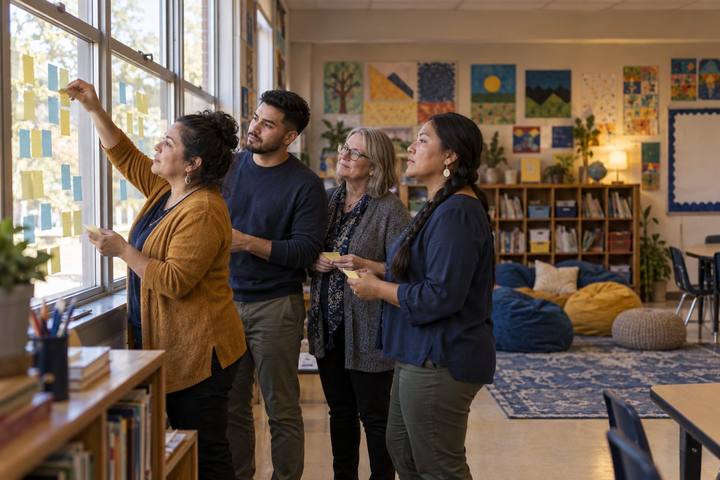
    Using Handout C, each person plans a 15-minute first circle: when it happens, the opening, the check-in, one adapted core prompt, the agreements, and the closing. Then they draft a three-sentence family note that tells families what the class will talk about, invites them to share one technology agreement from their own home, and offers a non-digital way to respond (a paper slip, a phone call, a conversation at pickup). Close the whole session with one last round: "One thing you'll try in your first circle."

    Facilitator noteFamilies are partners here, not an audience. A note that asks what their household agreements are respects different family rules and gives you insight into students' lives outside school.

Paper or screen

Unplugged

This session is fully unplugged by design: chairs, a talking piece, cards, chart paper, and printed planners. The subject is students' digital lives, but the practice is face-to-face, which is exactly the point. Family notes can go home on paper, with a tear-off reply slip.

Digital

For a virtual session, use gallery view and a posted speaking order in place of the talking piece, and let people type "pass" in the chat. Use breakout rooms of three for the rehearsal and post Handout B on screen. Afterward, participants can post their planners and family notes to a shared folder so colleagues can borrow prompts. Keep student circles themselves in person and device-free; never record a student circle.

Does it need a screen? This one is better unplugged. The point is to give students a place where their online lives can be talked about without a screen between people, and recording or typing would make disclosure less safe.

Evidence of learning

What you should be able to see or collect if it worked.

  • Participants can name at least three keeper moves (going first, allowing pass, third-person framing, not fixing in the circle) and explain what each one protects.
  • Each adapted prompt on Handout C names which students it welcomes in and how (language, access, mode of response).
  • In the rehearsal, observers hear the teacher avoid promising secrecy, avoid asking to see images, and name a real next step with a real contact.
  • Family notes invite a two-way response and include at least one non-digital way to reply.

Adaptations

K–2
Keep circles to 10 minutes, use picture cards for the check-in (sun, cloud, rain, rainbow), and keep online-life prompts about screens they enjoy and how they know when to stop. Teach "tell a grown-up" as the circle's safety agreement.
9–12
Invite students to co-keep the circle after the first few weeks, and add prompts about sleep, pressure to always be reachable, and what they wish adults understood. Students may prefer to write a prompt anonymously on a card before it's used.
Emergent bilinguals
Offer sentence frames ("I feel ___ because ___"), accept answers in any language with a partner restating if the student wants, and make pass a fully respected choice.
Librarians
Run circles with classes that visit the library around book characters' online lives, then connect to digital citizenship lessons. Share your prompt set with the counselor so the language matches campus supports.

Standards connections

Teachers run and plan community circles about students' online lives and rehearse a safe response to disclosure, preparing to teach healthy online relationships and safety.

TEKS
social interactions (c)(8)privacy, safety, and security (c)(10)TEKS sections: Technology Applications §126.5–§126.7, §126.8–§126.10, §126.17–§126.19, high school Technology Applications courses (19 TAC Chapter 126)

See how all activities align

Reflect

  • What strategies am I using to build positive relationships with my students, including around their lives online? (Teacher ELE 4.0)
  • Which students in my class are least likely to tell an adult when something online goes wrong, and what would make them more likely to?
  • How am I creating an environment where students with different home rules about technology all feel respected? (Teacher ELE 3.0)

Take it to your students

Run your first circle within two weeks and send the family note home the same week. Bring back one thing that surprised you about students' online lives (no names) and one prompt you'd change.

Pairs well with