Student learningfor Grades 6–8, Grades 9–12
Bias in the Machine
Students read six mock AI outputs through different perspectives, find who is stereotyped or missing, and rewrite the prompts to fix it.
All activities Professional learning
Teachers audit eight mock AI-generated images and texts for who shows up, who doesn't, and who gets flattened, then fix one with human judgment and Universal Design for Learning (UDL).
Teachers increasingly use AI to generate classroom images, word problems, stories, and translations. Those outputs can quietly repeat whatever was most common in the data a model learned from: one kind of family, one kind of scientist, one version of a town's history. In this session, teams audit eight mock AI outputs for representation, name the likely cause of each pattern, and decide whether a better prompt or a human fix is needed. Then they revise one output so every student could see themselves in it and access it, using UDL and basic accessibility checks.
Hook
Ask everyone to close their eyes: "Picture a scientist at work. Where are they? What are they wearing? What are they doing?" Eyes open; three people describe their picture. Then say: "Our minds fill in defaults from everything we've seen. AI tools do something similar with everything they were trained on. The question for teachers is what those defaults teach our students about who belongs." Share your own example of a material that missed your students.
Facilitator noteKeep the tone curious, not accusatory. Everyone has defaults; the skill is noticing them.
Explore
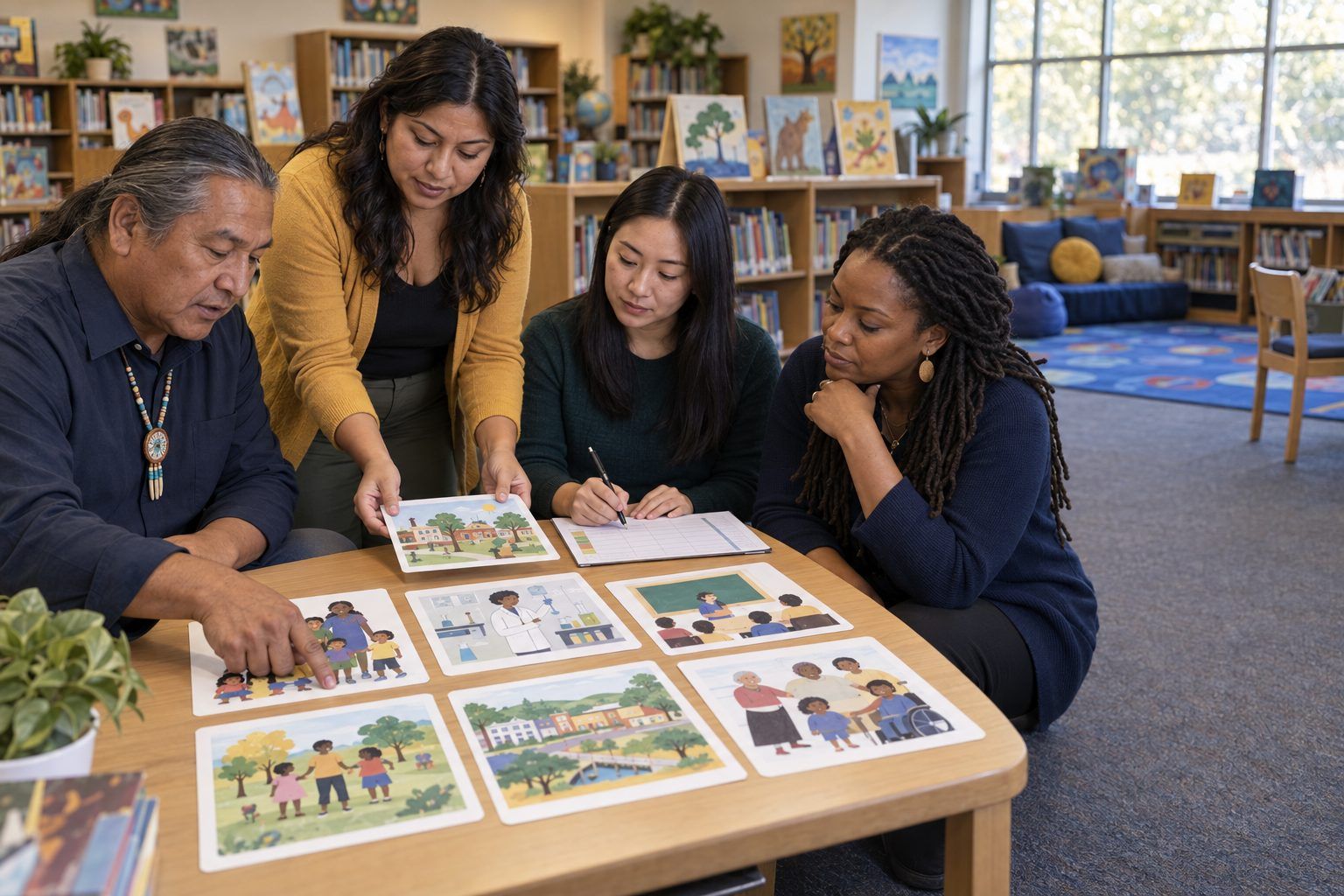
Teams take the eight cards and complete Handout B for at least six: who or what shows up, who is missing or stereotyped, why the pattern might exist, and whether the fix is a better prompt, a human fix (knowledge, community voices, review by someone fluent), or both. Each team marks the one card they think would do the most harm in their own classroom if used as-is.
Facilitator noteCard 7 is also a hallucination: the AI invented a founder for a fictional town. Watch for teams that catch representation but miss accuracy, or the reverse. Both matter.
Model
Explain in plain terms: "A model generates what is likely based on patterns in its training data. If some people, places, or family types appear less often in that data, or mostly in stereotyped ways, outputs can reflect that." Then model a fix on Card 1 out loud. First try a better prompt ("scientists of different ages, genders, and backgrounds, working in the field and in labs, including a scientist who uses a wheelchair"). Then critique your own fix: "Better, but notice I'm still choosing who counts. Prompting for 'diversity' can produce token or stereotyped images too. The strongest fix may be real photos of real scientists from our community, or letting students draw scientists they know."
Facilitator noteStay general and accurate about causes: training data, defaults, and design choices. Avoid claims about how any specific product was built.
Create
Each team picks the card they marked as most harmful and revises the material on chart paper (or in a document) so it could go to their students tomorrow. They must use Handout C: at least one engagement choice (relevance, student choice), one representation choice (more than one way to take in the content, such as text, image, audio, or objects), one action and expression choice (more than one way to show learning), plus the accessibility items (alt text, readable layout, meaning not carried by color alone). Teams note which fixes used AI and which needed a human.
Facilitator noteUDL's three principles (engagement, representation, action and expression) come from CAST. Push teams past "add pictures" to real options students can choose.
Debrief
Teams post their revisions and do a quick 3-minute walk. Then discuss: "Which fixes could a prompt handle? Which needed a person, such as a family member, a colleague fluent in a language, or students themselves? What would you tell students about AI images and stories so they can notice missing voices on their own?"
Facilitator noteListen for teachers moving from "AI is biased, don't use it" to "AI outputs need a human review for representation, just like any textbook."
Transfer
Each person plans how students will audit an AI output in their class. Suggested frame: students examine one AI-generated image or text and answer "Who is here? Who is missing? How could we find out what's true?" Then they add a missing perspective from their own knowledge, family, or community. Partners share plans and complete this sentence for each other: "The evidence that students noticed missing voices will be…"
Facilitator noteThis builds a welcoming classroom (Teacher ELE 3.1) when students' own experiences become the correction.
Run the full session with the printed cards; each card describes the AI output in text, including images. Revisions happen on chart paper with sketches and written UDL options. The unplugged version is often better for the Create step, because teams focus on the design of the material rather than on formatting.
The facilitator runs two or three card prompts live in a district-approved tool and compares the real results with the mock cards: what matches, what differs, and how the output changes when the prompt is rerun. Teams revise their chosen material in a document, adding real alt text, headings, and an audio or bilingual option. In a virtual session, share the cards as slides and use breakout rooms with Handout B as a shared table.
Does it need a screen? Seeing a live tool produce its own defaults, and change when re-prompted, lets teachers test the claim rather than take it on faith, and shows that outputs vary from run to run. Revising in a document also lets them practice accessibility features (alt text, headings) that paper can only describe.
What you should be able to see or collect if it worked.
Teachers audit AI-generated materials for who is missing or stereotyped, preparing students to question an output's frame of reference and add missing perspectives.
Before using any AI-generated image, story, word problem, or translation next week, run it through Handout C. Then teach the student-audit routine once and keep three samples of students' "Who is missing?" responses as evidence.