Activity Bank
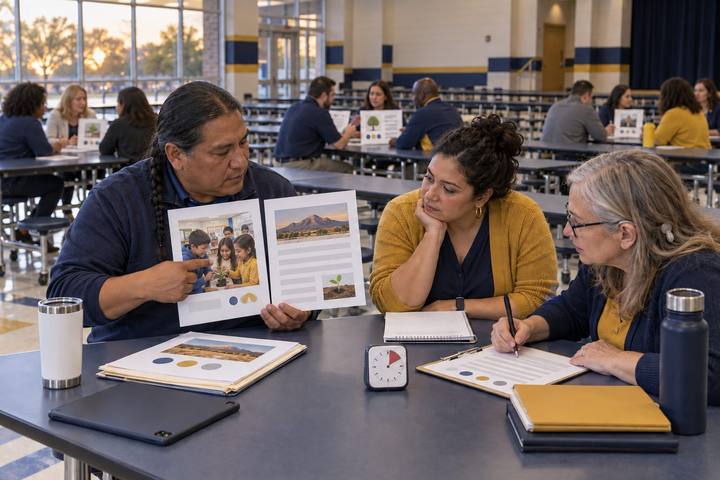
A teacher team decides whether to adopt a new AI feature by studying printed student work with their coach.

All activities Professional learning

Tool Tryout Lab

Instead of a demo and a vote, teacher teams test an emerging AI feature inside a GRITS lesson-study loop, watch students rather than the tool, and decide from student evidence.

Print handouts

Overview

Teachers ask "Can we use this?" about a new AI feature almost weekly. The usual answer is a demo and a show of hands. This lab replaces the vote with a structured tryout built on the GRITS lesson study model: the team sets a learning goal from student data, picks the research-based strategy the tool must serve, tries the fictional MarginMate annotation tool's new AI Hints feature as learners, plans a classroom tryout where colleagues observe students instead of the teacher, and then analyzes returned student work from two teams to reach a decision with a rubric. The possible decisions are adopt, adjust and retry, or drop, and adjust is the most common honest answer.

Objectives

  • Participants will state a learning goal and the research-based strategy a tool must serve before evaluating the tool itself.
  • Participants will plan a classroom tryout in which observers record student engagement, reasoning, and misconceptions rather than teacher performance.
  • Participants will analyze returned student work with sentence stems and score an emerging tool on a decision rubric that includes accuracy, privacy, and access.
  • Participants will facilitate or take part in a structured decision protocol that ends in adopt, adjust and retry, or drop, with reasons tied to evidence.

Materials

On paper

  • Handout A: MarginMate Tryout Packet, tool profile, printed stand-in, and returned evidence (1 per person)
  • Handout B: Tryout Decision Rubric (1 per team)
  • Handout C: GRITS Tryout Plan (1 per team)
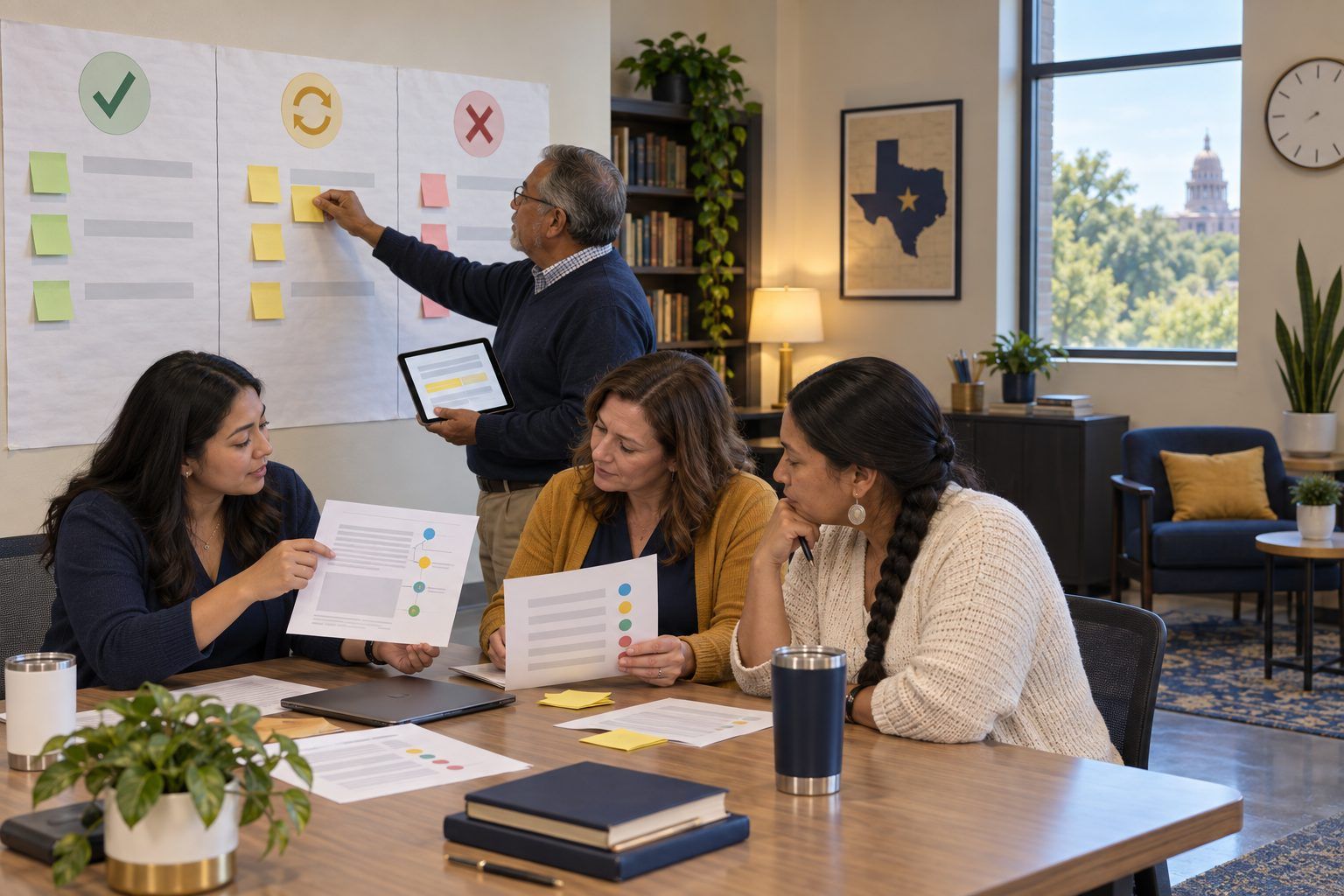
  • Chart paper with three columns: Adopt · Adjust and retry · Drop

On screen

  • Optional: one device per team with an annotation tool your district already approves, to try an AI hint feature on a public-domain text
  • Optional: a shared folder where teams post de-identified student work after a real tryout

Before you start

  1. Read Handout A, especially the returned evidence, and score it yourself on Handout B so you can coach toward evidence rather than opinion.
  2. If you use a real tool in the Explore step, confirm it is district-approved and use a public-domain text. No student accounts and no student work goes into it during PD.
  3. Decide who facilitates the decision protocol in the Apply step. Ideally a coach practices facilitating while you observe.

Step by step

  1. 10–5 min

    Hook

    "Can we use this?"

    Project the fictional email from Handout A: a teacher asking whether the department can turn on MarginMate's new AI Hints feature for the argument unit. Ask: "Hands up: yes, no, or not sure." Record the split. Then say: "We just voted on a tool none of us has seen with students. Today we find out what the vote should have been based on."

    Facilitator noteEarly votes are usually split by enthusiasm, not evidence. Keep the tally visible and return to it at the end.

  2. 25–17 min

    Explore

    G and R: goal first, then strategy

    Teams read the tool profile on Handout A and fill in the G and R rows of Handout C. G, Goal setting: what learning gap does the student data show? (The packet gives one: students highlight but do not identify an author's claim or evidence.) R, Research: which proven strategy should the tool serve? Offer choices: explicit modeling and think-alouds, worked examples before independent practice, sentence-level writing, or claim-and-evidence argumentation. Only then do teams try the feature as learners: annotate the printed stand-in text in Handout A without hints, then read the printed AI Hints and note what each hint did to their thinking.

    Facilitator noteAsk one question at every table: "Did the hint help you think, or did it do the thinking?" The printed hints include one that misstates the author's purpose. See who catches it.

  3. 317–25 min

    Model

    What observers watch

    Model the I phase of GRITS. Explain that in the classroom tryout one teacher teaches while colleagues observe students: what they annotate before and after a hint, whether they reword the hint or copy it, whether anyone questions a hint, and who cannot reach the hint at all. Think aloud as an observer reading a student's screen: "She highlighted the claim first, then opened the hint, then changed her label from 'evidence' to 'claim.' That's a change I can see. I'll note it with a time."

    Facilitator noteName the stance: this is not an observation of the teacher. It is a look at whether the tool changes student reasoning.

  4. 425–40 min

    Create

    I: plan the tryout

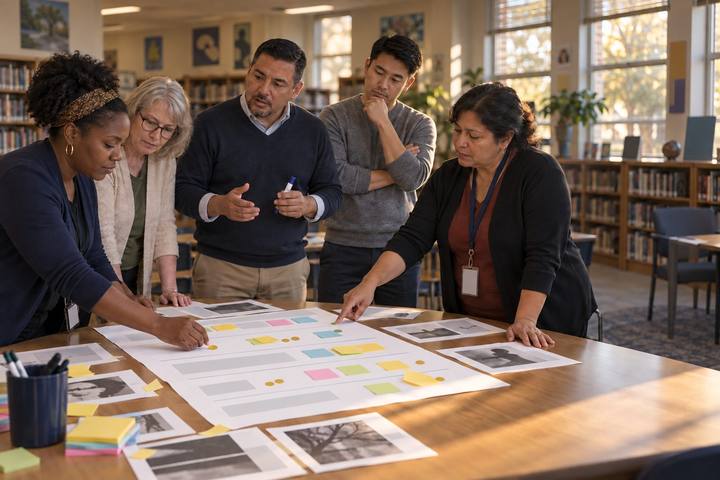
    Teams complete the I row of Handout C: which class, which lesson, the comparison (for example, hints available only after a student's first own annotation, or one section with hints and one without), what observers will record, the privacy check (district contract, data use, student accounts), the access check (screen readers, English learners, students without home devices), and the date the team brings evidence back. Remind teams that the tryout lasts one or two lessons, not a semester.

    Facilitator noteIf a team cannot answer the privacy question from the profile, that is itself a finding. The tryout waits until someone confirms the district's data terms.
  5. 540–65 min

    Apply

    T: two weeks later, decide from the evidence

    Say: "Two teams ran this tryout. Here is what they brought back." Teams read the returned evidence from Team Cypress (Grade 8 ELA) and Team Pecan (Grade 11 U.S. history) on Handout A, using these stems: "I notice students…" · "This work shows a misconception about…" · "The hint helped when… and got in the way when…" Then they score the tool on Handout B. A coach facilitates the decision protocol: (1) clarifying questions only, 3 minutes; (2) evidence round, each person names one piece of student work and what it shows, 6 minutes; (3) concerns round, including privacy and access, 4 minutes; (4) the team places a sticky on Adopt, Adjust and retry, or Drop and states the condition that would change its decision.

    Facilitator noteMost teams land on Adjust and retry: hints only after a first attempt, the district data opt-out confirmed, and the screen-reader problem fixed before a second tryout. That is a strong outcome, not a failure to decide.

  6. 665–80 min

    Debrief

    S: strengthen and share

    Complete the S row of Handout C: what changes in the lesson before it is retaught, how the team will document the tryout for the PLC, and what it will tell the teacher who sent the email. Then return to the Hook vote. Ask: "What would you vote now, and what evidence moved you?" Close with the coaching question: "What changed in teacher practice or student evidence?"

    Facilitator notePoint out that the team's reply to the email now includes conditions and evidence. That reply is a reusable model for the next "Can we use this?" message.

  7. 780–90 min

    Transfer

    Your next tryout

    Each coach names the next tool or feature teachers have asked about, and drafts the G and R rows of a fresh Handout C for it. Teachers name the lesson where they would host an observed tryout.

    Facilitator noteKeep the list of pending tool requests visible in your coaching space. Running one tryout a month is sustainable; evaluating every request is not.

Paper or screen

Unplugged

The packet includes a printed stand-in: a short text, the AI Hints the feature would show, and the returned student work from two teams. Participants annotate by hand, read the hints on paper, and make the decision from printed evidence. In a school with no devices for PD, this is the entire lab, and the classroom tryout happens later where the tool is used.

Digital

If your district already approves an annotation tool with an AI hint feature, teams can try it on a public-domain text during the Explore step, with the facilitator's account projected rather than personal accounts. After a real classroom tryout, teams post de-identified student work in a shared folder and score the rubric in a shared document so the decision and its evidence stay together for the PLC.

Does it need a screen? Trying the feature live shows how the hint appears, how fast it arrives, and whether it can be ignored, which paper cannot fully show. The decision itself should rest on student work from a classroom tryout, which is why the printed evidence carries the most weight.

Evidence of learning

What you should be able to see or collect if it worked.

  • Handout C's G and R rows are complete before anyone scores the tool, and the strategy named is a research-based practice, not "use the tool."
  • Observation plans record student actions (annotations changed, hints questioned or copied, access barriers) rather than teacher performance.
  • Rubric scores cite specific student work from Team Cypress or Team Pecan, including the hint error students caught.
  • The team's decision includes at least one condition, such as privacy terms, accessibility, or hint timing, that would change it.

Adaptations

Elementary teams
Swap the tool for a read-aloud feature with AI comprehension questions, teacher-driven on a projector. Observers watch whether students answer from the text or from the AI question's wording.
Librarians
Run the lab on a database's new AI summary feature. The R row becomes source evaluation: does the summary help students decide whether an article is worth reading?
Leaders
Sit in as observers of the decision protocol and add one row to Handout B: what the district would need to support the Adjust conditions (contract changes, accessibility fixes, training time).

Standards connections

Teacher teams test an emerging AI feature in a lesson study cycle and decide from student evidence using a rubric.

UDL 3.0
4.28.36.4

See how all activities align

Reflect

  • In what ways am I helping teachers meaningfully integrate technology into their teaching? (Coach ELE guiding question)
  • What evidence would I need before recommending that a department turn on a new AI feature for every student?
  • When did the decision protocol surface a concern that a quick vote would have buried?

Take it to your students

Pick the next tool request on your list and run the G and R conversation with the requesting teacher this week. Schedule one observed tryout lesson within a month, and bring the student work and the team's decision to your PLC.

Pairs well with