Student learningfor Grades 6–8, Grades 9–12
Primary Source vs. AI Summary
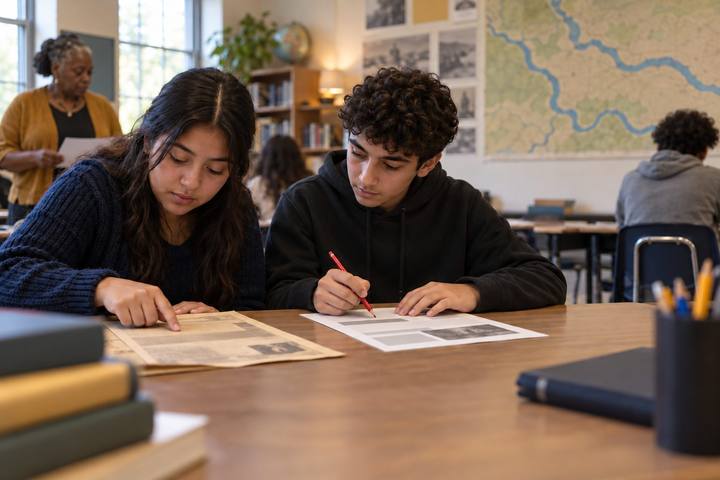
Students read a clearly fictional 1911 letter, then catch an AI summary that changes dates, invents a quote, turns a rumor into a fact, and erases the neighbors who helped.
All activities Student learning
Young detectives move, wiggle, or freeze to decide whether a picture or story is real, pretend on purpose, or changed to look real, and learn to ask a grown-up when they can't tell.
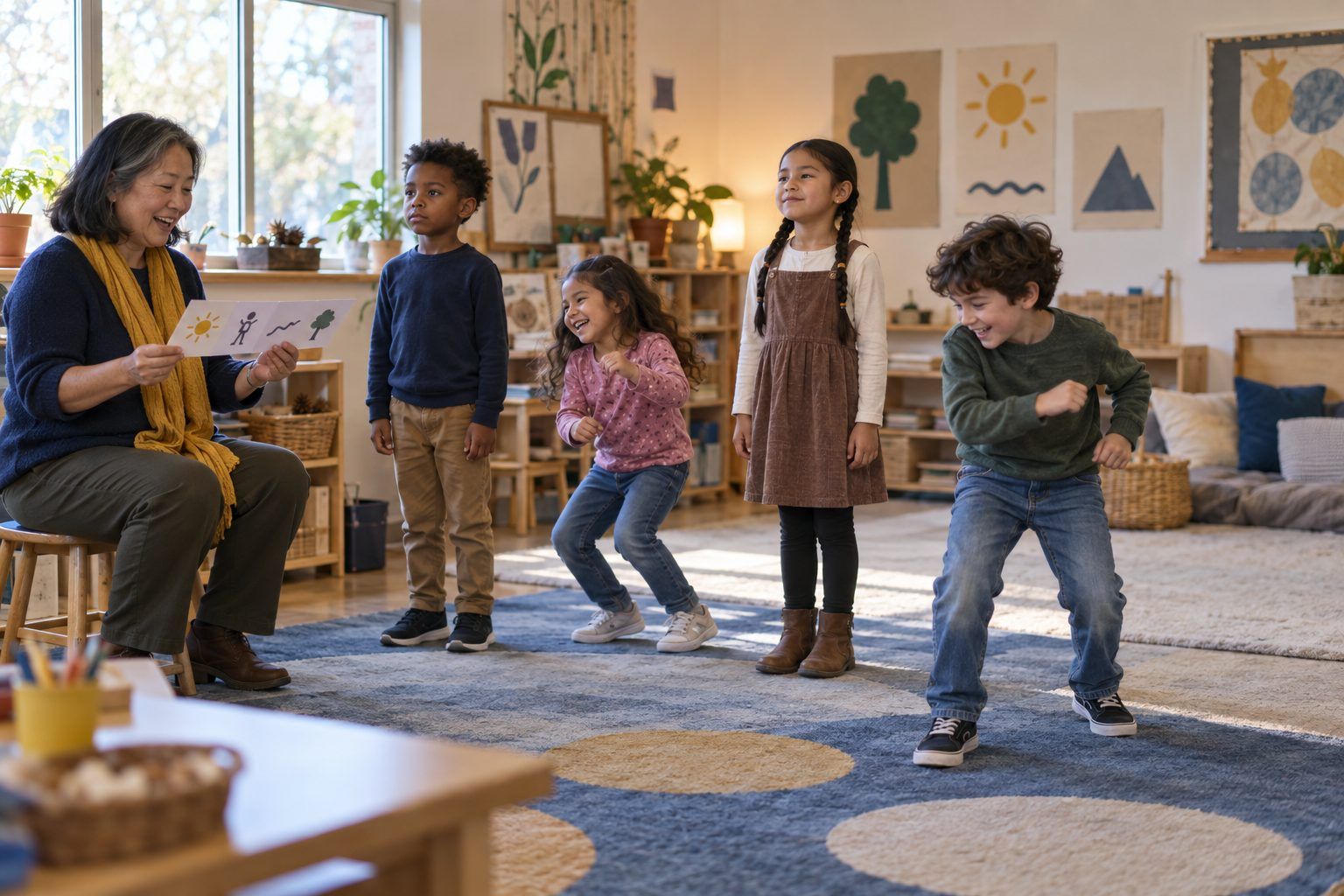
Pretend is wonderful. Stories, cartoons, and drawings are made up on purpose, and everyone knows it. The tricky kind is a picture that has been changed, or made by a computer, so it looks real. In this game, you describe pictures and stories aloud, and children stand tall for Real, wiggle for Pretend, or freeze like a statue for Changed. They practice three detective questions and learn the most important move of all: when you can't tell by looking, ask a grown-up and check.
Hook
Say with great excitement: "On my way to school I saw a dog as tall as a house!" Pause. Ask: "Do you believe me? Thumbs up or thumbs down." Then: "What if I showed you a picture of it? Would you believe it then?" Let children talk. Say: "Today you're detectives. Some things are real, some are pretend, and some are changed to trick our eyes."
Facilitator noteMany children will say a picture would prove it. Hold on to that; the lesson will show that pictures can be changed.
Model
Teach the poses: REAL means it really happened or really exists (stand tall). PRETEND means made up on purpose, like a story or a cartoon, and that's OK (wiggle). CHANGED means someone changed a real picture, or a computer made it, so it looks real but isn't (freeze like a statue). Then read the three detective questions on Handout B aloud: "Could this really happen? Who made it? Does something look strange?" Model one strip, thinking aloud with all three questions.
Facilitator noteThe key difference between pretend and changed: pretend doesn't try to fool you. Changed does, or at least it looks real when it isn't.
Practice
Read each strip aloud, slowly. Children show the pose. Pick one child: "What clue helped you?" Then tape the strip under the matching sign. Every third strip, have partners turn and tell each other their clue using the frame: "I think it's ___ because ___." For strips like the lion in the kitchen, ask: "If you really weren't sure, who could you ask?"
Facilitator noteExpect disagreement on some strips. That's healthy. Ask both sides for their clue and remind them that detectives explain their thinking.
Explore
Hold up a child's drawing (with permission) or a simple drawing you made of a house. Say: "This is a real drawing of my house." Tape a paper cut-out of a giant cat on the roof. "Now it's changed. If I took a photo of it, would it look real?" Then explain simply: "Some computers use AI to make pictures. You type words, and the computer makes a picture that can look just like a real photo. So sometimes our eyes can't tell. That's why we ask a grown-up and check."
Facilitator noteAvoid telling children they can always spot fakes by looking for extra fingers or blurry spots. Those clues sometimes help, but computer-made pictures keep getting better. Checking with a trusted grown-up and a trusted source is the lasting habit.
Reflect
Children complete Handout C: draw something real, something pretend, and something that could be changed, then name a grown-up to ask. Pairs share one drawing with each other using the frame "This is ___ because ___." Invite two pairs to share with the class.
Facilitator noteListen for reasons, not just labels. "It's changed because fish can't skateboard and it looks like a photo" is strong evidence.
The entire lesson works with the printed strips, your voice, and the paper cut-out demonstration. The paper "change a picture" move in the Explore step shows children how editing works without a screen.
In the Explore step, project a real photo you took of your classroom and let children name what they recognize. Then, as the class watches, type into a district-approved AI image generator: "A realistic photo of a dog as tall as a house, standing next to a car." Show the result beside your real photo and ask: "Which one is real? How can we tell? Could we tell if we didn't know?" Children never use the image tool themselves; you drive it on the projector.
Does it need a screen? The sort and poses work best unplugged. The projected demo earns its few minutes: seeing a computer make a realistic picture from words, right beside a real classroom photo, shows children why "it has a picture" is not proof, which a description alone cannot do.
What you should be able to see or collect if it worked.
Children tell real, pretend-on-purpose, and changed or computer-made pictures apart and give a clue, early media literacy about genre and trustworthiness.
Invite families to play "Real, Pretend, or Changed?" with pictures they see together in books, on cereal boxes, or on a screen, asking the three detective questions. Next lesson, Ask Two adds the habit of checking what a computer tells us with a second source.