Student learningfor Grades 3–5
Digital Footprint Trail
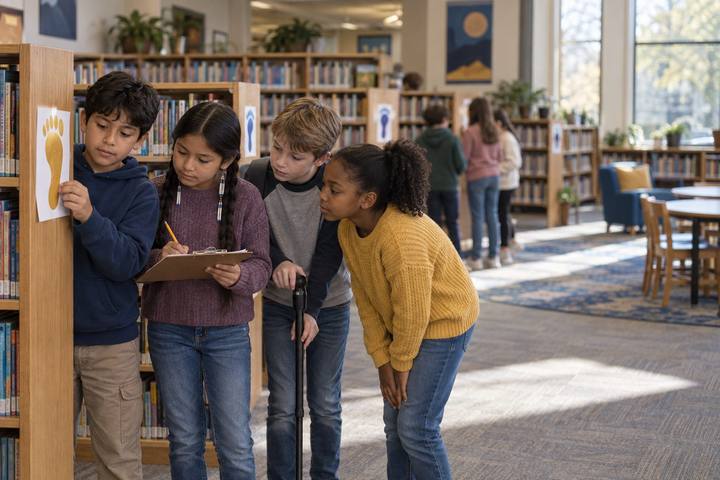
Teams follow a trail of paper footprints left online by a fictional fourth grader, piece together what a stranger could learn about him, and plan the footprints they want to leave.
All activities Student learning
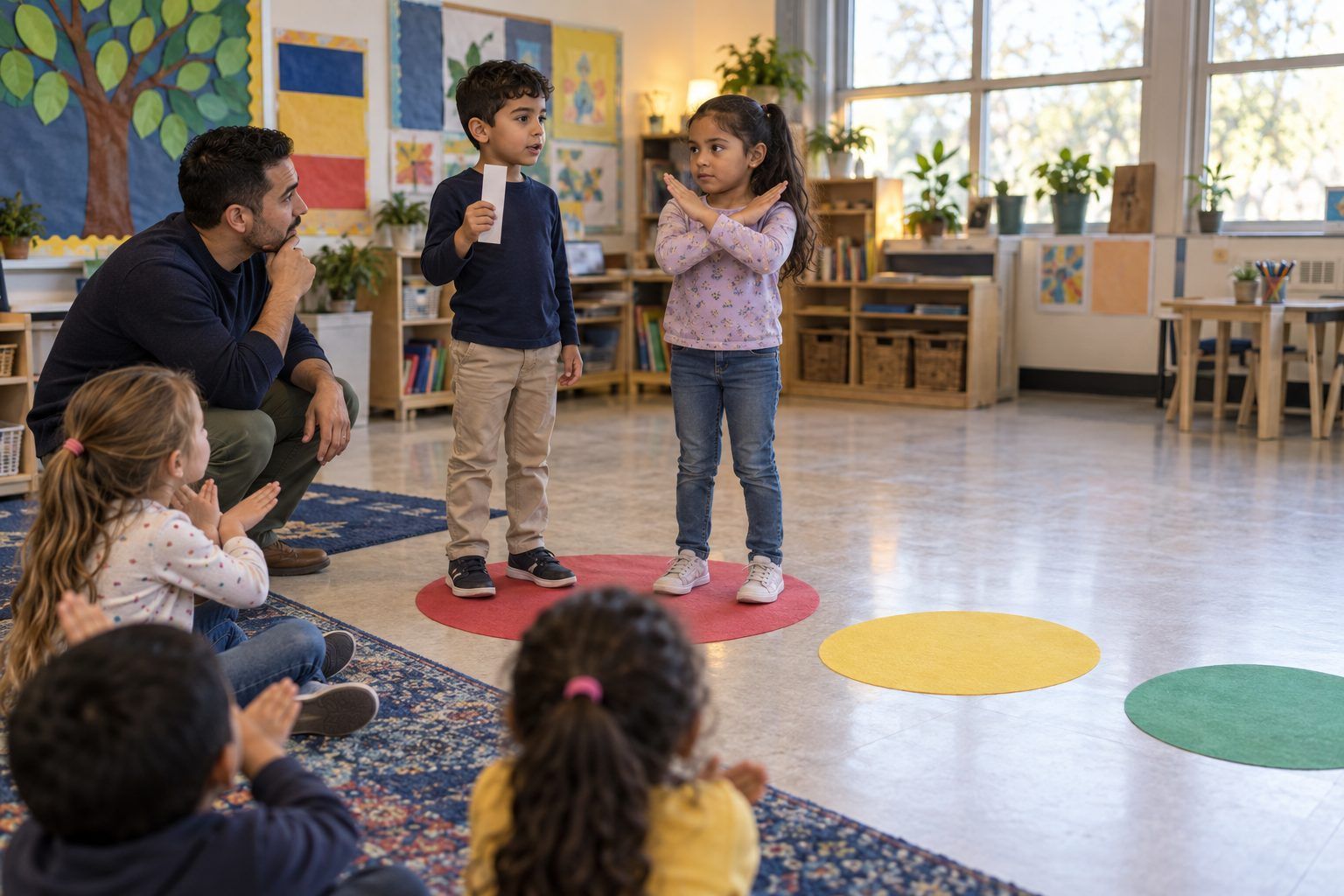
Children walk to a red, yellow, or green "traffic light" to sort personal information, then practice what to say when a game or talking computer asks for it.
Young children are asked for information all the time: by games, by video apps, by talking speakers, and sometimes by friendly-sounding chatbots. In this lesson the classroom becomes a traffic light. Children carry information strips to Red (keep it private), Yellow (ask a grown-up first), or Green (OK to share), explain their choice, and then role-play what to do when "Chatty," a pretend game robot, asks for their address. They leave with a shield of private things and one sentence they can say out loud.
Hook
Hold up the Treasure Box. Say: "Some things are like treasure. We keep them safe and only share them with people we trust." Open it and read the slip: "my password." Ask: "Would you tell your password to someone you just met online?" Children shake heads. "Today we find out which things go in the treasure box and which things are fine to share."
Facilitator noteKeep it calm and matter-of-fact. The goal is confident children, not scared ones.
Model
Walk to each circle and teach its meaning with a motion. RED: Keep it private (hands cross in an X). YELLOW: Ask a grown-up first (hand on ear like listening). GREEN: OK to share (thumbs up). Think aloud with two strips: "My favorite color. Could that hurt me if everyone knew? No. GREEN." Then: "My home address. That tells someone where I live. That goes in the treasure box. RED."
Facilitator noteUse the words "personal information" and "private" and define them: private means only you and your family or trusted grown-ups know it.
Practice
Hand out strips to pairs. Read each strip aloud as the pair holds it up. The pair walks to a circle and the class checks with the motion (X, hand to ear, or thumbs up). Ask the pair: "Why did you choose that color?" For yellow items, ask: "Which grown-up would you ask?" Tape each strip on the matching mat on the board as you go.
Facilitator note"My full name" and "a photo of my face" often spark debate between red and yellow. Either can be right if the child's reason is about safety; the key lists yellow because a grown-up helps decide.
Apply
Now you become Chatty, a pretend game robot, in a sing-song voice. Read the front of a Chatty card. The class answers together with the three-step response: "STOP. Don't type. Tell a grown-up!" (hand up, hands behind back, point to a trusted grown-up). For two or three cards, let a child play the child in the game and a partner play the trusted grown-up who says, "Thank you for telling me." Include the card where Chatty is a talking computer helper to show that even friendly AI helpers do not need private information.
Facilitator noteSome Chatty cards are harmless ("What's your favorite animal?"). Children must think, not just shout the script. That is the self-directed habit: pause and decide.
Reflect
Children complete Handout C: draw or write three private things inside the shield, draw their trusted grown-up, and finish the sentence "If a game asks for my address, I will…" Invite two children to share their shield and name their grown-up.
Facilitator noteCollect shields as evidence. A child who lists "password, address, phone" and names a real person has met the core objectives.
Everything runs on paper and movement: the traffic-light circles, the item strips, and teacher-voiced role-play. If you cannot move around the room, children hold up red, yellow, or green crayons instead of walking.
After the role-play, show a sign-up screen from a kid game or app on your own device (projected, children do not touch it). Point to each box it asks for and let the class call out the color. Optionally, project a district-approved AI chatbot and type as the class watches: "I'm a first grader. Do you need my home address to help me with a story?" Read the answer aloud and discuss: "Would you ever type your address here? No. Private stays private, even with a friendly helper." Children under 13 never type into AI tools themselves; you drive the demo.
Does it need a screen? Children learn the sort best with their bodies and voices, so this lesson is strongest unplugged. A projected, real sign-up screen adds one thing paper cannot: children see that the boxes asking for private information look ordinary and friendly, which is exactly when the habit matters.
What you should be able to see or collect if it worked.
Children sort information into keep private, ask a grown-up, or OK to share and rehearse refusing a chatbot's request, the K–2 personal-information expectation.
Send the shield home with a note inviting families to play "Traffic Light" at dinner (a grown-up names a piece of information and the child says red, yellow, or green) and to agree together on who the child's trusted grown-ups are online. Next lesson, Kind Clicks builds on the "tell a grown-up" habit.