Student learningfor Grades 6–8, Grades 9–12
Signal to Headline Lab
Students turn a true present-day tech trend into a plausible future headline and lede, then trade and fact-check each other's work for accuracy and clickbait.
All activities Student learning
Young learners hear friendly pretend news about helpers that might exist someday, draw or act out one helpful thing and one tricky thing, and vote on a class rule for the helper.
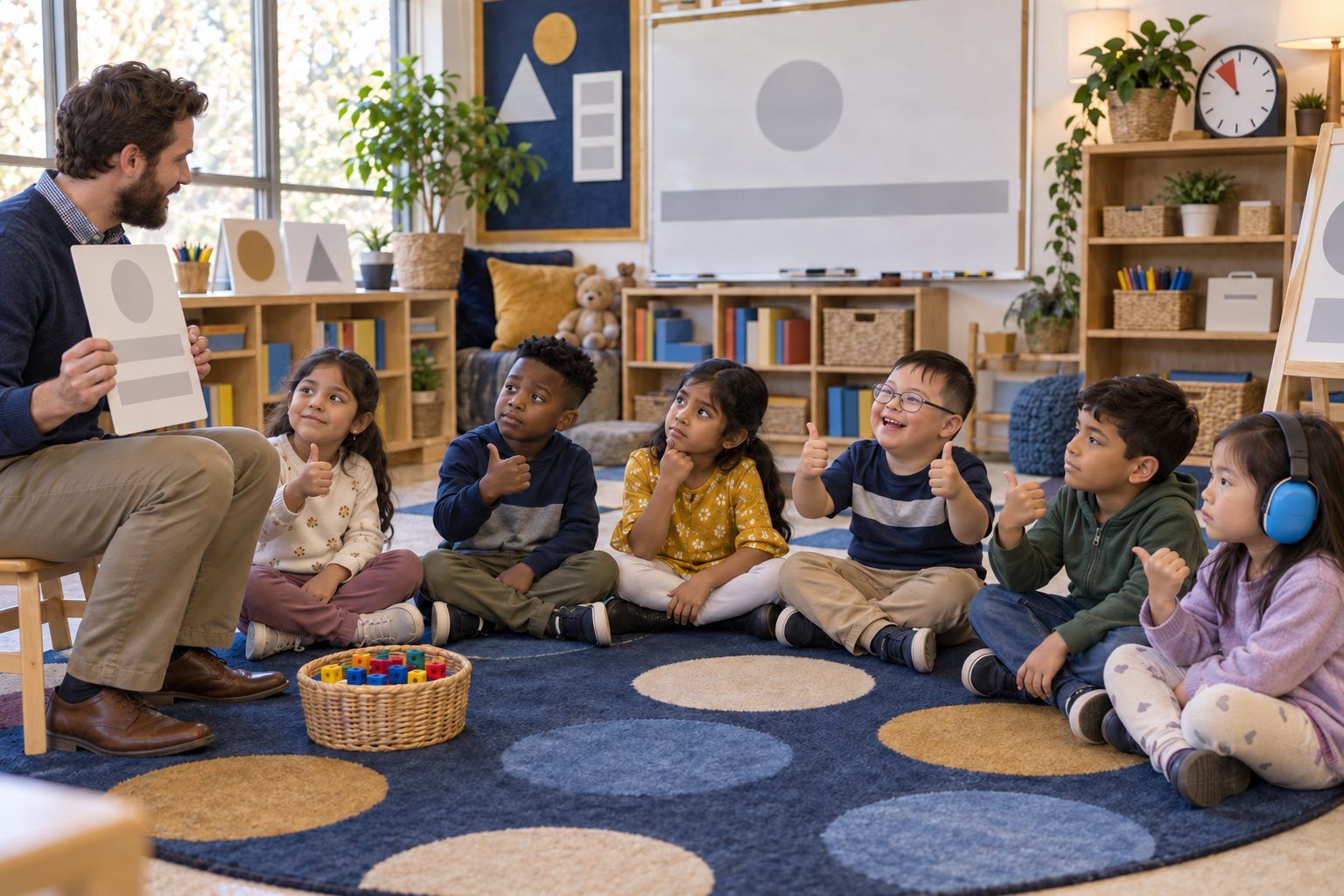
Children are already growing up with talking speakers, apps that answer questions, and toys that chat. In this circle, the teacher reads short, friendly pretend news stories from the future, like a robot helper at the library or a pen pal that is an AI. For each one, children find one helpful thing and one tricky thing, act it out or draw it, and then vote on a class rule for the helper. The big idea: new helpers can be great, and we still get to think, check, and make rules about them.
Hook
Hold up the folded paper. Say: "This is PRETEND news. Nobody knows if it will really happen. It's a made-up story about what MIGHT happen someday, when you're older." Ask: "What's something that helps you that wasn't around when your grown-ups were little?" Take two or three answers.
Facilitator noteKeep saying "pretend" and "might." It teaches that a news-looking thing can be made up, which is an early media literacy idea.
Explore
Read Card 1 in a newscaster voice: "The library has a new robot helper! It rolls down the rows and helps kids find books." Ask: "What's one HELPFUL thing?" Children show a thumbs-up and share. Then ask: "What's one TRICKY thing? What could go wrong, or who might it not help?" Children show a sideways thumb and share. Model one of each yourself: "Helpful: it finds dinosaur books fast. Tricky: what if it gives me the wrong book and I believe it?" Repeat with one or two more cards.
Facilitator noteTricky isn't the same as bad. Listen for the big three ideas: helpers can be wrong, helpers are not people, and helpers shouldn't get our private information.
Create
Partners choose one card. Act it out: one partner is the helper and one is the kid. Show a helpful moment, freeze when the teacher says "freeze," then show a tricky moment. Or draw it: on Handout B, draw one helpful thing in the first box and one tricky thing in the second. Let children choose their path; many will do both.
Facilitator noteWhen you call freeze, ask one frozen pair, "What's happening in your tricky part? What should the kid do?" The answer often becomes a rule choice.
Apply
Go back to one card (the one most children picked) and show the three rule choices on the chart paper, such as: "Ask a grown-up if the helper's answer seems wrong," "Never tell the helper where you live," "Say thank you, but remember it isn't a person." Read each one aloud with its picture. Children vote by placing a cube or dot, or by standing near the rule they choose. Count together and write the winning rule big. Ask two children to explain why they voted for it.
Facilitator noteIf the class invents a better rule during the circle, add it as a fourth choice. Children taking ownership of a rule is the goal.
Reflect
Three or four children hold up their drawings and tell the class their helpful and tricky thing. Close with: "New helpers can be great. We still get to think, check, and make the rules." Send Handout C home so families can make their own pretend headline together.
Facilitator notePost the winning rule by your classroom's real devices, like the listening center, tablets, or smart board, so it applies to today, not just the future.
This circle is designed to be unplugged. The cards, acting, drawing, and cube vote need no devices. The pretend newspaper prop and the teacher's newscaster voice do the work a screen would.
Show the cards large on a document camera. Optionally, the teacher can project a district-approved AI chatbot and ask it one of the card's questions, such as "Where are the dinosaur books?", or ask an approved image tool to draw the robot helper. Then ask the class, "Was it helpful? Was anything tricky or wrong?" Children never use their own accounts, and the teacher types everything. The class rule can be typed on a slide and posted on the class website for families.
Does it need a screen? This one is better unplugged. Young children's thinking shows best in their drawings, their frozen scenes, and their votes. A projected AI demo is worth the screen time only if you use it to catch the helper being wrong, or to notice that it isn't a person.
What you should be able to see or collect if it worked.
Children name helpful and tricky sides of pretend AI helpers, including that helpers can be wrong and shouldn't get private information.
Post the class rule next to the real classroom devices and refer back to it the next time students use a learning app. When Handout C comes back, read a few family headlines aloud and see whether families invented rules of their own.