Activity Bank
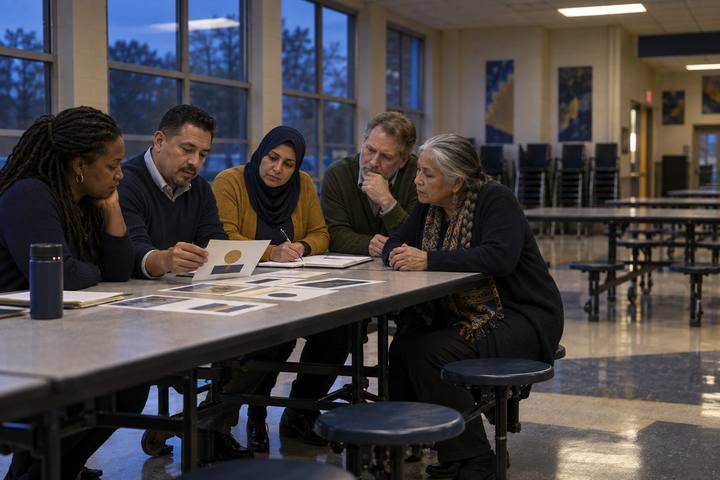
A campus team sorts printed photos into real and AI-made piles while planning a family night.

All activities Professional learning

Designing a Family AI & Digital Citizenship Night

Campus teams design a family event where parents and kids try things together, check what AI tells them, and go home with conversations to have, not just rules to follow.

Print handouts

Overview

Families are hearing about AI, deepfakes, and screen time from every direction, often in alarming headlines. A family night can replace fear with practice, if it's designed for participation rather than a slideshow in the cafeteria. In this session, campus teams first experience two sample stations as families would, then choose and adapt stations from a menu, plan for the families least likely to attend, line up community partners, and customize a printable take-home that works even for families who never come. The measure of success is what families do at home the following week.

Objectives

  • Participants will experience and critique two hands-on family stations on generative AI and media literacy.
  • Participants will design a family event plan that includes stations, partners, language access, and barriers to attendance.
  • Participants will explain a generative AI concept in plain language suitable for families with no technical background.
  • Participants will adapt a take-home resource and name how they'll gather evidence of what families did afterward.

Materials

On paper

  • Handout A: Station Menu Cards (1 set per team, cut apart)
  • Handout B: Family Night Planning Canvas (1 per team, enlarged if possible)
  • Handout C: Take-Home: Five Conversations About AI and Life Online (1 per person; this is the sample families would receive)
  • Materials for two sample stations: 10 printed photos (some real, some AI-generated, labeled on the back) and a printed chatbot answer for station 3

On screen

  • Facilitator device and projector for the chatbot demonstration station, using a generative AI chatbot your district approves
  • Optional: a translation tool your district approves for drafting the take-home in home languages, with review by a fluent human speaker

Before you start

  1. Set up two sample stations from Handout A before participants arrive: Station 1 (Real or Generated?) and Station 3 (Ask It, Then Check It).
  2. For Station 3, ask your approved chatbot a local question it's likely to get partly wrong, such as the history of your town or your school's mascot, and print the answer. Prepare the correct facts.
  3. Find out which community partners already serve your families: the public library, community centers, faith-based organizations, adult education programs, and local nonprofits.
  4. Bring your campus's family demographics, home languages, and past event attendance if available.

Step by step

  1. 10–8 min

    Hook

    What families are asking

    Ask each person to write on a sticky note one question a family has actually asked them about AI, phones, social media, or screen time. Post them on the wall and cluster them quickly. Say: "This is our real agenda. The event we design should help families answer these questions themselves."

    Facilitator noteTypical clusters: Is my child cheating with AI? Is this app safe? How much screen time is okay? How do I know what's real? Keep the wall up for the Create step.

  2. 28–23 min

    Explore

    Be the family

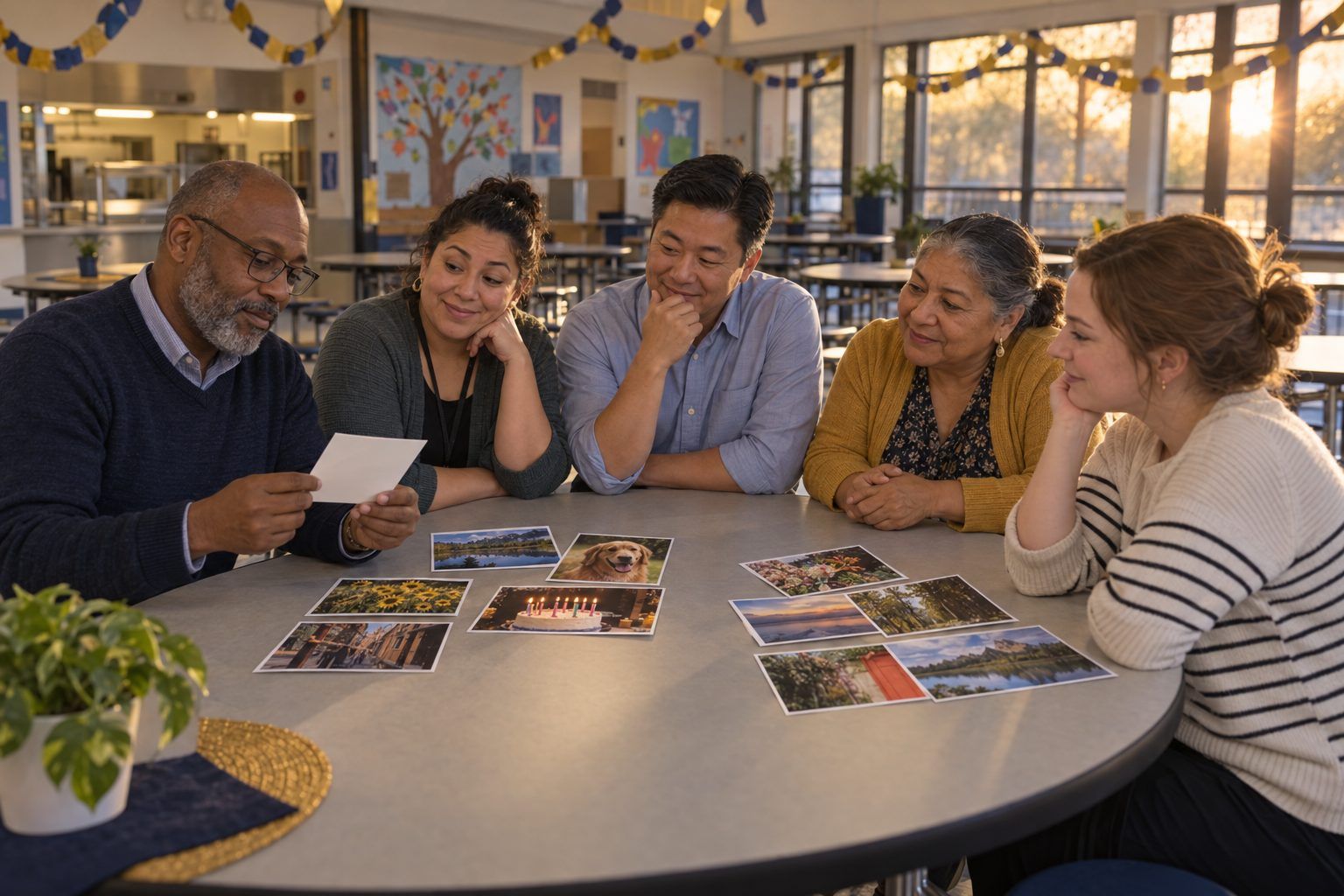
    Participants rotate through the two sample stations as families would. At Station 1, they sort ten printed photos into "real" or "AI-generated" and then check the answers on the back. At Station 3, they read the chatbot's answer to a local question, circle anything they'd want to check, and compare it to the facts you provide. Ask everyone to notice: "What did you learn by doing that you wouldn't have learned from a presentation?"

    Facilitator noteMost people miss several photos at Station 1. That's the lesson for families too: looking harder isn't enough; checking the source and context is the reliable move.

  3. 323–30 min

    Model

    Explain it to a family

    Model a 60-second, jargon-free explanation of how a chatbot works: "It has read an enormous amount of text and learned which words tend to follow which. When you ask a question, it predicts a likely-sounding answer, word by word. That's why it can sound confident and still be wrong, and why we check." Then pairs practice explaining it to each other as though to a grandparent, and the listener says what was still confusing.

    Facilitator noteAvoid words like "algorithm," "model," or "training data" unless you explain them. Families appreciate being treated as capable learners, not as people to be warned.

  4. 430–60 min

    Create

    Design your night

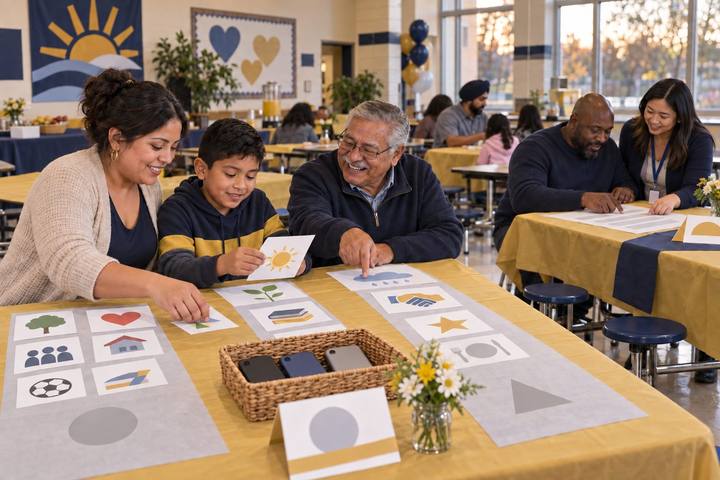
    Using Handout A's station menu and the family questions on the wall, each campus team fills in Handout B. They choose three or four stations, adapt them to their families and grade levels, name the community partners who could host or support a station, and plan for the families least likely to attend: time, place, childcare, food, transportation, languages, and a way to participate without coming at all.

    Facilitator notePush teams to hold the event where families already are, or partner with a community organization. And every station should have something for kids and adults to do together. Families learn more side by side than in separate rooms.
  5. 560–75 min

    Apply

    Customize the take-home

    Teams read Handout C, the sample take-home, and mark it up for their community: which conversation matters most, what local resources to add (library, community programs, the school's contact), and which languages it needs. Discuss: "If a family only ever sees this page, what should they do differently next week?"

    Facilitator noteIf you use AI or a translation tool to draft other language versions, have a fluent speaker from the community review them before printing. That's the same verify-first habit the event teaches.

  6. 675–85 min

    Debrief

    Share and measure

    Each team shares its plan in 90 seconds: one station, one partner, and one way they'll know what families did afterward, such as a returned tear-off slip, a follow-up text poll, a question students bring back from home, or a family-created tech agreement. Close by asking which families' questions from the wall their plan answers.

    Facilitator noteAttendance counts are easy to collect and tell you little. Evidence of a conversation at home is harder to collect and tells you far more.

  7. 785–90 min

    Transfer

    First phone call

    Each team names the first community partner they'll contact and who will make the call this week. Write it at the bottom of Handout B.

    Facilitator notePublic libraries often already run digital literacy programs for adults and may co-host. Ask what they offer before designing everything from scratch.

Paper or screen

Unplugged

The session and most stations run on paper: printed photos for the real-or-generated sort, a printed chatbot answer to fact-check, card-based privacy and agreement activities, and a printed take-home. The event itself can run without any devices, which is important for families wary of screens or without their own devices.

Digital

The facilitator runs the chatbot live at Station 3, projected, so families see the tool answering and then check it together; no one needs an account. Teams can build the planning canvas in a shared document and draft take-home translations with an approved tool, reviewed by a fluent speaker. For families who can't attend, record a short video of each station or post the take-home on the school's family channels.

Does it need a screen? Seeing a chatbot answer a local question live, then checking it together, is more convincing than any printed example because families see how fluent and fast the mistakes are. Beyond that demonstration, this event works best as hands-on, device-optional practice.

Evidence of learning

What you should be able to see or collect if it worked.

  • Planning canvases name specific strategies for families least likely to attend, beyond "send a flyer."
  • Each chosen station includes something families do together, not just information to receive.
  • Participants' 60-second chatbot explanations avoid jargon and include why verification matters.
  • Each team names at least one community partner and one way to gather evidence of what families did afterward.

Adaptations

Elementary campuses
Center stations on shared family routines: where devices sleep at night, asking a grown-up before sharing a photo, and a picture-sort of real and made-up images. Keep any AI demonstration adult-led.
Secondary campuses
Have students run stations and teach their families, including a station where teens explain how their feeds decide what they see.
Multilingual communities
Organize stations by language with bilingual staff or community volunteers, rather than translating one large presentation.

Standards connections

Campus teams design family stations on how chatbots work, AI-generated images, and app privacy, extending student AI and privacy learning into homes.

See how all activities align

Reflect

  • How effectively am I leveraging technology and partnerships to engage with our school community? (Leader ELE 5.0)
  • Which families have never attended a school technology event, and what would make it possible for them?
  • How can I explain AI to families in a way that builds confidence instead of fear? (AI ELE 1.2)
  • What online and community resources could support families long after the event?

Take it to your students

Contact your first community partner this week and set a date. Send Handout C, customized for your campus and translated, home with every student before the event, so families who can't attend still get the conversations.

Pairs well with