Professional learning · Staff, Teachers, Leaders · 60 minutes
Inbox to Impact: Professional Digital Communication
Staff revise five realistic messages to families and colleagues for clarity, kindness, privacy, accessibility, and translation, and learn to review an AI-drafted message before it goes out.
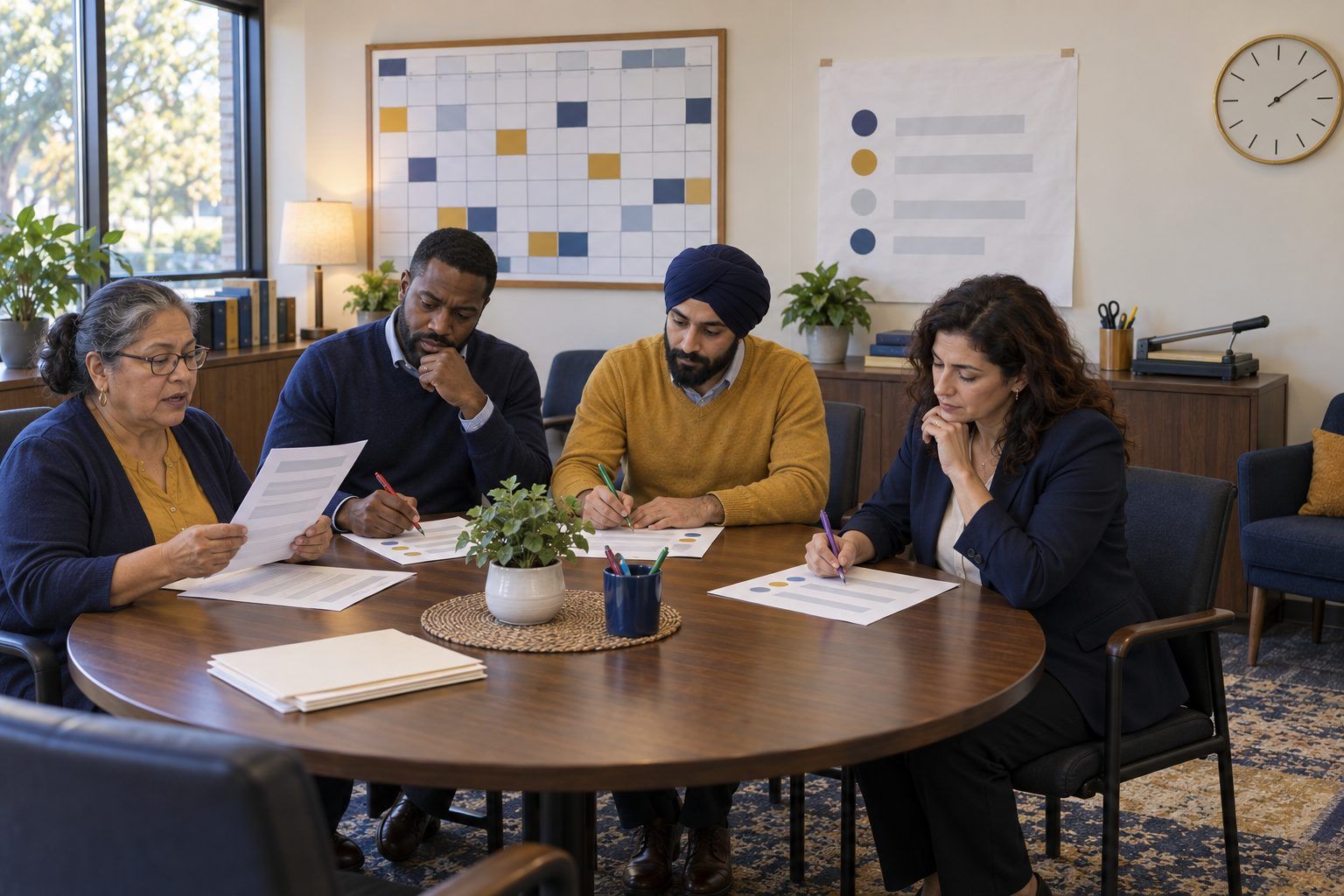
A single email can build trust with a family or undo a month of it. In this session, participants work as editors on five fictional messages: a sharp reply to a parent, a staff email that exposes student information, a jargon-heavy newsletter for a multilingual community, an AI-drafted message with a made-up policy in it, and a video-meeting invite missing everything people need. Using a shared Before You Hit Send checklist, tables revise each message, then write one real message of their own to use this week. The big idea: professional communication is relationship work, and privacy, access, and AI review are part of being kind.
In this packet
- Handout A: Five Messages That Need a Second Look (reading)
- Handout B: Before You Hit Send (checklist)
- Handout C: Message Makeover Log (organizer)
TCEA ELE indicators
- T4.1 I know how to foster positive relationships with my students.
- L5.2 I can effectively use digital communication tools to share school goals and achievements with stakeholders.
- AI2.1 I know how to apply ethical principles when using or developing AI for education.
- T3.1 I know how to create a welcoming classroom environment for all students.
Full facilitator guide: mglearn.github.io/eles/activities/inbox-to-impact.html
Handout A for Inbox to Impact: Professional Digital Communication
Five Messages That Need a Second Look
All names, schools, and details are fictional. Read each message as the person receiving it would, then edit.
1Message 1 · Teacher to parent, sent 9:47 p.m. Subject: "Problem." "Mrs. Delgado, Mateo was disruptive AGAIN today. He refuses to do his work and it is affecting the whole class. This has been going on for weeks and I need you to deal with it. If this continues there will be consequences. — Mr. Harlan"
2Message 2 · Counselor to the whole 7th grade team (14 people), Oak Ridge Middle School. Subject: "Heads up for Monday." "Quick reminders: Aria P. starts her new ADHD medication Monday, so watch for side effects. Jalen W. is back from his 3-day suspension for the fight. Sofia R.'s parents are in a custody dispute; Dad is NOT allowed to pick her up. Also Liam's reading score came back at a 2nd-grade level, attached is his full report with his student ID. Let me know if you need anything!"
3Message 3 · Principal's newsletter to all families, Pecan Grove Elementary (families speak English, Spanish, Vietnamese, and Arabic). "Per our CIP and in alignment with TEKS-based PLC data, we are implementing a new MTSS framework for Tier 2 RTI this semester. Families should access the portal to review BOY benchmark data and complete the attached form by EOW. See the flyer image below for details." The details are only in an image of a flyer, with no text version and no translation.
4Message 4 · AI-drafted message a teacher is about to send to all families. The teacher's prompt: "Write a friendly email to families about our field trip." The draft: "Dear Families, We are thrilled to announce our exciting field trip to the Cedar Valley Science Center on Friday, March 14! Per district policy 4.12, all students must bring $25 cash and a signed waiver by Monday. Students who do not attend will receive a zero for the unit. Lunch will be provided free of charge by the Science Center. We look forward to an unforgettable experience! Warm regards." The actual trip is on Thursday, March 13; the cost is $12 with scholarships available; there is no district policy 4.12; students who don't attend do an alternate activity at school; and students need to bring a lunch.
5Message 5 · Video meeting invite from a grade-level team to families. Subject: "Meeting." "Please join our meeting tomorrow. Link: see below." There is no time, no time zone, no length, no purpose, no agenda, and no phone option. The link goes to a meeting set to record automatically, and the host plans to share the class gradebook on screen to "show where everyone stands."
Handout B for Inbox to Impact: Professional Digital Communication
Before You Hit Send
Run every important message through this list. If you can't check a box, revise, change the channel, or ask someone first.
| Yes | Fix | N/A | |
|---|---|---|---|
| Purpose: the reader knows what this is about and what, if anything, they need to do, within the first two lines. | |||
| Subject line: specific and neutral ("Mateo's week in math: a quick check-in"), not alarming ("Problem"). | |||
| Tone: I'd be comfortable if this were read aloud at a meeting with the recipient, my supervisor, and the student present. | |||
| Kindness: I start with something true and positive, describe facts and behavior rather than labels, and offer a next step together. | |||
| Plain language: short sentences, no acronyms or jargon unless I explain them. | |||
| Privacy: no health, disability, discipline, custody, grades of other students, ID numbers, passwords, or home addresses. If it's sensitive, I use a phone call, a meeting, or the district's secure system. | |||
| Recipients: only the people who need to know. Group messages to families use blind copy or the district's messaging system so addresses stay private. | |||
| Access: key information is in the text, not only in an image or attachment; links say where they go; attachments are readable with a screen reader. | |||
| Language: I know the family's preferred language. Important or sensitive messages go through the district's approved translation or interpretation route, and machine translations of important details are checked by a fluent speaker. | |||
| Timing: I'm not sending in anger or late at night; I've scheduled it for a reasonable hour if my email app allows. | |||
| AI review: if AI helped draft this, I checked every date, number, name, and policy against the real source, adjusted the tone to sound like me, and entered no student information into the tool. | |||
| Channel: this is the right channel. Some conversations should be a call or a face-to-face meeting instead. |
Notes
Handout C for Inbox to Impact: Professional Digital Communication
Message Makeover Log
Log each message. Rewrite the first three lines on the back or in the margins of Handout A.
| Message | What's wrong (tone, privacy, access, accuracy) | Who might be hurt or left out | The fix (key changes) | Better channel? |
|---|---|---|---|---|
| 1 · Teacher to parent | ||||
| 2 · Counselor to team | ||||
| 3 · Principal's newsletter | ||||
| 4 · AI-drafted field trip email | ||||
| 5 · Video meeting invite | ||||
| My real message |