Student learningfor Grades 9–12
Algorithm Autopsy
Students dissect the design features of a fictional social app, trace how each one shapes attention and belief, and redesign the feed for people instead of engagement.
All activities Student learning
Children role-play with a pretend talking speaker to learn that voice helpers listen for a wake word, may keep what they hear, answer by guessing, and sometimes need a grown-up instead.
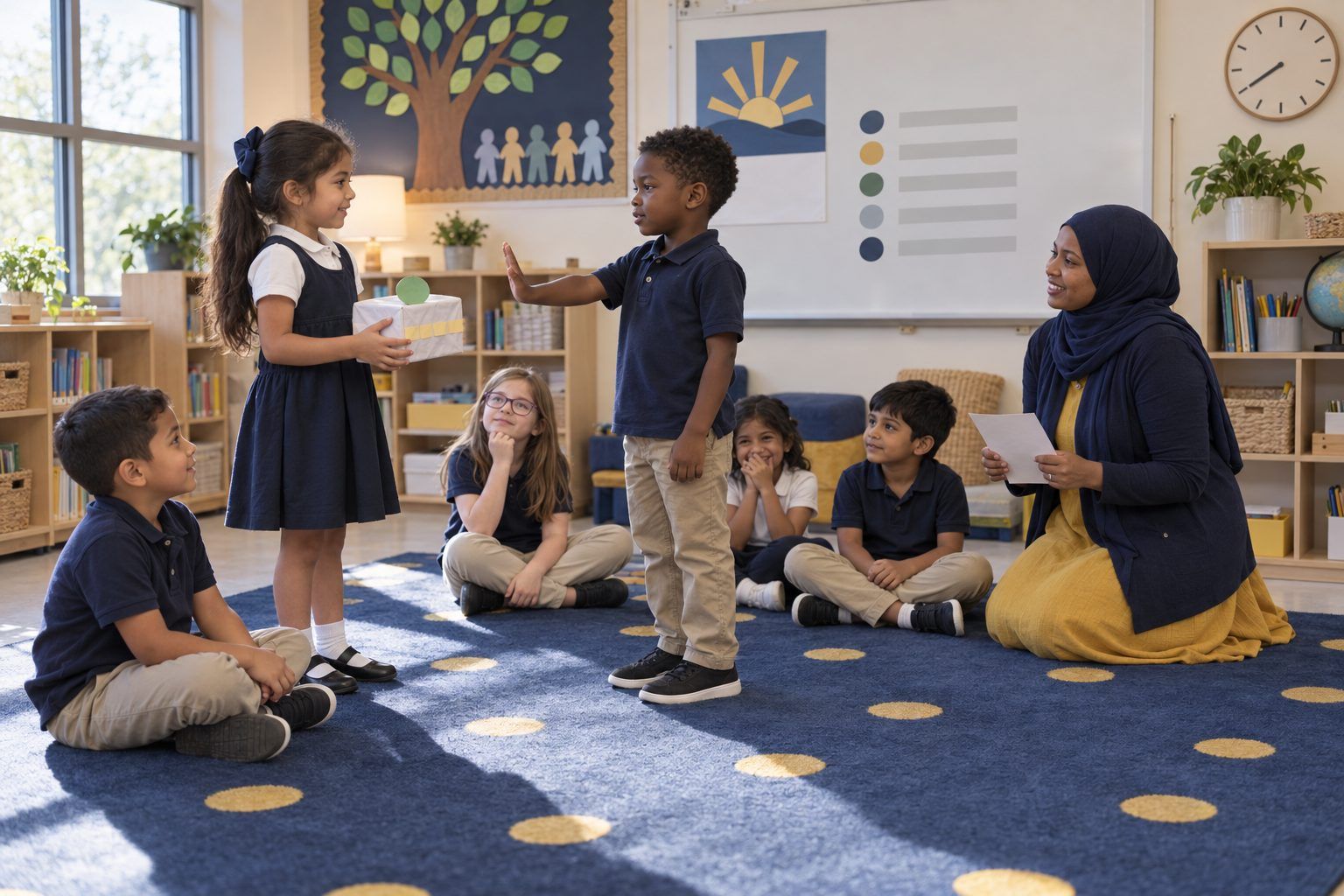
Many children talk to smart speakers, talking toys, and voice assistants on phones or tablets at home, and they often treat them like a friend who knows everything. In this role-play, a classmate wearing a paper "speaker" becomes Pip, a pretend voice helper. The class discovers three true things: Pip waits for its wake word and then listens closely, Pip may save what it hears on a far-away computer, and Pip answers by guessing from patterns, so it can be wrong. Children practice sorting what is OK to say to a device, what to keep private, and when to ask a grown-up instead.
Hook
Hold up the Pip prop with the red side showing. Say: "This is Pip. Pip is a pretend talking helper, like a smart speaker or a talking toy. Some of you might have a helper at home that plays songs or tells the weather." Ask for thumbs up if anyone has talked to a helper like this. Then ask: "Is Pip listening right now?" Take guesses. Explain: "Pip's light is red. Pip is waiting for its special word, its wake word. When Pip hears its wake word, the light turns green and Pip listens closely."
Facilitator noteStay accurate and calm. Helpers wait for a wake word, then listen closely to what comes next; many can save that part. Avoid telling children devices are spying on them all the time.
Model
Use Script Cards 1–4. You are Pip. A volunteer says the wake word, "Hey Pip," and you flip to green. Read Pip's answers from the cards. After each card, name one true thing on the board with a picture: 1. Pip wakes up to a special word. 2. Pip may SAVE what it hears on a computer far away, and grown-ups can look at it or delete it. 3. Pip answers by GUESSING from lots of examples, so it can be wrong. On Card 4, Pip gives a wrong answer with a confident voice ("Spiders have six legs!"). Ask: "Was Pip right? How could we check?"
Facilitator noteFor Grades 3–5, add: "Pip doesn't understand like a person does. It matches your words to patterns and picks an answer that sounds likely." That is the AI1.1 idea at their level.
Explore
Groups of 3 get Handout B. Read each strip aloud (or have readers read). Groups decide where it goes: OK to ask Pip, Keep private, or Ask a grown-up instead. Circulate and ask: "Why did you put it there?" Bring the class back and go over the tricky ones: telling Pip your address, asking Pip to buy something, and telling Pip you feel sad.
Facilitator noteKindergarten: do this as a whole class with three corners of the rug instead of mats. Children walk to the corner that fits.
Practice
Volunteers take turns holding Pip. Hand each new Pip one of Script Cards 5–10 to read as Pip's answer. A classmate asks the question on the card. The class decides together: Was that a good thing to ask? Was Pip's answer right? Do we need a grown-up? On the cards where Pip asks a child for private information or wants to buy something, the class practices the power words together: "Pip, stop." Then the child turns to you and says, "Can you help me?"
Facilitator noteLook for children who notice that Pip sounds sure even when it is wrong. Praise that catch: "You checked instead of just believing!"
Debrief
Point to the three true things on the board and read them together. Ask: "When is Pip a good helper?" (songs, timers, simple facts we can check). "When do we go to a person?" (private information, feelings, safety, buying things, when Pip's answer seems wrong). Add a fourth line with the class: 4. I can say "stop" and ask a grown-up.
Facilitator noteIf a child shares that a device at home heard something private, respond warmly and without alarm: "Thanks for telling me. A grown-up at home can check the settings."
Reflect
Children complete Handout C: draw something OK to ask a helper, draw a grown-up they can go to, and finish the sentences. Grades 3–5 also write one question they would ask a grown-up about the helper at home. Ask two or three children to share: "What will you do if a helper asks for your address?"
Facilitator noteEvidence to collect: children who can say "it might save what I say" and "it can be wrong" in their own words.
The full lesson runs with the Pip prop, printed script cards, and the sorting mat. For a movement version, label three corners of the room OK TO ASK, KEEP PRIVATE, and ASK A GROWN-UP; read each sort strip aloud and children walk to the corner that fits. A child with a green paper circle can stand in for Pip if you have no prop.
After the Debrief, you may demonstrate a real voice assistant from your own device, in front of the class. Ask it a simple question children can check ("How many legs does a spider have?") and compare its answer to a class book. Then, with the class watching, open the assistant's history or privacy page and show that a recording or text of what you said may be saved, and how a grown-up can delete it. Children do not use their own voices or accounts, and you do not ask it anything personal. Close by asking: "What did the helper keep? Who can delete it?"
Does it need a screen? The core ideas land best unplugged: a pretend Pip lets children practice saying "stop" and choosing a grown-up without any real data being saved. A short teacher-driven demo adds evidence paper cannot, because children see with their own eyes that a real helper may keep a record of what it heard.
What you should be able to see or collect if it worked.
Children role-play with a pretend voice helper to practice keeping personal information private and checking a device's guesses, the privacy-and-safety expectation for young learners.
Children take home Handout C and share their promise with a family member. With a grown-up, they can look for the helper's wake word, its microphone off button, and whether it saves what it hears. Next lesson, connect to Private or Share? and Robot Guesses to go deeper on personal information and AI guessing.