Student learningfor Grades 6–8, Grades 9–12
Remix Rights
Students sort real-world remix decisions using copyright, Creative Commons, and fair use, then write credit lines that include honest notes about AI help.
All activities Student learning
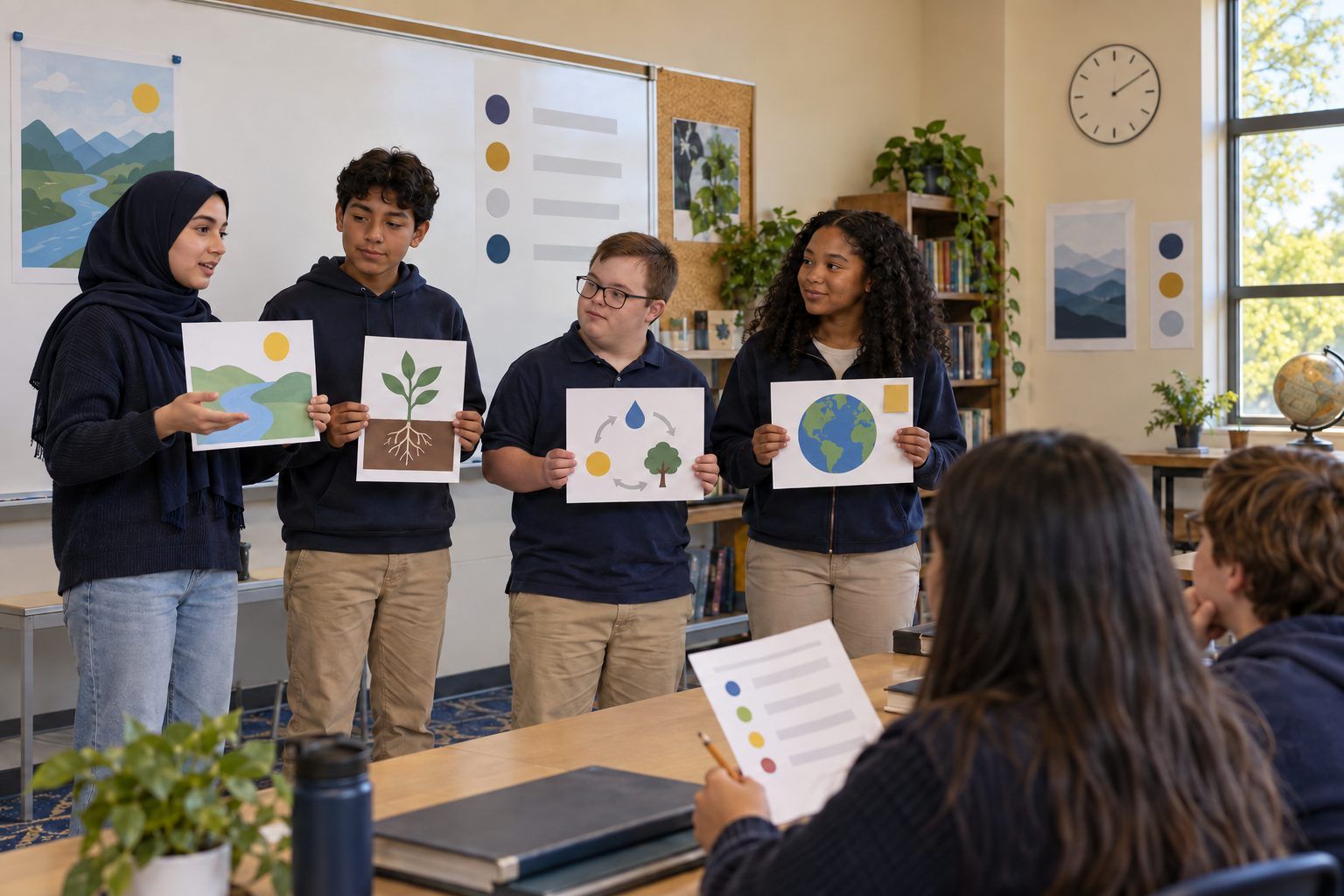
Teams rescue a cluttered slide deck, making it clear, accessible, honestly sourced, and upfront about AI images, then pitch the revised version in 60 seconds.
Most students have sat through a slide deck with tiny yellow text, a paragraph per slide, a mystery statistic, and a photo pulled from somewhere. In this activity, teams get a printed "before" deck made by fictional students and give it a full makeover: one idea per slide, readable fonts and contrast, alt text for images, credit for every image and fact, and a clear note on any AI-generated image. Then each team presents the revised version in 60 seconds. The point is that a presentation is communication, and honest, accessible design is part of communicating well.
Hook
Project or hold up Slide 2 of Handout A for five seconds only, then hide it. Ask: "What was the main point?" Most students can't say. Then ask: "What got in the way?" Collect answers: too many words, can't read the color, too small. Say: "Today you're a design team. Your client made this deck. Your job is to make it work for every person in the audience, and to make it honest."
Facilitator noteKeep the fictional authors off the hook: the goal is to fix the slides, not mock the people who made them.
Explore
Teams read Handout A and use Handout B to mark every problem they find, slide by slide. They sort each problem into one of four lenses: Clarity (one idea, fewer words), Access (contrast, font size, alt text, color alone carrying meaning), Honesty (sources for facts, credit for images), and AI (disclosing AI-generated images). Teams aim to find at least eight problems.
Facilitator noteStudents often miss the color-coded chart on Slide 4. If the only difference between the bars is red versus green, some viewers can't tell them apart. Labels fix it.
Model
Model a makeover of Slide 3 (the garden statistic) out loud. "The claim is 'Gardens make students 50% happier!' Source: 'the internet.' I can't trace that, so I can't keep it as a fact. I have three honest options: find a reliable source and cite it, change it to our own evidence ('In our survey of 42 classmates, 30 said they'd join a garden club'), or cut it. Now the image: it's AI-generated, so I add a small label: 'Image created with an AI tool.' Then alt text: 'Raised garden beds with tomato plants beside a school building.' I describe what matters, not every pixel."
Facilitator notePoint out that the survey numbers in your model are part of the fictional deck. Students should use only evidence they can actually trace or collect.
Create
Teams rebuild the deck, either sketching new slides on paper or editing the shared copy in a slide app. Required: a clear title slide with the team's names, no more than one main idea per slide, readable font size and strong contrast, alt text written for every image, a credit line for every image and fact, a disclosure label on every AI-generated image, and a final Sources slide. Teams may cut slides; fewer is often better. They use Handout B as a final check before they present.
Facilitator noteCirculate and ask, "Who is this slide for? Could someone in the back row read it? Could someone using a screen reader understand the image?"
Practice
Each team presents its revised deck in 60 seconds. After each pitch, one listener team scores it with Handout C and gives one "glow" and one "grow." Presenters end by naming one design choice they made for their audience, for example: "We moved the details into speaker notes so the slide has just one sentence."
Facilitator noteWith many teams, run pitches in parallel pods of three teams so everyone presents and everyone gives feedback.
Reflect
Each student writes on an exit slip: "The change that helped the audience most was… The change that made the deck more honest was… One thing I'll do differently on my next project is…" Ask two or three volunteers to share.
Facilitator noteLook for specific reasons ("yellow text failed contrast"), not just "it looks better."
The whole makeover works on paper. Teams sketch each revised slide on a half sheet or index card, write the alt text and credit line on the back, and add a small "AI" disclosure label with a sticky note. Pitches happen with the sketched cards held up or taped to the board. Contrast can be tested by holding the printed deck at arm's length or photocopying it in grayscale: if you can't read it, the contrast is too low.
Each team edits a shared copy of the deck in a slide app. They use the app's alt text field on each image, run any built-in accessibility checker, and test the deck in presenter view from across the room. Speaker notes hold the details that were cut from the slides. If you demonstrate AI image generation, the teacher runs an approved tool on the projector and models adding a visible disclosure label; students don't need accounts.
Does it need a screen? A slide app's alt text field and accessibility checker give instant, specific feedback on problems students can't easily see on paper, such as reading order and missing descriptions. The paper path is just as strong for clarity and honesty, and often faster for the first redesign.
What you should be able to see or collect if it worked.
Students revise a slide deck for clarity, accessibility, credit, and AI disclosure and present it, connecting ELAR composition with the ethics and creativity strands of Technology Applications.
Students apply the Makeover Checklist to their next class presentation before they present it and attach the completed checklist as part of the project. At home, they can offer to review a family member's slide deck or flyer using the same four lenses.