Professional learningfor Teachers, Librarians, Coaches, Faculty
The Human Language Model
Educators become a tiny language model with paper slips and a cup, and discover firsthand why fluent AI text can be confidently wrong.
All activities Professional learning
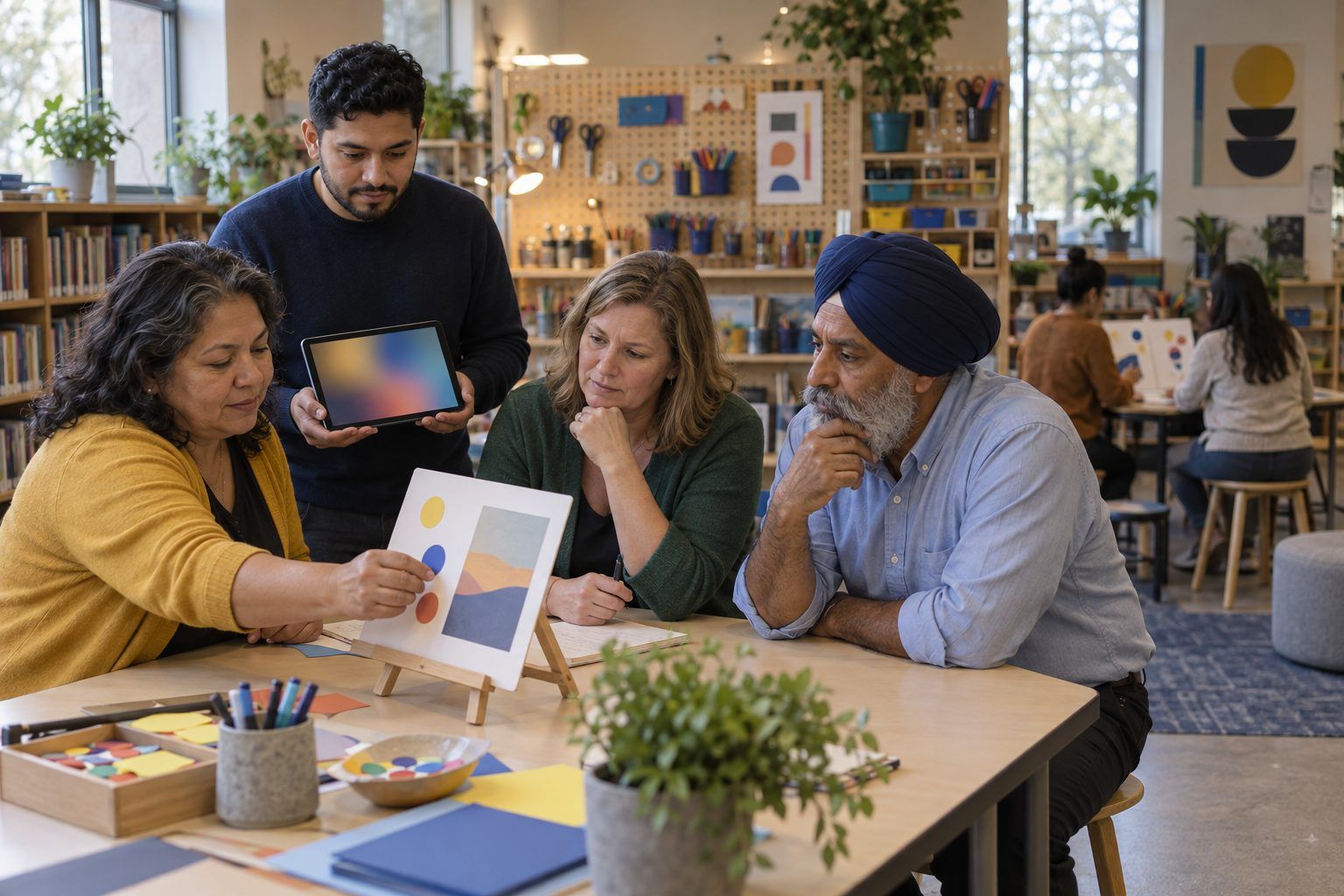
A tech showcase remix: teachers rotate through emerging-tech stations, including AI and synthetic media, and have to separate the vendor's claim from the learning evidence before they give a verdict.
Traditional tech showcases are tool petting zoos: people leave excited about a gadget and unsure what students would do with it. This remix keeps the energy and adds a hype check at every station. Groups read a claim, try the technology (or examine a printed stand-in), and must record what learning evidence it could produce, what could go wrong, and who might be left out. Two stations involve synthetic media, so teachers practice the detection-and-context moves their students need.
Hook
Play the two clips of you saying the same sentence: one recorded, one synthetic. Everyone votes. Reveal. Ask: "If a student got a voicemail in the principal's voice asking them to share a password, what would you want them to do?" Say: "Today every exciting tool comes with a hype check. The question isn't 'Is it cool?' It's 'What evidence would show it helps students learn, and what could go wrong?'"
Facilitator noteMany rooms guess wrong or split. The honest takeaway is that listening harder is not a reliable detection strategy. Checking the context and the source is.
Model
Model the four questions on the Handout B header using Station 3 (the AI writing detector): Claim: "Detects AI writing with near-perfect accuracy." Who says so? The vendor. Learning: What would students do differently? Nothing: it is a policing tool. Evidence: What would show it works? Independent testing on your own students' writing, including multilingual writers. Risk: A false accusation lands on a real student. Verdict: Pass, or Watch at most, and never as the only evidence.
Facilitator noteDetectors make a strong model because the gap between claim and classroom reality is easy to see. Don't claim a specific accuracy figure; the point is that a vendor's own figure is a claim to verify.
Explore
Groups rotate every seven minutes through five stations. At each: read the claim, do the "Try it" task on the card, then complete one row of Handout B. Before leaving, each group places a dot on the station's card for Pilot, Watch, or Pass. Groups may not give a Pilot verdict unless they can name one student task and one piece of evidence the task would produce.
Facilitator noteCirculate with one question: "What would a student turn in that shows the learning?" If a group can't answer, the verdict should be Watch.
Debrief
Tally the dots onto the "Room verdicts" chart. Ask the group with the most confident Pilot to make its case in 60 seconds, and the group with the strongest Pass to respond. Then ask: "At the two synthetic media stations, what did we learn about teaching students to question what they see and hear?"
Facilitator noteLook for the shift from "Can we spot fakes?" to "How do we check the source and context?" That's the media literacy move that lasts as the technology gets better.
Create
Coaches, alone or with campus partners, use Handout C to plan their own campus showcase with a hype check built in. They pick three stations their teachers are asking about, write the claim and the "Try it" task for each, and decide what they'll collect afterward to see whether any teacher actually changed practice.
Facilitator noteEncourage one station that is unplugged or low-tech. It signals that the showcase is about learning, not screens.
Transfer
Each person names one station they'd explore further with a single class and writes the student evidence they'd bring back to a coach or PLC in two weeks.
Facilitator noteCollect Handout C from coaches if you want to support their showcases.
Each station card's back doubles as a printed stand-in: a transcript of the synthetic voicemail, a written description of what the image generator produced, a sample of the AI tutor's dialogue, the dashboard's printed risk list. Groups run the same hype check on those artifacts. It works surprisingly well, because the four questions are about claims and evidence, not the experience of the device.
Run each station on a device using district-approved tools with facilitator accounts. Groups log their rows in a shared form so the room's verdicts update live on the projector. For a virtual showcase, each breakout room hosts one station with a screen-shared demo and groups rotate rooms.
Does it need a screen? Trying the tools is what shows teachers how convincing a synthetic voice is or how quickly an image generator reproduces stereotypes; paper descriptions can't match that. The hype check keeps the hands-on time focused on evidence rather than novelty.
What you should be able to see or collect if it worked.
Teachers test tool claims and synthetic media at stations, preparing students to choose tools for learning and check media by source and context.
Teachers try one Pilot-verdict tool with one class and bring the student evidence to a PLC. Coaches run a campus showcase from Handout C and follow up two weeks later with one question: "What did students produce?"