Curriculum Guide
Purpose, design, and how to run the Digital Citizenship Breakouts across grades K–8.
Purpose
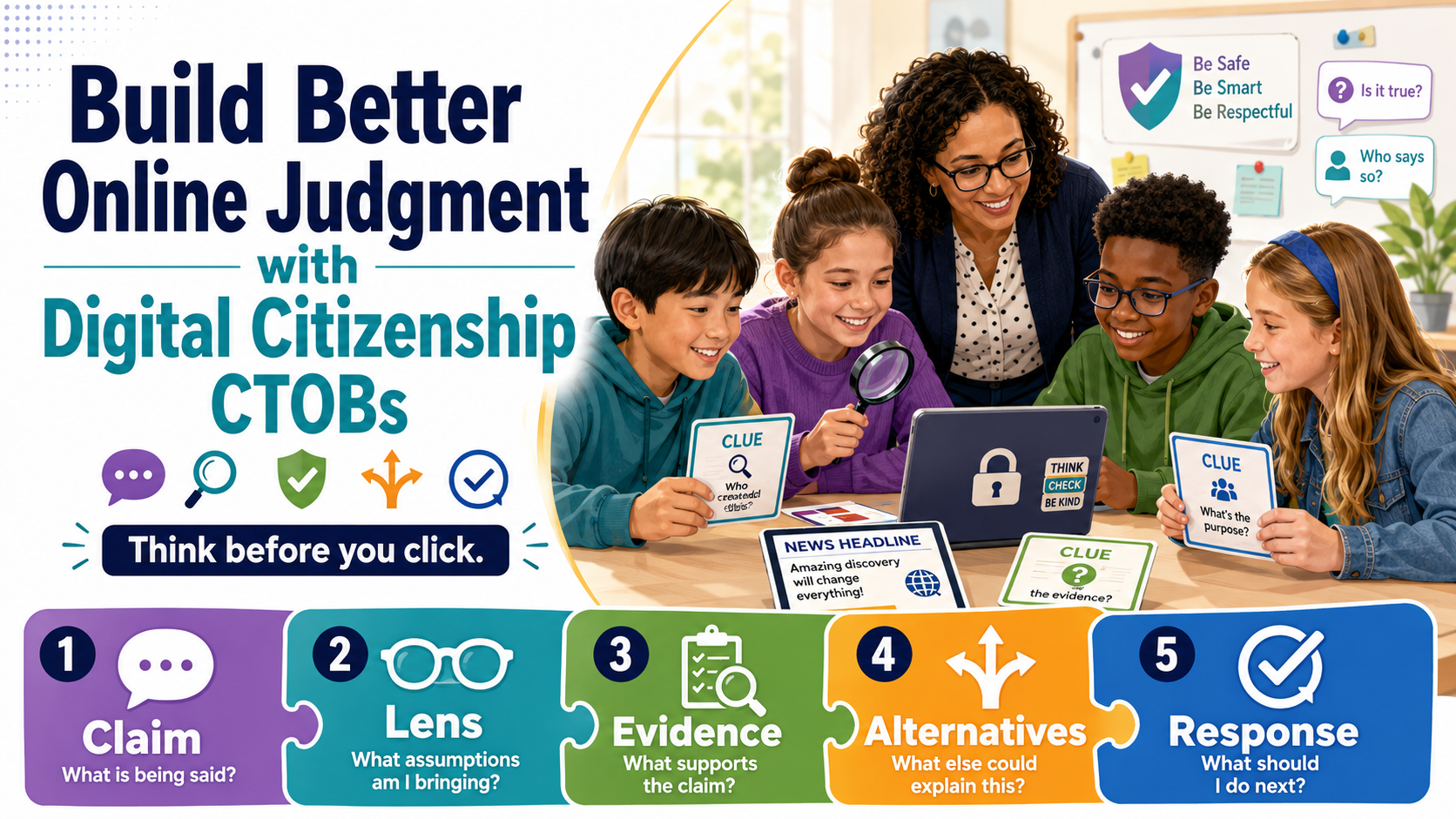
The suite builds digital citizenship through reasoning. Every activity aligns to the Texas TEKS Technology Applications Digital Citizenship strand and its three substrands — social interactions; ethics & laws; and privacy, safety & security — but the deeper goal is critical thinking: students weigh evidence, reject a decoy, and justify each answer before they check it.
The CLEAR thinking process
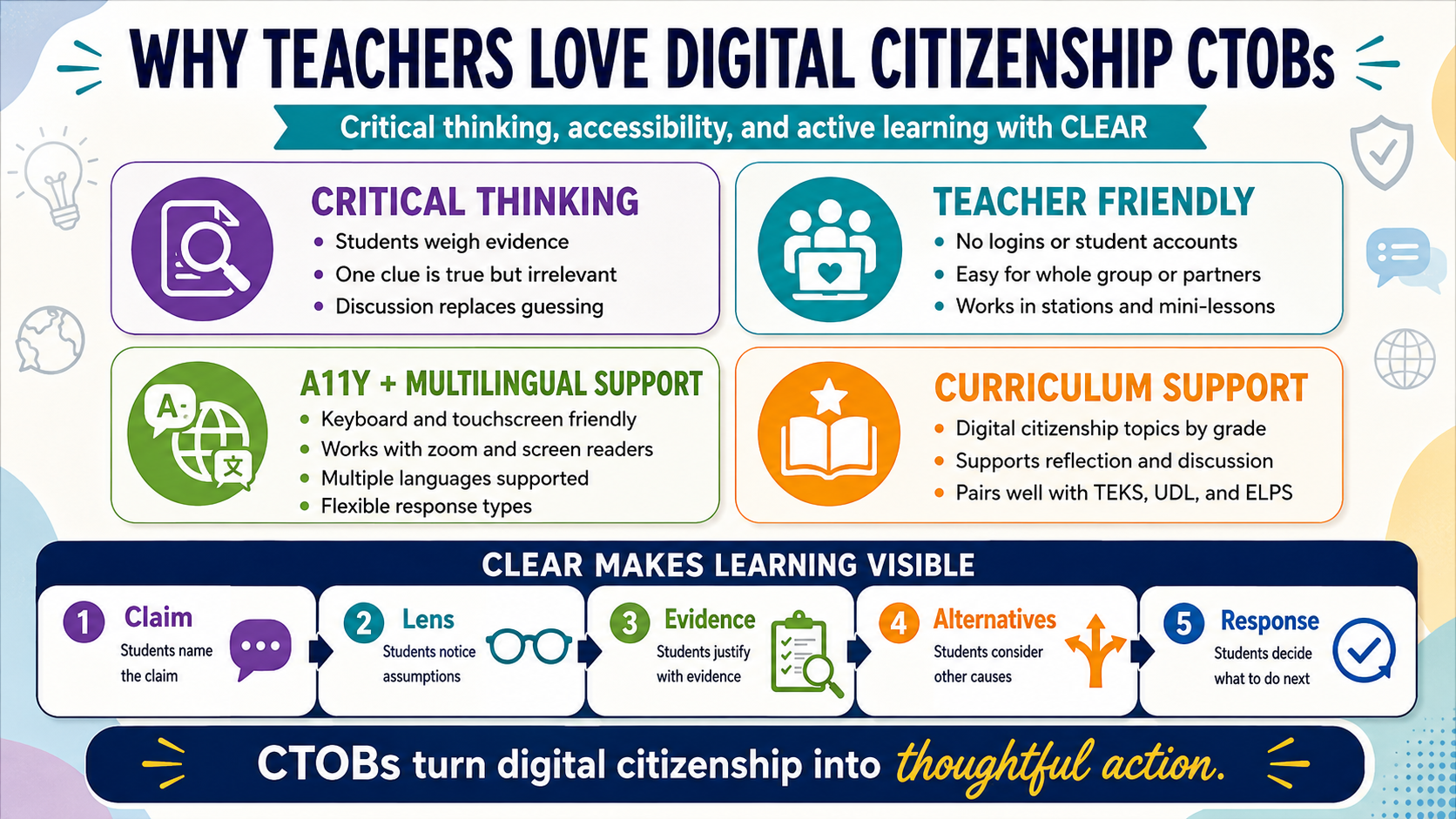
Each lock is designed so a correct guess is not enough — students should be able to explain the reason, which the activity reveals after every solve. That habit is the CLEAR thinking process, a simple critical-thinking checklist students can carry into any claim, message, or source they meet online:
Claim What exactly is being said?
- Make the claim specific.
- Make it testable.
Lens What assumptions am I bringing?
- What do I already believe?
- Am I reacting to evidence or past experience?
Evidence What supports the claim?
- Strong: facts, data, direct observations
- Weak: rumors, impressions
- Missing: what do I still need to know?
Alternatives What else could explain this?
- Consider other causes.
- Consider other viewpoints.
- Avoid oversimplifying.
Response What should I do now?
- Ask a question · gather more information · challenge the claim
- Document the issue · speak up · wait
Every breakout is CLEAR practice: the six clues are the Evidence (some strong, some weak, one a true-but-irrelevant decoy); choosing which clue opens which lock forces students to name their Claim and check their Lens; the multi-select lock asks them to sort strong evidence from a plausible distractor; and the revealed reason after each lock models the Response. Push students to say why before they check — grade the reasoning, not the click.
How to deploy
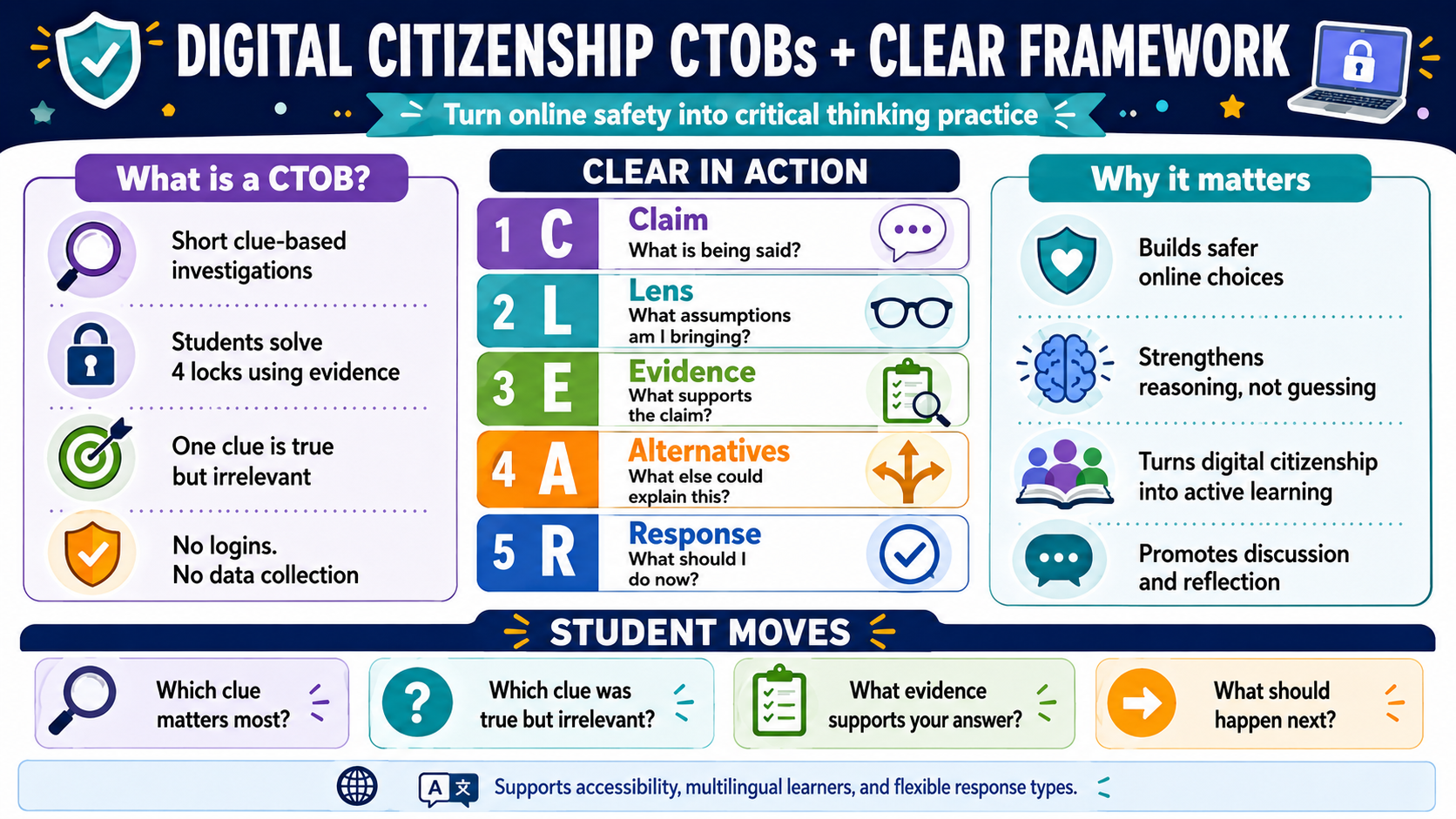
- Any device, any time. Each activity is one self-contained page — no install, no login, no data collected. Share the URL or embed it in your LMS.
- Whole-class or independent. Project and solve together for younger grades; assign independently or in pairs for older ones.
- Multilingual. The 🌐 picker offers English, Spanish, Vietnamese, Arabic, Hindi, Urdu, and Chinese (translations are AI-seeded, pending native review).
- Teacher pages first. Open the activity’s teacher launch page for the premise, standards, and classroom moves. It never shows answers.
Two lessons per grade
Two free breakouts for every grade. Each grade, K–8, has two complete breakouts, and all of them are free and open: no login, no license, nothing collected. The teacher pages, this guide, and every support page are open too.
Assessment
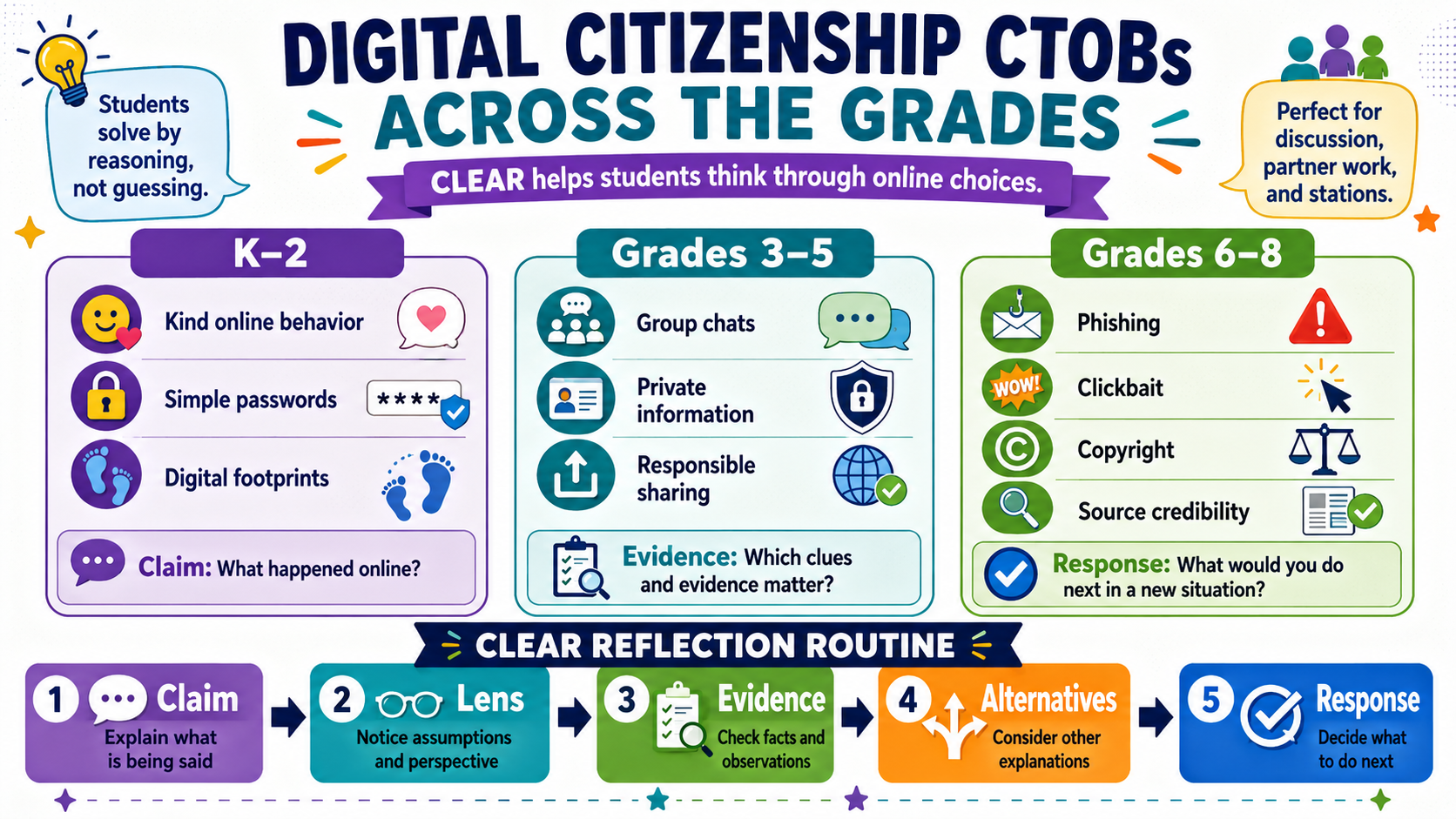
These are formative by design. Use the revealed reasons as discussion prompts, ask students to write the reasoning for the lock they found hardest, or have them author a new clue. The gated answer key lists every answer with its reasoning for your reference.