ClipMkr
Create and edit educational videos with a timeline, clips, captions, and overlays.
Open ToolCreate. Edit. Share. Teach.
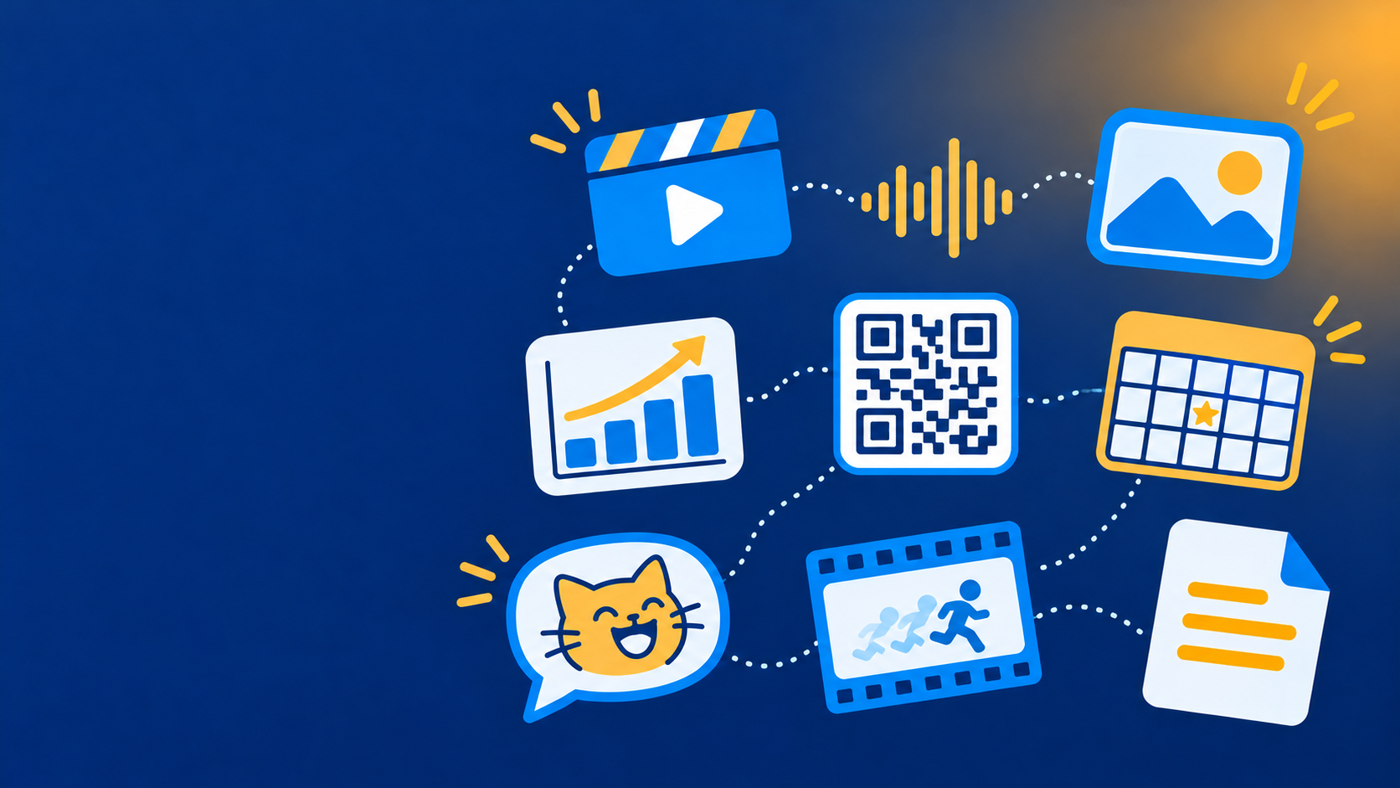
Create videos, edit audio, design images, build puzzles, generate QR codes, and turn your ideas into classroom-ready resources. Choose a tool to get started.
No tools match your search.
Edit and create images with cropping, resizing, layers, text, and PNG/JPEG/WebP export.
Open Tool
Remove or replace image backgrounds and export clean transparent PNGs.
Open Tool
Create captioned images and classroom-friendly memes with templates and fonts.
Open Tool
Build animated GIFs from frames with duration, loop, and preview controls.
Open Tool
Author interactive image puzzles for class — no student names or accounts needed.
Open Tool
Generate static QR codes for links and text, with colors and downloadable images.
Open Tool
Create accessible bar, line, pie, and scatter charts with labels and legends.
Open Tool
Merge, split, and prepare PDF documents right in your browser.
Open Tool
Create a virtual classroom bingo game and share one link with your class.
Open Tool